Best Free Antivirus for Windows 10 in 2026: Top 5 Picks That Actually Work

Best Free Antivirus for Windows 10 in 2026: Top 5 Picks That Actually Work

Let’s cut the crap: Windows 10’s built-in Defender has improved a lot, but it’s still not enough for everyone. If you download cracked software, visit shady sites, or just want an extra layer of protection without paying a subscription, a free third-party antivirus can save your ass. I’ve tested and researched the current landscape, and […]

Read More

How to Install WordPress Locally with XAMPP in 2026

If you want to have a copy of your WordPress website on your computer so you can work on it locally, one of the easiest ways to do it is by using XAMPP.

This software will allow you to install and configure a local development environment on your computer with just a few clicks.

Below, we explain how to do it step by step.

Read More

How to Take a Screenshot on PC in 2026: All Shortcuts!

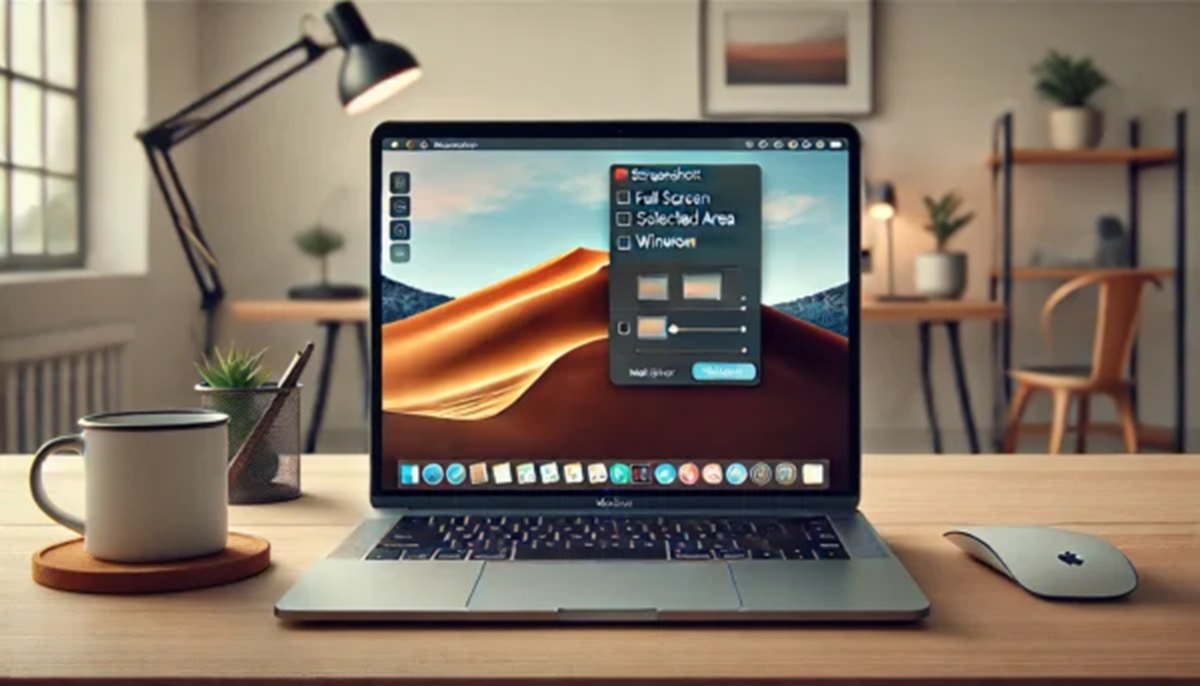
Let’s cut to the chase: taking a screenshot on a computer is one of those skills everyone assumes you already have, yet half the people still fumble with their phone camera pointed at the monitor. In 2026, with remote work, online classes, and tech support chats running our lives, knowing how to take a screenshot […]

Read More
Explode Your Google Ads CTR in 2026: 9 Brutal Truths Nobody Tells You

Explode Your Google Ads CTR in 2026: 9 Brutal Truths Nobody Tells You

Google Ads CTR is the metric that decides whether you pay for attention or just pay. And most advertisers are getting it wrong in 2026, not because the algorithm changed, but because they keep recycling the same lazy playbook from 2019. I’ve spent the last few weeks digging into Google’s own documentation, recent industry benchmark […]

Read More
How to Download YouTube for Windows 10 in 2026: The Real Way

How to Download YouTube for Windows 10 in 2026: The Real Way

So you want YouTube on your Windows 10 PC without the browser tab clutter. Let’s cut the nonsense: there is no official YouTube app for Windows 10. Google never released one, and they probably never will. But that doesn’t mean you’re stuck opening Edge or Chrome every single time. There are workarounds, and some are […]

Read More
How to Download Facebook Videos FREE in 2026: No Software, 1 Click

How to Download Facebook Videos FREE in 2026: No Software, 1 Click

So you want to download a Facebook video without paying a cent or installing sketchy software. Good news: it’s totally doable in 2026. You just need the right method and a bit of common sense. I’ve tested this stuff myself, and I’m going to tell you exactly what works, what doesn’t, and how to avoid […]

Read More
XAMPP 2026: Guía definitiva para instalar tu servidor local

XAMPP 2026: Guía definitiva para instalar tu servidor local

Montar un servidor local en tu PC ya no es cosa de expertos. Con XAMPP puedes tener Apache, MySQL y PHP funcionando en Windows en menos de 15 minutos. Te lo cuento sin rodeos, con los errores típicos y cómo esquivarlos. XAMPP 2026: qué es y por qué te interesa XAMPP es un paquete gratuito […]

Read More
Lightest Antivirus for PC in 2026: Real Test & Ranking

Lightest Antivirus for PC in 2026: Real Test & Ranking

Your laptop takes five minutes to open Chrome after you installed that ‘total security’ suite. The antivirus is eating your RAM alive. I’ve been there. So I spent two weeks hammering five of the most installed security programs on a mid-range rig to find the lightest antivirus for PC that actually protects without turning your […]

Read More
WhatsApp Web 2026: Why You Should Stop Using Your Phone to Chat

WhatsApp Web 2026: Why You Should Stop Using Your Phone to Chat

Let’s cut the fluff. If you’re still picking up your phone every 30 seconds to reply to a message while you’re working on your laptop, you’re wasting time. WhatsApp Web is the browser version of the messaging app, and once you connect it, you’ll wonder why you didn’t do it years ago. The setup is […]

Read More
Cómo reparar el disco duro con comandos CMD y sin programas extra

Repair Hard Drive with CMD Commands: The 2026 Trick That Saves Your PC

Your PC is slow, freezes, or takes forever to open a folder. You blame Windows, but the real culprit is often your hard drive. Before you spend money on software or a new disk, there’s a free trick using CMD that can revive your computer. I’ve used it myself and it works. In this guide, […]

Read More
Dónde se guardan las imágenes cuando capturas la pantalla en tu ordenador

Where Are Screenshots Saved? Windows & Mac Locations (2026)

You hit Print Screen, you hear the little click, and then… nothing. No file, no pop-up, no clue. If you’ve ever asked yourself where are screenshots saved on your computer, you’re not alone. The truth is that both Windows and macOS hide them in places that aren’t exactly obvious, and the shortcut you use changes […]

Read More
WhatsApp Web 2026: Guía Completa para Usarlo sin Errores

WhatsApp Web 2026: Guía Completa para Usarlo sin Errores

¿Harto de tener el móvil pegado a la mano para contestar mensajes? WhatsApp Web te deja chatear desde el ordenador como si tuvieras el teléfono delante. Pero ojo, no todo el mundo lo usa bien y hay mucho mito suelto. Aquí te cuento cómo funciona de verdad, qué hacer cuando falla y por qué algunas […]

Read More
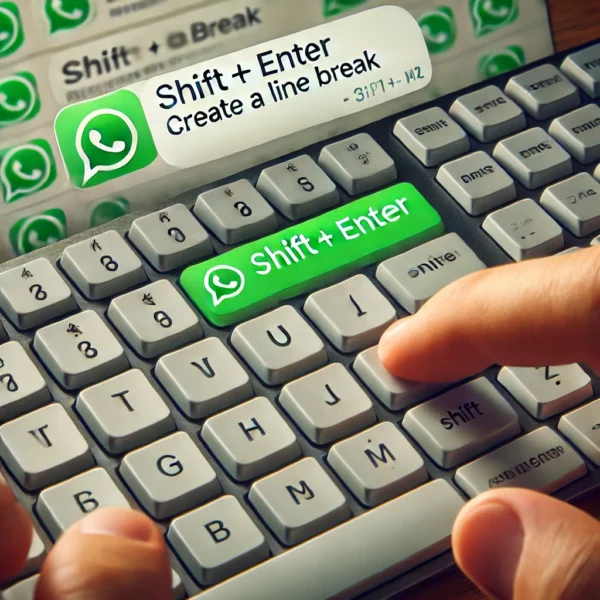
WhatsApp Web: Open it on PC in 10 Seconds (2026 Guide)

WhatsApp Web: Open it on PC in 10 Seconds (2026 Guide)

Look, if you’re tired of typing long messages on a tiny phone screen, WhatsApp Web is the shortcut you’ve been ignoring. I’m not going to waste your time with fluff. Here’s how to get WhatsApp Web on PC working in literally ten seconds, plus the stuff nobody tells you until something breaks. What WhatsApp Web […]

Read More
Windows System Restore: Fix Your PC After a Bad Update (2026)

Windows System Restore: Fix Your PC After a Bad Update (2026)

Your PC was running fine yesterday. Today it won’t boot, apps crash, or Windows freezes after an update. Before you panic-format the whole drive, there’s a native feature that can roll everything back in minutes: System Restore. It’s not a backup, it’s a time machine for Windows files, drivers and registry. And it works more […]

Read More
Windows Repair USB: Crea tu Kit de Rescate en 2026

Windows Repair USB: Crea tu Kit de Rescate en 2026

¿Alguna vez te has quedado mirando una pantalla negra con un mensaje de error que no entiendes? A mí me pasó un domingo por la noche, con un proyecto importante a medio terminar. Desde entonces, tengo siempre a mano un Windows repair USB. No es un capricho de friki: es la diferencia entre arreglar el […]

Read More
Cómo borrar archivos temporales en Windows y navegadores

How to Free Up Space on Windows in 2026: Real Tricks That Work

Your PC is crawling, and you don’t know why. Before you blame the hardware, check the junk piling up inside Windows: temp files, browser cache, leftover installers, and system logs that nobody cleans. Freeing up space on Windows isn’t just about deleting a couple of photos — it’s about stopping the rot that slows down […]

Read More
cómo instalar YouTube para PC oficial GRATIS

How to Install YouTube App on PC Free in 2026 (Real Method)

Let’s cut through the nonsense: there is no official YouTube desktop app you can download as an .exe. Google never released one for Windows. So if you’re hunting for “YouTube for PC download free full version,” you’re walking straight into a minefield of shady installers. I checked the forums, tested the methods, and here’s what […]

Read More