How to Take a Screenshot on Mac in 2026: Hidden Shortcuts Pros Use

How to Take a Screenshot on Mac in 2026: Hidden Shortcuts Pros Use

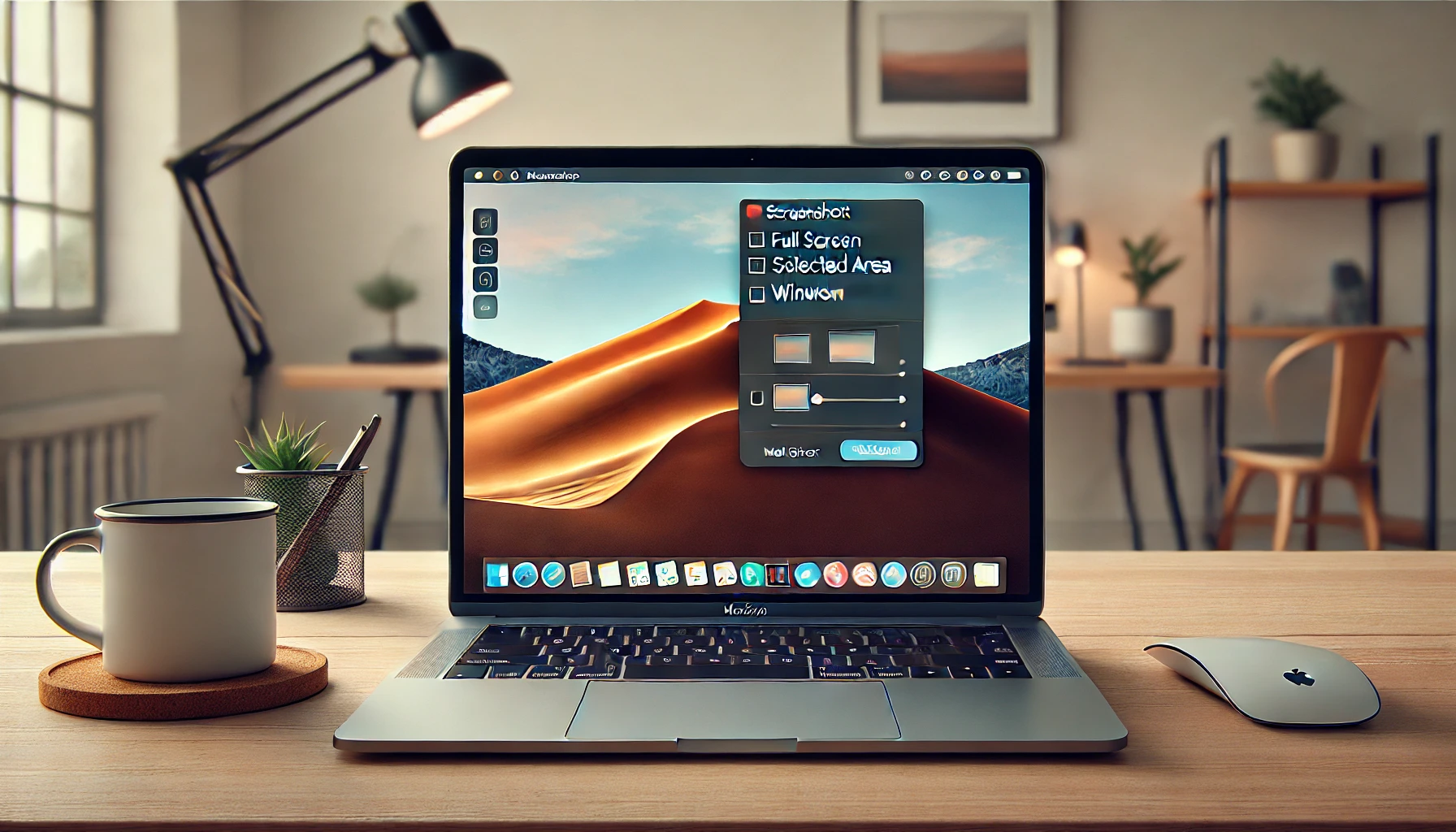
If you own a Mac and you’re still using third-party apps to capture your screen, you’re wasting time. macOS has built-in screenshot tools that most people never bother to learn. I’m talking about how to take a screenshot on Mac without installing anything, without fighting pop-ups, and without losing the file somewhere in a random […]
Read More
How to Screenshot on PC in Seconds: Windows & Mac Guide 2026

How to Screenshot on PC in Seconds: Windows & Mac Guide 2026

Grabbing a screenshot on your PC should take less than two seconds. If you’re still fumbling through menus or downloading sketchy apps, you’re doing it wrong. Both Windows and macOS ship with tools that are faster than anything third-party, and once you know the shortcuts, you’ll never go back. I’ve tested every method here on […]

Read More
Cómo reparar el sistema completo de Windows 10

How to Repair Windows 11 Without Formatting and Lose Nothing 2026

Windows acting up? Programs crash, blue screens pop out of nowhere, everything crawls, files won’t open. Before you nuke the disk and format, listen: I’ve revived entire systems without losing a single photo, document, or installed app. Here’s the real playbook for how to repair Windows 11 without formatting. Why formatting is almost never the […]

Read More
Guía Definitiva para Hacer Capturas de Pantalla

How to Take Screenshots on PC, Mac, and Mobile in 2026

Taking a screenshot is one of those things you do a hundred times a week without thinking, until you switch devices and suddenly nothing works the way you expect. The shortcuts change, the tools hide behind weird names, and half the guides online are outdated. So here’s the real deal for 2026, tested on Mac, […]

Read More