If you’re still uploading files to a live server just to test a stupid line of PHP, you’re wasting hours. How to use XAMPP as a local server is the question every dev asks before they stop being a rookie. And the answer is brutal in its simplicity: XAMPP turns your machine into a full web server without touching the internet. No monthly bills, no hosting panels, no waiting for FTP uploads.
I’ve been running XAMPP on Windows and macOS for years, and I can tell you this: it’s not perfect, but it’s the fastest way to spin up a PHP + MySQL environment without losing your mind. Apache, MySQL/MariaDB, PHP, and Perl in a single installer. That’s it.
What XAMPP Really Is (And What It Isn’t)
XAMPP is a free, open-source stack maintained by Apache Friends. The acronym comes from X (cross-platform), Apache, MariaDB, PHP, and Perl. It’s available for Windows, Linux, and macOS, and you can grab it directly from the official Apache Friends site.
Here’s what nobody tells you: XAMPP is not designed for production. Ever. It’s a development sandbox. The default MySQL root user has no password, security is minimal, and everything is exposed. Use it locally, never on a public server. That’s non-negotiable in 2026.
What it is good for: building WordPress themes, testing Laravel apps, running PHP scripts, learning SQL, and creating local copies of live sites before you break something.
How to Install XAMPP Without Screwing It Up
Download the installer that matches your OS from the official site. On Windows, run the .exe as administrator. On macOS, mount the .dmg and drag the folder to Applications. On Linux, use the .run installer or your package manager.
One rule I always follow: don’t install XAMPP in Program Files on Windows. Windows permissions will fight you every time you try to edit a config file. Install it in C:xampp or a folder outside the system directories. Trust me on this.
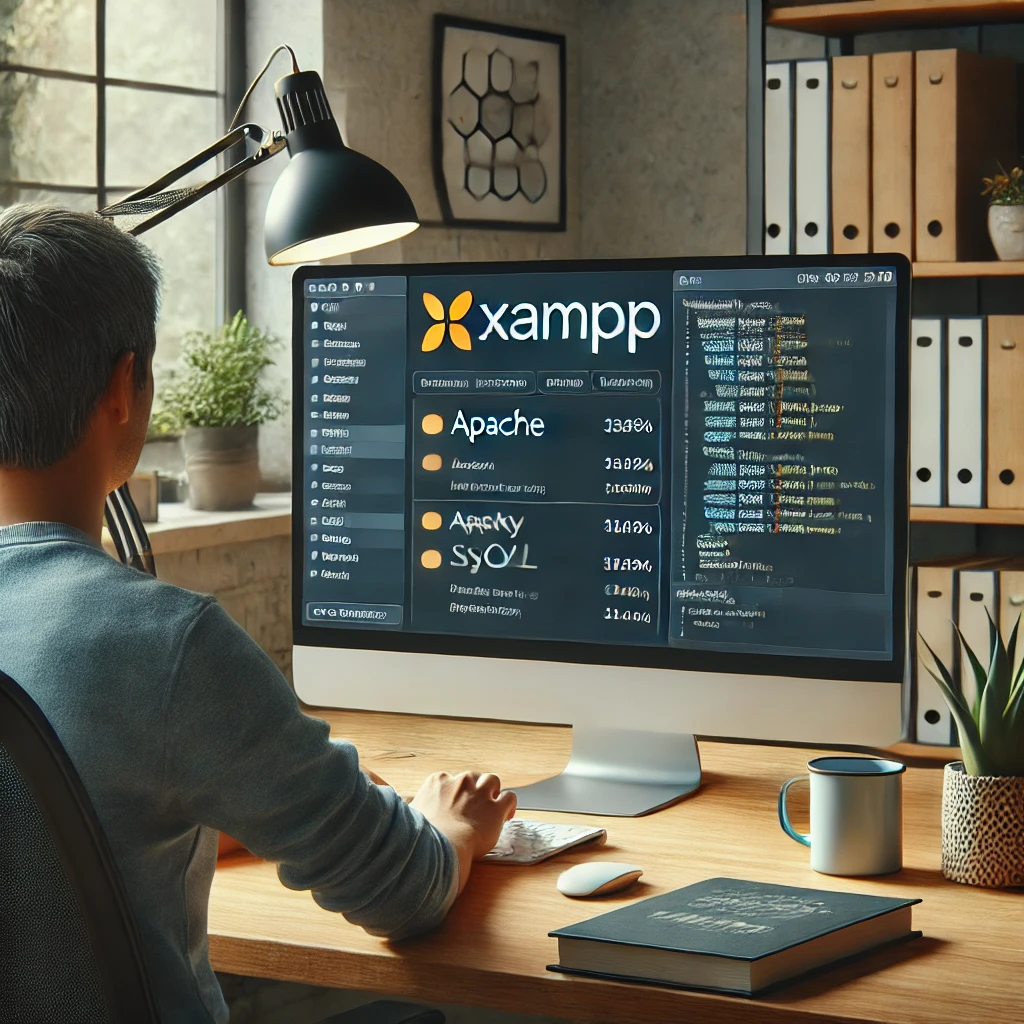
After installation, launch the XAMPP Control Panel. You’ll see a list of modules: Apache, MySQL, FileZilla, Mercury, Tomcat. Ignore the last three unless you actually need them. Click Start next to Apache and MySQL. If both indicators turn green, you’re live.
Using XAMPP as a Local Server in Under 5 Minutes
Once Apache is running, open your browser and type http://localhost. You’ll see the XAMPP welcome dashboard. That means your local server is responding.
Now the real trick: everything you want to serve goes inside the htdocs folder. On Windows that’s C:xampphtdocs. On macOS it’s /Applications/XAMPP/htdocs. On Linux, /opt/lampp/htdocs.
Create a folder there, say myproject, drop an index.php inside, and visit http://localhost/myproject. Boom. Your own local server, running from your hard drive.
Real example: installing WordPress locally
Download WordPress, unzip it into htdocs/myproject, then open http://localhost/phpmyadmin. Create a database called wp_local, go to http://localhost/myproject, and follow the WordPress installer. Use root as user and leave the password blank. Done. You now have a full WordPress dev environment that never touches the internet.
Where XAMPP Breaks (And How to Fix It Fast)
Apache won’t start? 9 times out of 10, port 80 is already taken. Skype, IIS, VMware, or another Apache instance. Solutions: kill the other process, or change the port in httpd.conf. Look for Listen 80 and change it to Listen 8080. Then access http://localhost:8080.
MySQL won’t start? Port 3306 conflict. Same fix: edit my.ini (Windows) or my.cnf (macOS/Linux) and change the port. Or check if a previous MySQL service is still running in the background.
phpMyAdmin throws a 403 or 404? Verify Apache and MySQL are both green. Then try http://127.0.0.1/phpmyadmin instead of localhost/phpmyadmin. Sometimes the hosts file resolves localhost weirdly.
If XAMPP fails after a Windows update, run the control panel as administrator and reinstall the Visual C++ Redistributable. That fixes 80% of mystery crashes.
Configuring PHP and MySQL Like a Pro
The php.ini file is where you actually tune XAMPP for real projects. Need to upload big files? Change upload_max_filesize and post_max_size to something like 128M. Working with a slow legacy app? Bump max_execution_time to 300.
For databases, use phpMyAdmin for quick visual work, but learn the MySQL command line too. It’s faster for imports and exports. From the XAMPP shell, run mysql -u root and you’re in.
If you’re serious about how to use XAMPP as a local server for multiple projects, set up virtual hosts. Edit httpd-vhosts.conf and add entries like myproject.local pointing to different folders. Then edit your hosts file. It’s the difference between amateur hour and a proper dev workflow.
Security: The Ugly Truth About XAMPP
XAMPP ships wide open. Root MySQL user with no password. phpMyAdmin accessible without auth. Directory listings enabled. That’s fine on an isolated laptop. It’s a disaster if your machine is on a shared network.
Fix it: set a root password in MySQL, disable directory listing in httpd.conf, and never expose XAMPP to the public internet. If you need remote access, use a VPN. Don’t forward ports on your router. Ever.
Also, keep XAMPP updated. Old versions carry old PHP vulnerabilities. In 2026, running PHP 7.x is asking for trouble. Use PHP 8.2 or higher.
Alternatives Worth Considering
XAMPP isn’t the only game. Local by Flywheel is better for WordPress specifically. Laravel Herd is faster for Laravel. Docker is more flexible if you know what you’re doing. But XAMPP still wins on simplicity and zero learning curve.
My advice: start with XAMPP, learn the fundamentals of local servers, then graduate to Docker when you need isolated environments per project. Don’t skip the basics.
FAQ: XAMPP Quick Answers
What is XAMPP? A free stack with Apache, MariaDB, PHP, and Perl for running a local server.
What port does Apache use by default? Port 80. Change it in httpd.conf if it conflicts.
How do I access phpMyAdmin? Go to http://localhost/phpmyadmin with Apache and MySQL running.
Where do I put my PHP files? In the htdocs folder inside your XAMPP installation.
Why won’t Apache start? Almost always a port conflict. Check port 80 with netstat -ano on Windows.
Can I use XAMPP for production? No. It’s insecure by default. Use a real hosting stack.