

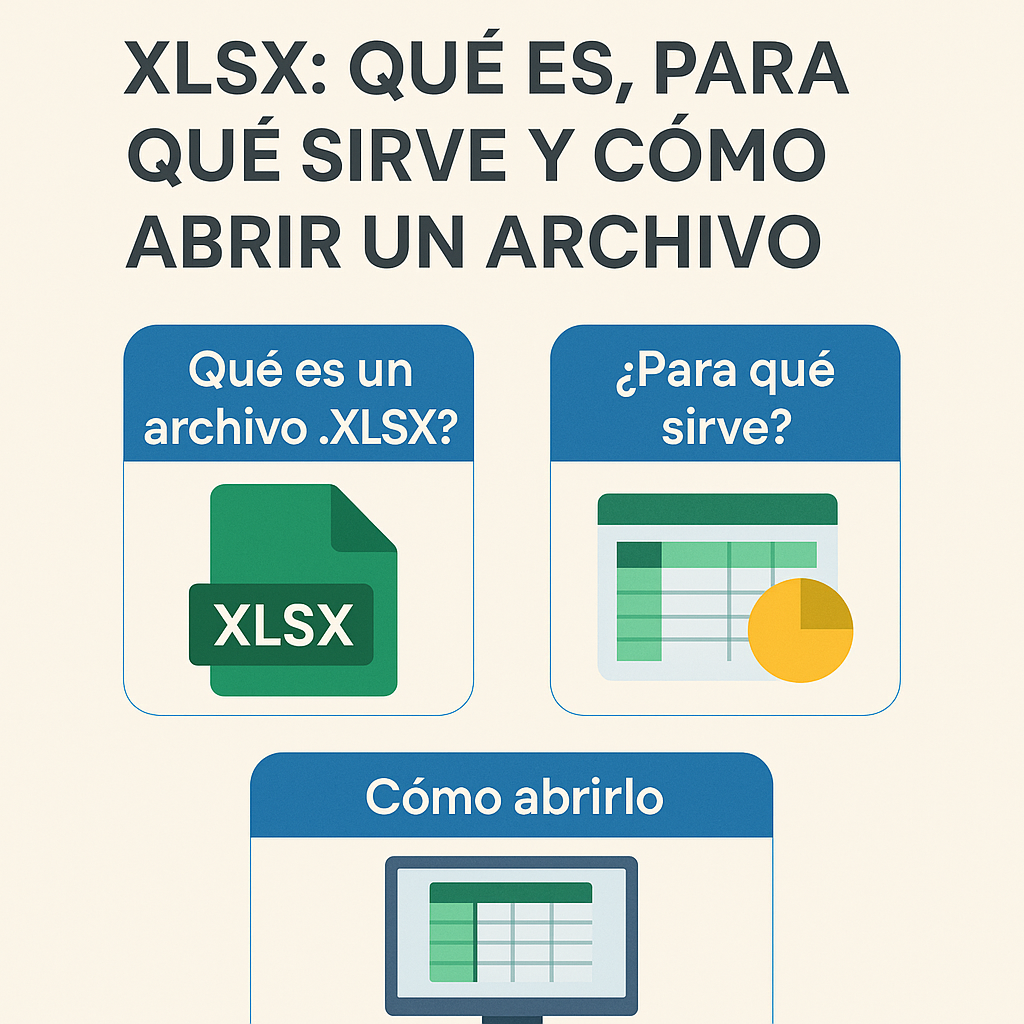
Let’s see, sure that more than once you’ve come across a file called “something.xlsx” and you’ve been left with a look on your face like “and what is this, mate?” 😅 Well don’t worry, it’s not some strange bug or a virus hiding in there.
I recommend you check out this article, it’s interesting: <a href="https://www.empresadeserviciosweb.com/agencia-marketing–digital–madrid-posicionamiento-capital/” title=”Agencia Marketing Digital Madrid” class=”internal-recommendation” target=”_self” rel=”noopener”>Agencia Marketing Digital Madrid.
What the hell is an XLSX file?
Well, basically it’s the format that Microsoft Excel spreadsheets (and other similar programs) use to save your tables, numbers, formulas and other stuff. If you’ve worked with Excel, you’ve definitely heard of it.
What is an XLSX used for?
To save all kinds of data organized in rows and columns, make automatic calculations, charts and even pivot tables (that’s like magic for number crunchers). So if you have to handle data, budgets, lists or anything organized, you’ll definitely do it in XLSX.
How to open an XLSX file without dying trying?
- With Excel, obviously. But if you don’t have it, no big deal.
- Google Sheets: Upload the file to Google Drive and open it with Sheets, it’s free and works pretty well.
- Alternative programs: Like LibreOffice or WPS Office, which are free and open XLSX without any problem.
- Mobile apps: If you’re on your phone, there are Excel or Google Sheets apps that work great.
Quick tip: If you receive an XLSX and don’t know what to do, don’t panic or overthink it, with one of these methods you’ll have it open in two seconds and without any headaches.
And you? Do you know any trick or program to open these files? Or do you still struggle every time you get one? 😂 Share it here, we all help each other out.


