

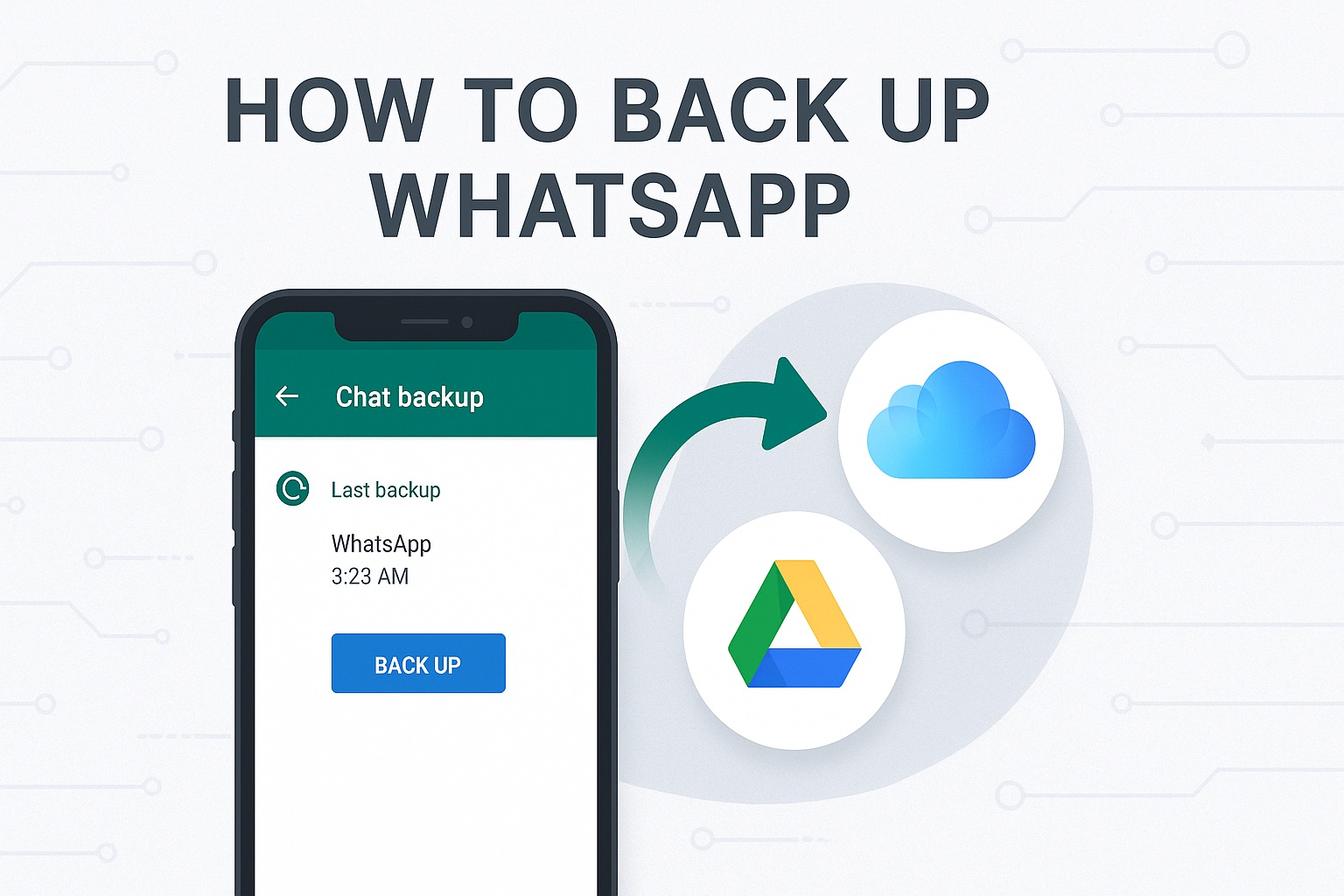
Can you imagine losing all your chats, photos, and WhatsApp videos at any moment? 😱 Don’t worry, here I explain step by step how to make a backup of WhatsApp security on Android, iPhone, and Google Drive. ✅
I recommend reading this article, it’s interesting: <a href="https://www.empresadeserviciosweb.com/tu-agencia-seo-en-zamora/” title=”Tu Agencia SEO en Zamora” class=”internal-recommendation” target=”_self” rel=”noopener”>Tu Agencia SEO en Zamora.
🔍 Why is it important to make a WhatsApp backup?
Making a WhatsApp backup allows you to:
- Recover conversations if you change phones
- Restore chats deleted by accident
- Protect your photos, videos, audios, and documents
- Have your history always available, even if you lose your phone
📱 How to make a WhatsApp backup on Android
- Open WhatsApp
- Tap the three dots (⋮) > Settings
- Select 👉 Chats > Backup
- Connect your Google Drive account
- Tap Save (or enable daily, weekly, or monthly automatic backup)
💡 Make sure you have space in your Google Drive and a stable WiFi connection.
🍏 What about iPhone?
- Open WhatsApp
- Go to Settings > Chats > Chat Backup
- Tap Back Up Now
- Use your iCloud account to save the data
🛡️ Tip: Enable “Include Videos” if you don’t want to lose any multimedia memories.
☁️ Where are WhatsApp backups stored?
- On Android: in Google Drive
- On iPhone: in iCloud
- You can also make a local backup (stored in the phone’s internal memory)
🔄 How to restore your WhatsApp backup?
When you install WhatsApp on a new device:
- Verify your phone number
- The app will automatically detect the available backup
- Tap Restore and wait a few minutes
And that’s it! 📲 All your messages, photos, and files will come back as if by magic.
🧠 Frequently Asked Questions (FAQ)
❓Does the WhatsApp backup include photos and videos?
Yes, if you choose the option to include them.
❓Can I make a backup without Google Drive?
Yes, but it’s only saved locally on your phone. If you lose it, the info is lost too.
❓How much space does a WhatsApp backup take up?
It depends on the volume of your chats, photos, and videos. It can range from 100 MB to several GB.
Was this guide helpful? 📥 Share it with someone who always deletes their chats by accident 😅
#WhatsApp #Backup #WhatsAppBackup #WhatsAppTips #DigitalSecurity


