

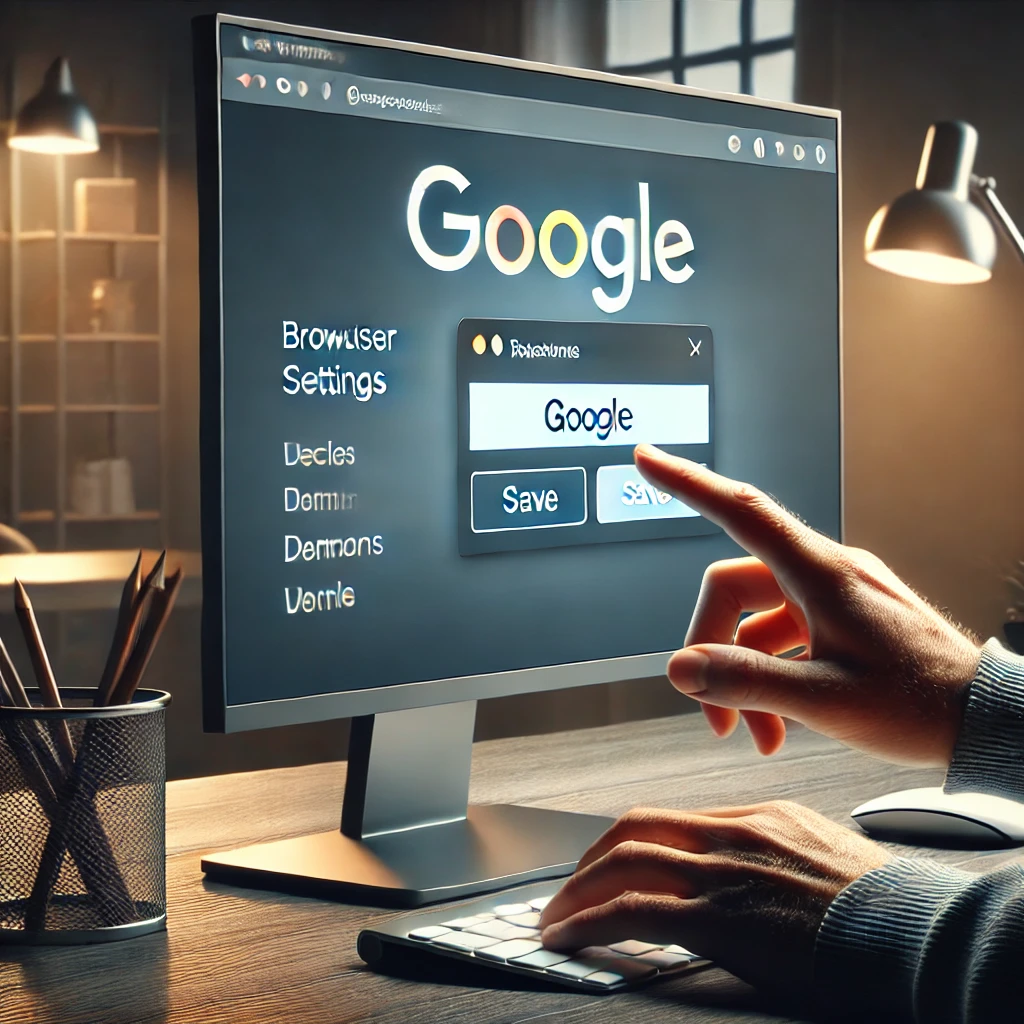
Have you ever opened your browser and felt like something is missing? That page startup that doesn’t take you where you always want to go. Don’t worry, because today we’re going to solve it together: how to set Google as your homepage. 😉 <a href="https://www.empresadeserviciosweb.com/post/como-edit-a-web-page-in-wordpress/”>How to edit a page in WordPress <a href="https://www.empresadeserviciosweb.com/post/como-funciona-google-adsense-monetize–youtube-or-website/”>How Google AdSense is used to Monetize YouTube or a Website Master Google Ads SEM 2025: +70% ROI Definitive Guide .
I recommend you check out this interesting article: Monetize TikTok 2025: Get Paid for Views WITHOUT Followers!.
Imagine this: you open your browser, and there’s Google, ready to help you search for whatever you need. Sounds great, right? Let’s set Google as your startup default page in just a few simple steps.
Why do it?
Well, having Google as your homepage means you’ll always have quick access to the most powerful search engine. Plus, you can set Google as your homepage in any browser, whether it’s Chrome, Firefox, or Edge. Life becomes much simpler when everything is just one click away.
How to do it in Google Chrome?
- Open the browser and click the three dots (top right corner).
- Go to “Settings.”
- Find the “On startup” section.
- Select “Open a specific page” and type www.google.com.
It’s that easy to set Google as your homepage in your browser! 🖥️
What about Firefox or Edge?
In Firefox, go to “Options” and look for “Home.” There you can set Google as your homepage. In Edge, the process is similar: “Settings” > “Appearance” > “Customize homepage.” And done!
A personal touch:
If you want to take it one step further, you can adjust your browser preferences to use Google as your homepage and also set it as your default search engine. This means that every time you type something in the address bar, Google will be there to help you.
Now, tell me, isn’t it amazing how something so simple can make browsing the internet so much more practical? Don’t wait any longer, customize your homepage with Google and enjoy a faster, more efficient experience.


