

.
I recommend you check out this article which is interesting: <a href="https://www.empresadeserviciosweb.com/que-es-segmentacion-de-market–based-on-psychographics/” title=”What is market segmentation based on psychographics” class=”internal-recommendation” target=”_self” rel=”noopener”>What is market segmentation based on psychographics.
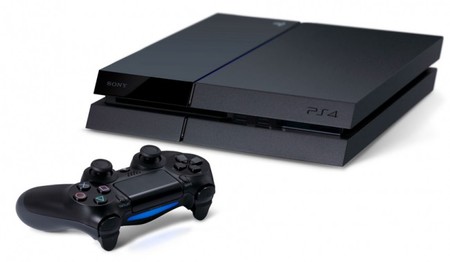
Can I install an external hard drive on my ps4?
You’re asking this question because you’ve run out of space on your Playstation 4 console, and for this reason you’re thinking about expanding the storage internally so you can save more downloaded games, recorded videos and save files.
Well, if you want to know whether it’s possible to use an external hard drive on your ps4, the answer is yes. Below I’ll show you how you can do it and what type of hardware is most recommended for it.
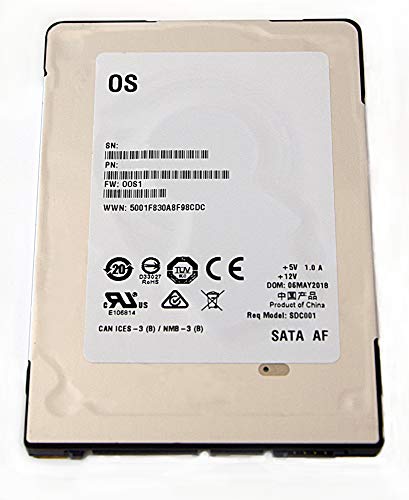
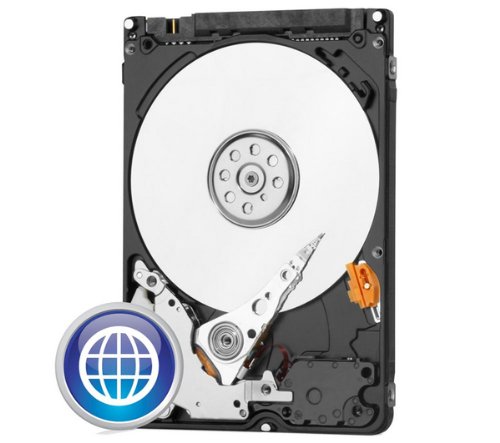
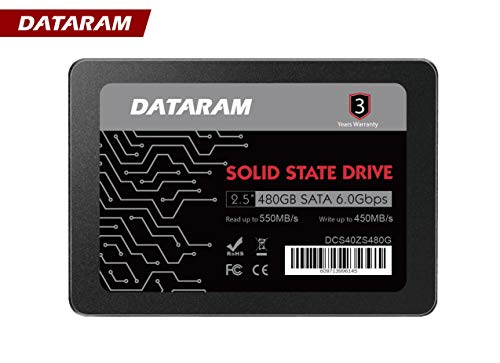
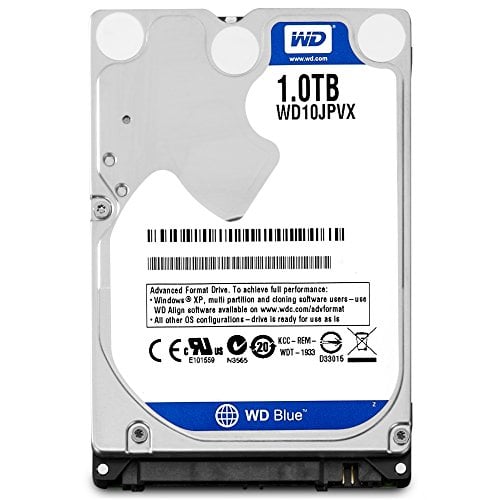
I’ll also leave you a few models of hard drives, where you can see each and every one of their features along with their respective retail prices, so you can choose the one that best suits your needs and above all your budget.
The Ps4 includes a hard drive inside that comes standard, and this storage can be one of two types — one of the versions, if I remember correctly, was 500GB, and the successive PlayStation 4 models included 1,000GB. But the thing is, if we download many movies, series, photos, videos and also our games from the store along with our saved games, the space ends up becoming very limited and that’s why we have to resort to external storage to have much more space available.
Steps to follow to use a USB external hard drive on your ps4
First of all, buy a hard drive ;-), then you’ll need to connect it to your play4 via the USB port. Once connected, go to system settings where it says storage and proceed to format it as extended storage. This way, when the formatting process finishes, your console will perfectly recognize the device and you’ll be able to choose where to download applications.
Another thing worth noting is that you’ll be able to transfer data from one hard drive to another. If, for example, you want to move a game from the internal hard drive to the external one, you can do so completely safely, without any risk of losing a single piece of data.
Requirements to use this type of storage device on your PlayStation 4 console
-
Have version 4.50 or higher of Sony’s system installed on your PlayStation 4.
-
The hard drive must be version 3.0 or higher (the ones I show you here will work).
-
Storage capacity of 250GB or even greater.
With this, your storage will be ready and you’ll be able to enjoy more capacity on your ps4 with a new external hard drive.
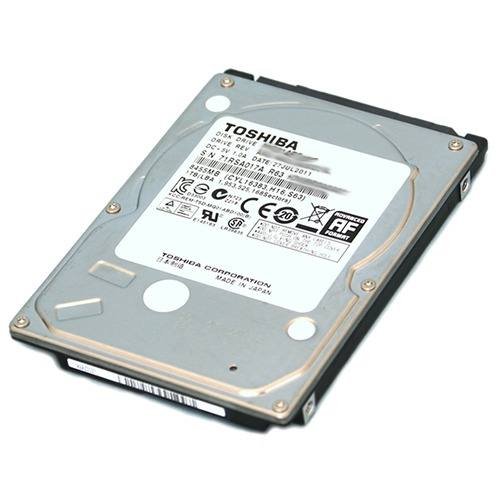
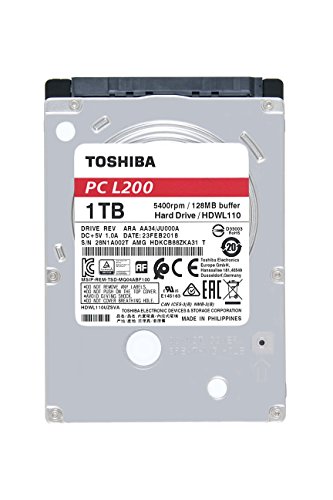
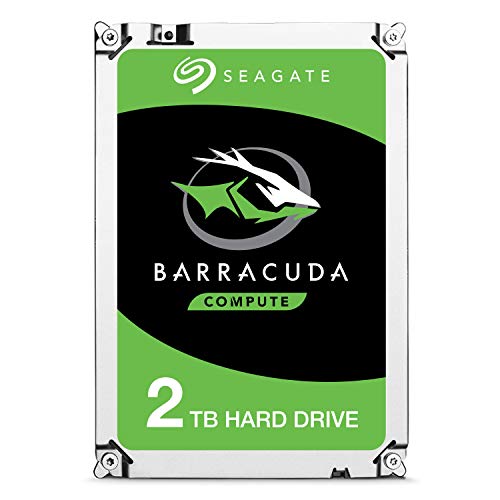
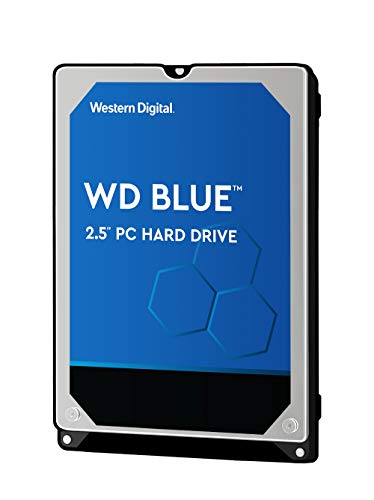
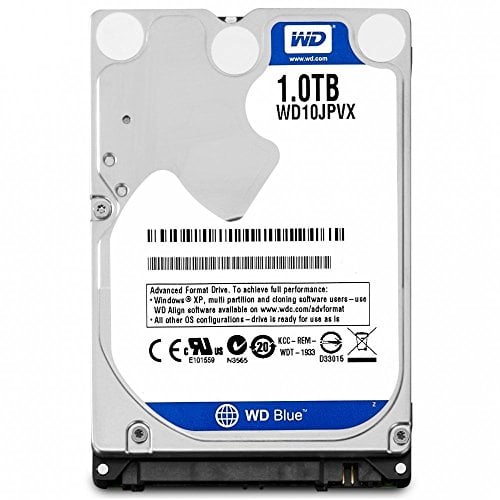
Here I leave you a list of the possible hard drives you can install on your Play4 video console, it all depends on your budget.
.
I recommend you check out this interesting article: What Is Market Segmentation Based on Psychographics.
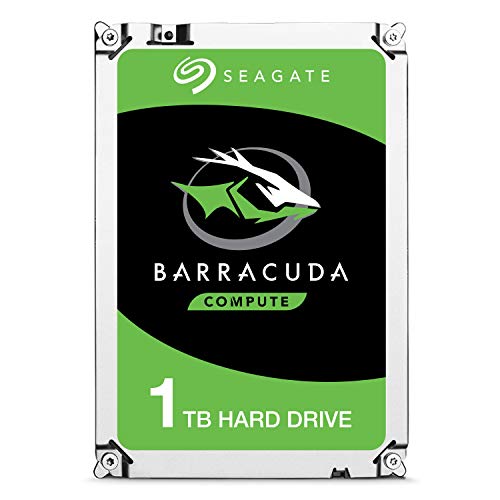 |
€48.37 |
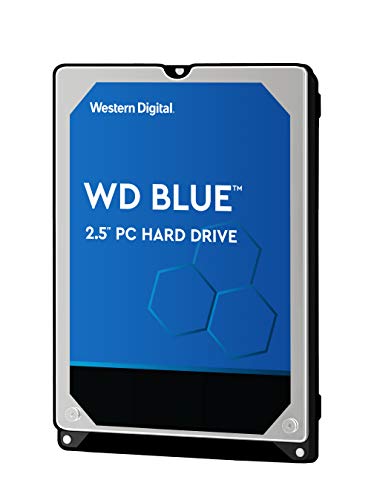 |
€48.00 |
 |
€33.19 |
 |
€48.15 |
 |
€75.99 |
 |
€39.99 |
 |
|
€39.34 |
 |
€36.64 |
 |
€58.81 |
 |
|
€79.98 |
 |
€79.98 |


