

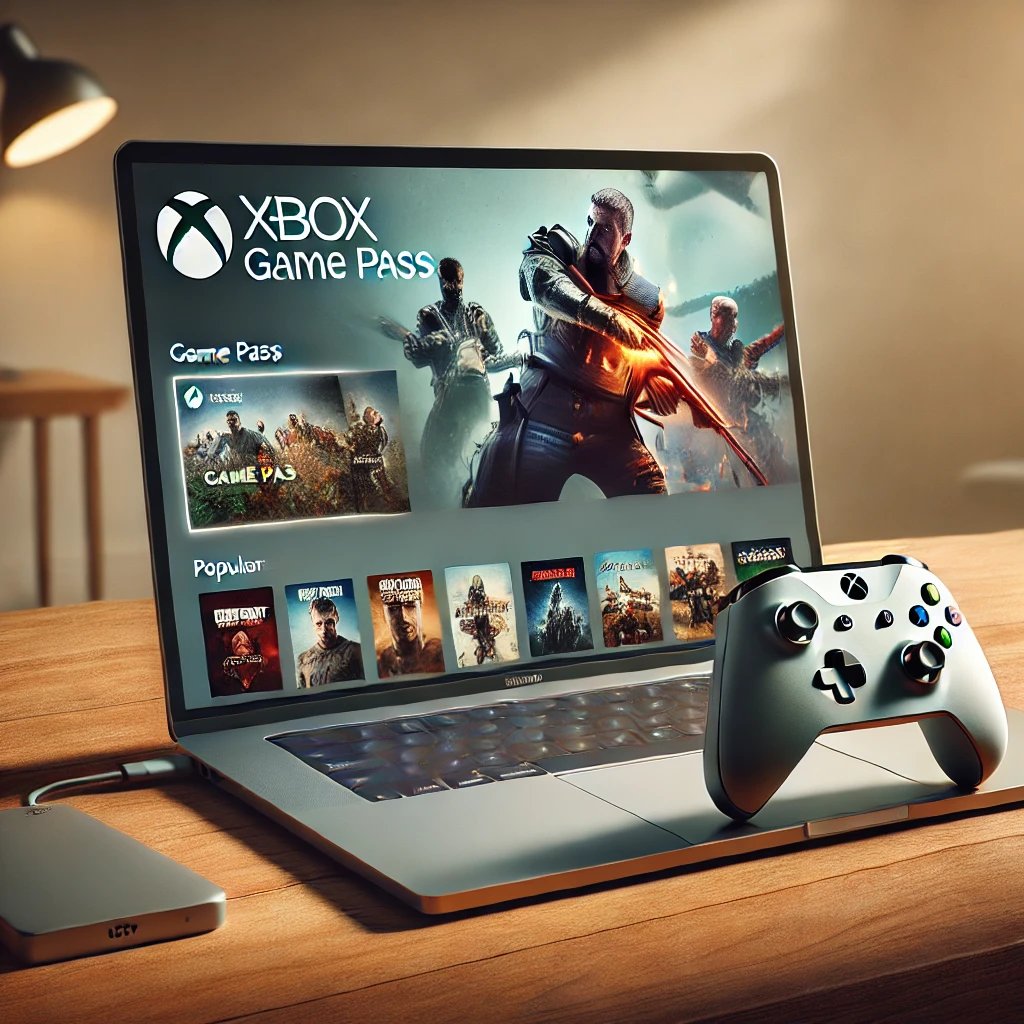
Have you ever dreamed of playing your favorite Xbox games on a Mac? It may sound like something impossible, but let me tell you it’s more real than you think. With a bit of ingenuity and the right tools, you can turn your Mac into a machine ready for Xbox Game Pass. Yes, that subscription service that gives you access to hundreds of epic titles. Intrigued? Keep reading. .
I recommend you check out this interesting article: <a href="https://www.empresadeserviciosweb.com/lenguaje-de-programacion-curso-programacion-lenguaje-c/" title="Curso programación lenguaje de programación C ++” class=”internal-recommendation” target=”_self” rel=”noopener”>Curso programación lenguaje de programación C ++.
First, let’s talk about the basics: Xbox Game Pass is a platform designed for Xbox consoles and Windows PCs. However, thanks to the power of the cloud, you can now access this library from your browser on macOS using Xbox Cloud Gaming. You don’t need to install anything complicated, just sign in with your Microsoft account on the official site and you’re done: you have a whole world of games at your fingertips.
What do you need? Make sure you have an active Xbox Game Pass Ultimate subscription, since this includes access to cloud gaming. Also, a good Internet connection is essential; we’re talking about at least 10 Mbps to play without latency issues. And of course, a compatible controller like the Xbox one or even a Bluetooth controller.
Now, if you prefer to install games directly on your Mac (although some titles won’t be available), there’s a trick you can use. You can install Windows on Mac using Boot Camp or a virtual machine like Parallels Desktop. This allows you to run Microsoft’s operating system and access the Xbox Game Pass app as if you were on a PC.
But wait, there’s more. One of the best parts of playing through Xbox Cloud Gaming is that you don’t need to worry about system requirements. Your Mac only needs an updated browser and an Internet connection. This means that even the oldest models can enjoy modern, graphically intense games.
An extra tip? Use Safari or Chrome for a smooth experience, and make sure to close any applications that consume bandwidth. If you have a MacBook Pro, plug your device into power to avoid interruptions from low battery during an intense gaming session.
Learning how to have and play Xbox Game Pass on Mac is not only possible, but it’s an incredibly accessible experience. From exploring the latest releases to reliving classics, this service transforms your Mac into a portable console. Are you ready to level up?


