

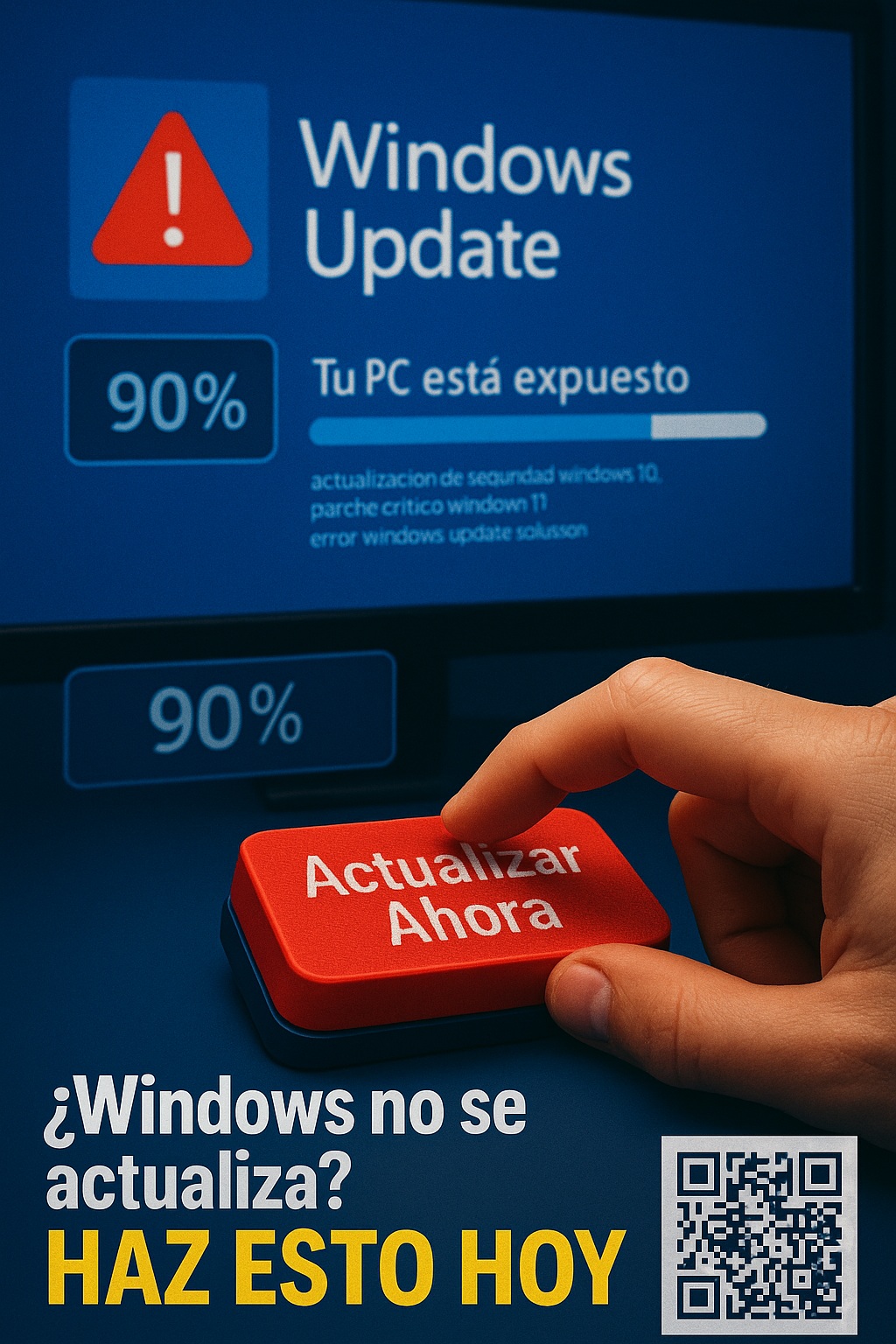
Is your nbsp;Windows not updating automatically? This could leave your PC exposed to critical security vulnerabilities. Windows updates are your first line of defense against malware, ransomware, and hackers who exploit known flaws. In this practical guide, I’ll show you how to manually force security updates on Windows 10 and 11 using guaranteed methods, from the classic Windows Update to advanced PowerShell commands.
Why is it urgent to install the latest security patches? According to Microsoft, more than 60% of cyberattacks exploit vulnerabilities for which updates were already available. The famous WannaCry attack affected millions of computers simply because they hadn’t installed a security patch published months earlier. If you want to protect your data and keep your operating system secure, follow these proven methods to force the installation of pending updates on your PC.
⚠️ Risks of Not Updating Windows (Alarming Data)
- 75% of security breaches occur due to missing patches (Source: Verizon DBIR 2023)
- Microsoft fixes 100+ vulnerabilities monthly, many critical (<a href="https://msrc.microsoft.com/update-guide” target=”_blank” rel=”noreferrer noopener”>Microsoft Security Report)
🚀 Method 1: Manual Update with Windows Update
- Go to Start → Settings → Update & Security
- Click on “Check for updates”
- If there are pending updates, select “Install now”
Tip: Check the optional updates which often include important patches (<a href="https://support.microsoft.com/es-es/windows/actualizaciones-de-windows-faq-8a903416-6f45-0718-f5c7-375e92dddeb2″ target=”_blank” rel=”noreferrer noopener”>Official Microsoft Guide)
⚡ Method 2: PowerShell (For Blocked Updates)
- Open PowerShell as administrator
- Run:
Install-Module PSWindowsUpdate -Force
Get-WindowsUpdate -Install -AcceptAll -AutoReboot
Discover more useful commands in Microsoft Docs
📌 Useful Links:
- Microsoft Update Catalog – For manual downloads
- Windows Update Troubleshooter – Official troubleshooter
- Patch Tuesday Calendar – Release dates
💡 Did you know? Microsoft offers Windows Update for Business for companies that need greater control over updates.


