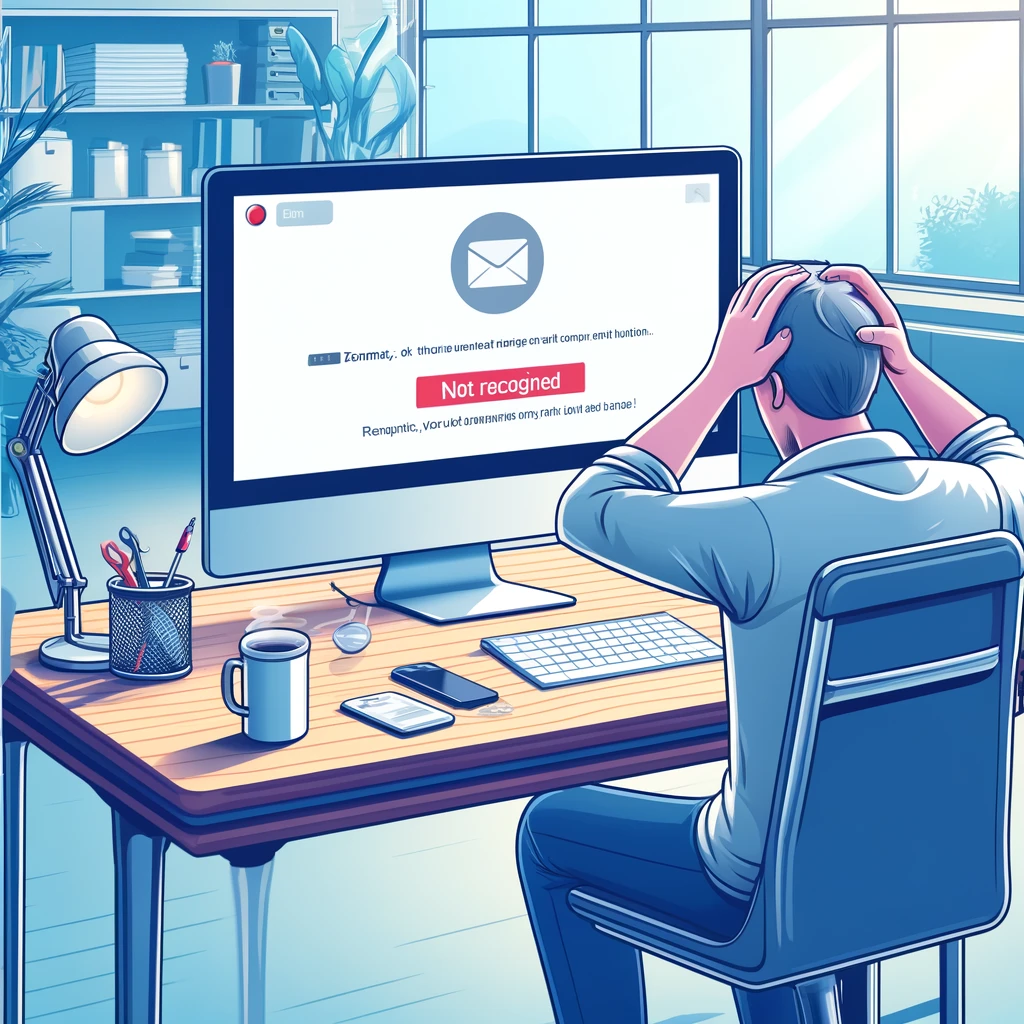
You type your Yahoo address, hit enter, and the screen spits back something like «We don’t recognize this email.» Annoying, right? I’ve been through this myself and helped a bunch of people untangle it. The good news: in most cases it’s not that your account vanished into thin air. It’s one of a handful of very specific problems, and each one has a concrete fix. Let’s cut through the noise.
First: Is It Really Yahoo, or Is It Your Typing?
Before you panic about a deleted account, slow down. The single most common reason Yahoo doesn’t recognize your email is a tiny typo in the address itself. A missing dot, a swapped letter, an extra space you didn’t notice.
Yahoo addresses end in @yahoo.com, @ymail.com, or @rocketmail.com. If you’re entering @gmail.com or @hotmail.com by muscle memory, the system will absolutely tell you it doesn’t recognize your email. Check the domain carefully.
Also watch out for Caps Lock. Yahoo treats passwords as case-sensitive, so «Password123» and «password123» are two different things. And yes, autofill can quietly insert an old, wrong address. Type it manually once to be sure.
Yahoo Temporarily Blocked My Account — What Now?
If the credentials are fine but Yahoo still doesn’t recognize your email, your account may be temporarily locked. This usually happens after several failed sign-in attempts, or when Yahoo detects a login from an unknown device or a weird location.
It’s a security feature, not a punishment. Yahoo locks the door when it smells something odd. To unlock it, you’ll need to verify your identity, typically with a code sent to your recovery phone number or backup email.
Here’s the catch: if your recovery info is outdated, you’re stuck. That old phone number you had in 2019 won’t help you now. Log in and update your recovery details the moment you regain access. It takes two minutes and saves hours of pain later.
If Yahoo doesn’t recognize your email after multiple tries, stop hammering the login button. More failed attempts can extend the block.
Was My Yahoo Account Deleted for Inactivity?
Yahoo has historically deactivated accounts that go unused for 12 months. If you haven’t touched that inbox in over a year, there’s a real chance it was deleted, and deleted Yahoo accounts are generally not recoverable.
I’ll be blunt: you can’t reactivate a deleted account. You’ll need to create a new one. Yes, you lose old emails and files stored in Yahoo’s ecosystem. That’s the hard truth, and sugarcoating it doesn’t help anyone.
Can you try contacting Yahoo support? Sure, if you believe there was an error. But don’t hold your breath. The realistic move is to start fresh and set a calendar reminder to log in at least every few months.
Browser and Device Glitches That Mimic Account Problems
Sometimes the problem isn’t your Yahoo account at all. It’s the browser or device you’re using. If Yahoo doesn’t recognize your email on one browser but works on another, you’ve found your culprit.
Clear cache and cookies. Corrupted data can break the login flow.
Update your browser. Old versions cause compatibility errors.
Disable ad blockers and security extensions temporarily — some interfere with Yahoo Mail.
Turn off your VPN or proxy. Yahoo flags suspicious locations.
Test on a different device to isolate the issue.
I’ve seen people waste an hour on this when a simple cache clear fixed it in ten seconds. Try the cheap fixes first before assuming the worst.
Is Yahoo Down Right Now?
Before you blame yourself, check if Yahoo is having a bad day. Server outages and maintenance windows happen. Head to Downdetector or a similar status tracker and see if others are reporting issues at the same time.
If the outage is real, there’s nothing to fix on your end. Wait it out. Trying to force a login during a server hiccup just adds confusion.
Someone Might Be in Your Account
If Yahoo doesn’t recognize your email and you’re sure you typed everything correctly, consider the ugly possibility: your account was compromised. A hacker may have changed the recovery info or the password itself.
In that case, reset your password immediately using the «Forgot my password» option. Then enable two-step verification. It’s the single best upgrade you can make to keep your inbox yours.
And if you had sensitive data in there, assume it’s exposed. Change passwords on any other service that shared that email address. Don’t reuse passwords across platforms — ever.
How to Stop This From Happening Again
Prevention beats troubleshooting every single time. Here’s what actually works:
Keep your recovery phone and backup email current. This is non-negotiable.
Use a strong, unique password with uppercase, lowercase, numbers, and symbols.
Turn on two-step verification so a stolen password alone isn’t enough.
Log in at least once every few months to keep the account active.
Avoid public Wi-Fi for email access when possible.
I’d also suggest backing up important emails and files somewhere else. If Yahoo ever locks you out for go