

You’re scrolling through a WhatsApp chat and suddenly someone drops «DP» like it’s nothing. You freeze. What the hell does that mean? Is it an insult? A secret code? Nope. It’s way simpler than you think, but most people still get it wrong.
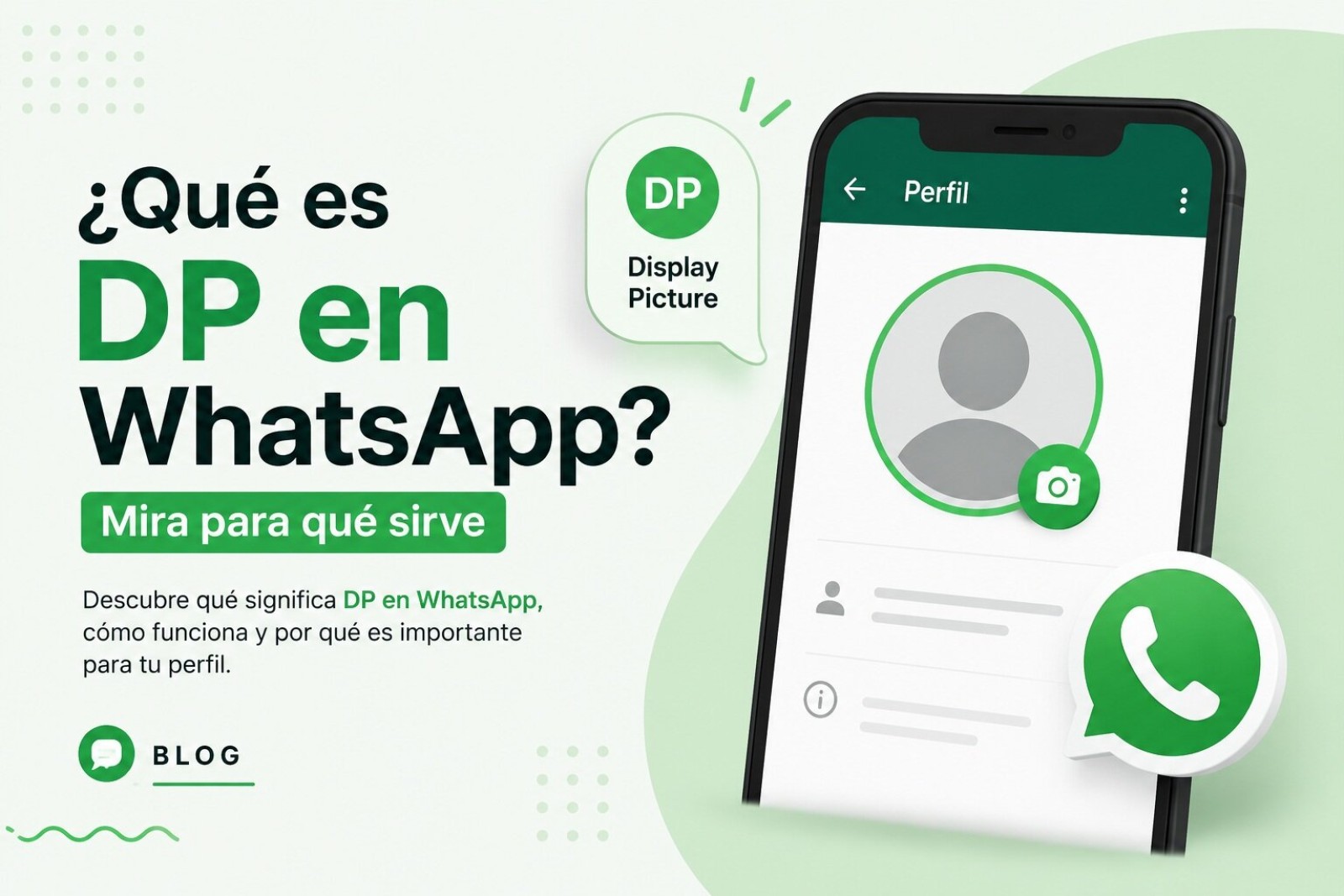
DP stands for «Display Picture» — the English term for your WhatsApp profile photo. That circular image sitting next to your name that everyone sees when they open a chat with you. The real meaning of DP on WhatsApp is exactly that: the picture you display. Nothing more, nothing less.
Why not just say «profile photo»? Because people are lazy typers and love shortcuts. «DP» sounds snappier, fits in two letters, and looks cooler in a text. That’s the whole reason it stuck.
Where «DP» Actually Comes From
«Display Picture» isn’t a WhatsApp invention. It’s been floating around internet culture for years, especially on forums and early social networks. The term migrated to WhatsApp naturally because the app’s profile photo sits front and center in every conversation.
On WhatsApp, your DP is the circular avatar that appears next to your name. It’s the first visual cue anyone gets about you. When someone searches for you or opens your chat, that tiny circle is doing a lot of heavy lifting.
The confusion with «después» that won’t die
Here’s where things get messy. In Spanish-speaking communities, tons of people use «DP» to mean «después» (after/later). They write «te escribo dp» thinking they’re saying «I’ll text you later.» It’s a widespread mistake, and honestly, it’s wrong.
The correct abbreviation for «después» is «dps» — with an S at the end. If someone types «dp» in a chat, context usually tells you which one they mean. But technically, using «DP» for «after» is a typo that spread like wildfire.
If you see «DP» alone in a message, 9 times out of 10 they’re talking about your profile picture. The «later» meaning only makes sense in a very specific sentence structure.
Why Your DP Matters More Than You Realize
Your WhatsApp profile photo isn’t just decoration. It’s your digital calling card. Before you type a single word, people have already judged you based on that little circle.
No DP at all? You look like a bot, a scammer, or someone who just doesn’t care. A polished professional headshot? People assume you’re serious and reliable. A party photo with red cups everywhere? Well, they know what vibe you’re bringing.
The meaning of DP on WhatsApp goes beyond the letters. It’s about perception. In milliseconds, someone scrolling their chat list decides whether to trust you, reply fast, or ignore you completely. That’s the real power of a display picture.
How to Hide Your DP From Specific People
WhatsApp gives you more control over your profile photo than most people bother to use. You can hide your DP from specific contacts without them ever knowing.
Here’s the path: Settings > Account > Privacy > Profile Photo. Inside, you’ll find three options:
- Everyone: anyone with your number can see your photo.
- My contacts: only people saved in your address book see it.
- My contacts except… you handpick who can’t see it.
That last option is gold. You can hide your face from your boss, your ex, or that one nosy cousin who screenshots everything. They won’t get a notification. They won’t know. They’ll just see the default gray silhouette and assume you never uploaded one.
What happens when you change your DP
Nothing dramatic. WhatsApp doesn’t notify anyone when you change your profile photo. No «María updated her picture» banner. No alert. People only notice if they happen to check your profile or spot the new image in their chat list.
And no, there’s no feature that tells you if someone screenshots your DP. That’s a privacy gap WhatsApp hasn’t closed. Anyone can save or screenshot your photo without you knowing. If that bothers you, set your DP to «My contacts except…» and keep it tight.
The New Feature Coming for Contacts Without Photos
WhatsApp has been testing something genuinely useful. When someone doesn’t have a profile photo — or has it hidden — the app could pull the image you saved in your phone’s contacts and display it in the chat automatically.
That means even if the other person has no DP, you’d still see their face because you saved it yourself. The feature is still in testing, but it solves a real annoyance: not knowing who you’re talking to when half your contacts are gray silhouettes.
The other person won’t know you’re seeing that image, and it doesn’t override their privacy settings. It’s a clever workaround that respects their choice while helping you recognize who’s who.
The Mistake Half the World Keeps Making
Let’s settle this once and for all. «DP» does not mean «después.» If you want to say «later» in Spanish shorthand, write «dps.» The S matters.
I’ve seen thousands of chats where someone writes «dp» and the other person replies with their profile photo confusion. It’s a mess. The real meaning of DP on WhatsApp is Display Picture, and that’s the interpretation you should default to.
If the sentence is «te hablo dp,» ask. Could be «I’ll talk to you later.» Could be «I’ll talk to your profile picture.» One makes sense, the other doesn’t. Use your brain.
Quick Cheat Sheet
- DP = Display Picture = WhatsApp profile photo
- You can hide your DP from specific contacts in privacy settings
- Nobody gets notified when you change your photo
- There’s no alert if someone screenshots your DP
- «DP» never officially means «después» — that’s «dps»
Next time someone throws «DP» at you in a chat, you’ll know exactly what they’re talking about. It’s just the photo that represents you in the app. And if they’re using it wrong, now you can correct them without hesitation.
