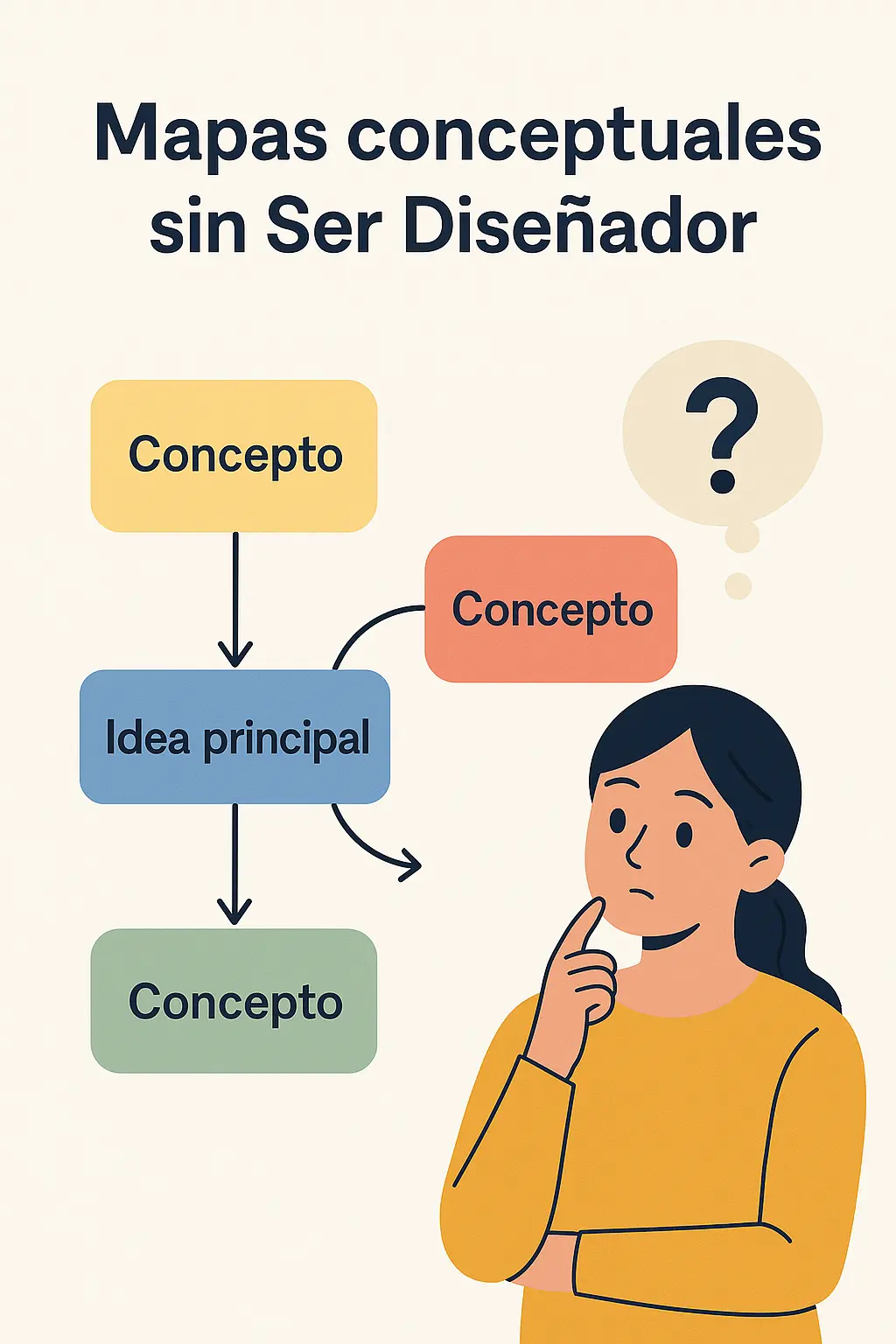
Let’s be real: you don’t need a design degree or a MacBook full of Adobe apps to make a concept map that actually looks good. I’ve seen people waste hours in Paint or Microsoft Word trying to connect boxes with arrows, and the result looks like a possessed flowchart. That ends today.
The trick to creating a concept map without being a designer isn’t talent — it’s using the right tool and having your ideas clear before you start clicking. That’s it. The rest is drag, drop, and done.
Why most people fail at concept map design
Here’s my hot take: 90% of ugly concept maps aren’t ugly because the person can’t design. They’re ugly because the person started designing before thinking. They open a blank canvas, panic, and start throwing random shapes around.
A good concept map design follows one rule above all: hierarchy first, decoration later. If your main idea is in the center and the secondary concepts branch out logically, the map works even in black and white. If the structure is a mess, no amount of gradients will save it.
So before you even touch Canva or Lucidchart, grab a napkin and sketch the relationships. That five-minute sketch will save you an hour of fighting with arrows.
The best tools in 2026 to make concept maps online
I’ve tested most of them, and these are the ones that actually deliver without a learning curve that makes you want to cry:
- Canva – Free tier is generous, and it has ready-made concept map templates. You drag, type, and you’re done. Honestly, a 10-year-old could pull this off.
- Lucidchart – A step up for anyone who wants something more professional. Still intuitive, but with better connectors and export options.
- MindMeister – Technically built for mind maps, but it works great for brainstorming sessions that later become concept maps.
- Whimsical and Coggle – 100% online, no installation, and with those little hand-drawn touches that make your map look designer-made even when you only added two arrows.
- CmapTools – The academic classic. Less pretty, but rock-solid for complex hierarchical structures.
My pick for most people? Canva for quick wins, Lucidchart when the map needs to survive a corporate meeting.
What you actually need to make a concept map (spoiler: not much)
Forget about using fifteen colors and exotic fonts. A concept map template works when it’s clear, fast to read, and visual. If it also looks pretty, bonus points.
Three rules I follow every single time:
- Maximum three colors: one for the main concept, one for secondary ideas, one for connectors.
- One font, two sizes. That’s it.
- Linking phrases on every arrow. «Leads to,» «depends on,» «includes» — without these, you just have a bubble diagram.
Skip these and your map becomes visual noise. Follow them and people will assume you hired a designer.
Concept map vs mind map: stop confusing them
This trips up a lot of people. A mind map is free-form and creative — one central idea with branches shooting out in every direction. A concept map is stricter: it shows hierarchical relationships between multiple concepts, with labeled connections explaining how they relate.
If you’re studying for an exam and need to see how theories connect, you want a concept map. If you’re brainstorming a project name, a mind map is fine.
And no, a graphic organizer isn’t the same thing. That’s the umbrella term; concept maps are just one specific type under it.
Real uses: what concept maps are actually good for
Beyond the classroom cliché, concept maps for studying genuinely work because they force you to explain relationships instead of memorizing isolated facts. Your brain retains information better when it’s connected to something else.
At work, they’re killer for visualizing processes, mapping out task dependencies, and explaining a strategy to a team without putting everyone to sleep with a 40-slide deck.
And yes, you can absolutely make them on your phone. Canva and Lucidchart both have solid mobile apps. I’ve built full maps on a train with one thumb.
Quick answers to the questions everyone asks
Do I need design skills? No. Templates handle 80% of the visual work.
Can I export to PDF? Yes, every serious tool lets you export as PDF, PNG, or SVG.
Is PowerPoint enough? It works, but Lucidchart and Canva have purpose-built connectors that make PowerPoint feel like using a spoon to dig a pool.
Are they good for kids? Excellent, actually. Visual hierarchy is one of the fastest ways to teach complex ideas to children.
How long does it take? With a template and clear ideas, 10 to 15 minutes. Without either, you’ll be there all afternoon.
If someone tells you making concept maps is complicated, send them this. The only real requirement is wanting to learn where to click.
So stop drawing arrows by hand in a 90s notebook. Pick a tool, sketch your hierarchy, and build something that actually communicates. Your future self — and whoever has to read your map — will thank you.