

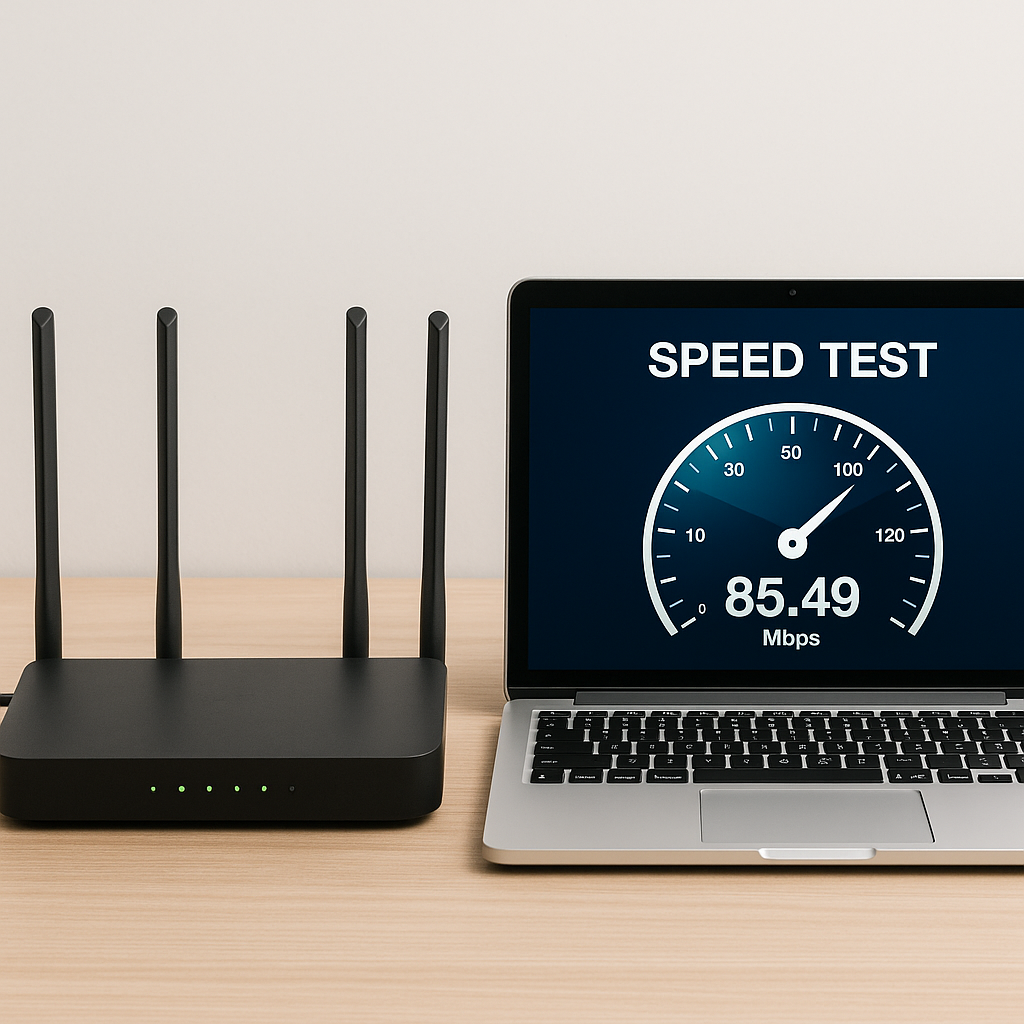
Your internet feels slower than a Monday without coffee? I get it. You pay for 600 Mbps and Netflix still buffers like it’s 2008. But before you throw your router out the window, let’s figure out what’s actually going on. I’ve been through this, and I can tell you: most of the time, it’s not your provider’s fault. It’s your setup.
Here’s a no-BS guide to check if your internet is running as it should. No fluff, no generic advice. Just stuff that works.
1. Run a Speed Test (Stop Trusting Your Gut)
First rule of slow internet: never trust your feelings. Run a real speed test. My go-to is fast.com because it’s stupidly simple and powered by Netflix. But for more detail, speedtest.net gives you ping, download, and upload. If you’re in Spain, testvelocidad.eu is solid and local.
Pro tip: run the test at different times of day. Morning, afternoon, night. You’ll quickly see if your connection is stable or if it goes for a walk every evening around 8 PM when everyone’s streaming. That pattern tells you more than a single test ever will.
2. Restart the Router (Yes, It Actually Works)
I know, it sounds like the oldest trick in the book. But unplugging your router for 10 seconds and plugging it back in clears the memory and forces it to reconnect to the network. It’s like a mental reset, but for your internet. Do it once a week. You’ll notice the difference.
And no, you don’t need to buy a new router just because it’s been running for months. Just give it a break.
3. Location, Location, Location: Where’s Your Router?
If your router is hidden in a closet, behind the TV, or next to the microwave, you’re sabotaging yourself. WiFi signals don’t go through walls like they’re Goku. They weaken. Put it high, in an open area, and central in your home. Avoid metal, water, and thick concrete. That’s why your signal dies in the bathroom.
Also, don’t put it on the floor. The higher, the better. Ideally, on a shelf or mounted on a wall.
4. Check Who’s Stealing Your WiFi
You suspect your neighbor is leeching off your connection? It happens more than you think. Use apps like Fing or Who is on my WiFi to scan your network. You’ll see every device connected. If you spot something you don’t recognize, kick it off and change your password.
Access your router settings (usually at 192.168.1.1) and look for the list of connected devices. I once found out the guy on the third floor was watching YouTube on my dime. Not cool.
5. Is Your Router Ancient? Time to Upgrade
If your router is more than 5-6 years old, it’s probably struggling. Old routers can’t handle today’s speeds or the number of devices we connect. Call your provider and ask for an upgrade. Sometimes they’ll swap it for free just to keep you happy. If not, buy your own. A decent WiFi 6 router costs around €80 and will change your life.
Don’t cling to that dusty box from 2015. It’s holding you back.
6. For Gaming and 4K Streaming: Use an Ethernet Cable
WiFi is convenient, but a cable is the Ferrari of connections. No lag, no dropouts, no random pauses during the final episode of your favorite show. If you game online or watch 4K movies, plug in. It’s not glamorous, but it’s reliable.
If running a cable across the house is a pain, consider powerline adapters. They use your electrical wiring to send internet. Not as fast as direct Ethernet, but way better than WiFi through three walls.
7. Still Slow? Call Your Provider
If you’ve done all this and your internet still crawls, it’s time to call your provider. Ask them to check the line. Sometimes they can make adjustments from the central office that improve your connection without you lifting a finger. Be persistent. If they don’t fix it, threaten to switch. That usually gets things moving.
Remember: you’re paying for a service. Don’t settle for less.
What Speed Should You Actually Get?
If you’re paying for 300 Mbps, you should get at least 250 Mbps on a wired connection. On WiFi, expect about half that if you’re in the same room, and less as you move away. If you’re getting 20 Mbps on a 300 Mbps plan, something’s wrong. Either your router is ancient, your line is bad, or your provider is overselling.
Test, document, and complain with evidence. That’s how you get results.
Final Thoughts (No Fluff)
Slow internet is annoying, but it’s usually fixable. Start with a speed test, restart your router, move it to a better spot, and check for freeloaders. If that doesn’t work, upgrade your hardware or call your provider. And if you’re a gamer, just use a cable. Trust me.
I went from internet that felt like dial-up to a connection that runs like a rocket. You can too. Now go run that speed test and tell me what you got. And if you catch someone stealing your WiFi, don’t be nice about it.
