

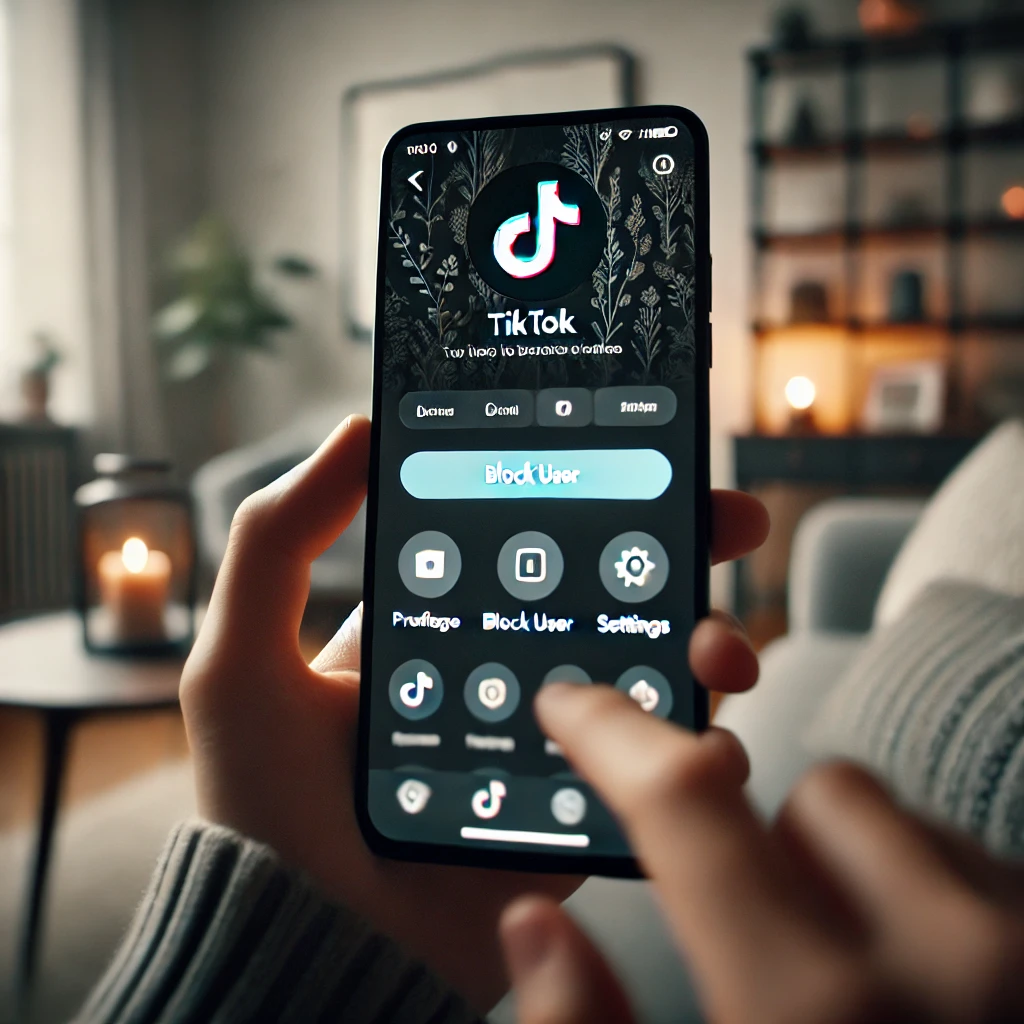
Let’s cut the crap: TikTok can be a blast, but it can also be a cesspool. If someone’s ruining your vibe — stalking your profile, leaving nasty comments, or sliding into your DMs uninvited — you don’t have to put up with it. Learning how to block someone on TikTok is the digital equivalent of slamming the door in their face. And trust me, it feels good.
I’ve been on TikTok since the Musical.ly days, and I’ve blocked my fair share of trolls, exes, and random weirdos. The process is stupidly simple, but there are nuances nobody talks about. So here’s the real deal, no fluff.
Why blocking is your secret weapon (and why you shouldn’t feel guilty)
Blocking isn’t mean. It’s self-care. TikTok’s algorithm thrives on engagement, and if you let negative interactions slide, you’re feeding the beast. When you block someone, you’re not just silencing them — you’re telling TikTok’s algorithm that this person’s content and behavior don’t belong in your feed.
Plus, TikTok doesn’t notify the person you blocked. They won’t get a push notification saying «You’ve been blocked!» They’ll just slowly realize they can’t see your videos or message you. It’s a silent, elegant exit.
But here’s the catch: blocking is permanent until you unblock. If you’re dealing with a persistent harasser who creates new accounts, blocking alone won’t cut it. You’ll need to report them too. More on that later.
How to block someone on TikTok: the 30-second walkthrough
Ready? Grab your phone. This works on both iOS and Android, and the steps are identical. I just tested it on my iPhone 15 running TikTok version 34.5.0, and it’s still the same.
- Open the TikTok app and navigate to the profile of the person you want to block. You can do this by searching their username or tapping their name in a comment or video.
- Tap the three dots (the menu icon) in the top-right corner of their profile. On some versions, it might be a share icon, but it’s always top-right.
- Select «Block» from the pop-up menu. It’s usually the last option, right below «Report.»
- Confirm by tapping «Block» again when TikTok asks if you’re sure. Done.
That’s it. The person is now digitally ghosted. You won’t see their content, they won’t see yours, and they can’t send you direct messages or comments. It’s like they never existed.
But wait — what if you want to block someone who’s already blocked you? You can’t. If they blocked you first, you won’t even see the block option on their profile. You’ll just see a message saying «This user has blocked you.» In that case, you’re already protected, so don’t sweat it.
What actually happens after you block someone on TikTok?
Let’s get specific. When you block someone on TikTok, several things happen instantly:
- They can’t view your profile, videos, or likes.
- They can’t send you direct messages or comment on your videos.
- They can’t tag you in comments or duet/stitch your content.
- Any existing comments they left on your videos are hidden (but not deleted).
- If you were following each other, the follow relationship is severed.
One thing people often ask: does blocking remove their past comments? No, those comments stay hidden from you, but they’re still visible to others unless you delete them manually. If you want them gone entirely, you’ll need to delete each comment individually before blocking.
Also, if you block someone who’s in a group chat with you, you’ll still see their messages in that group chat. TikTok doesn’t extend blocking to group DMs. Annoying, but that’s how it is.
Blocking vs. restricting: which one should you use?
TikTok also has a «Restrict» feature, and it’s not the same as blocking. Restricting someone is like shadow-banning them from your account. They can still comment, but only you can see their comments. They can still view your videos, but you’ll be notified if they try to interact. It’s a softer approach.
When should you restrict instead of block? If you want to keep an eye on someone without them knowing, or if it’s a friend you don’t want to fully cut off but need a break from. Restricting is also great for nosy exes who you don’t want to give the satisfaction of knowing they’re blocked.
But if someone is harassing you or making you feel unsafe, block them. Don’t overthink it. Your mental health is worth more than their feelings.
How to manage your blocked list and unblock someone
Changed your mind? Maybe you blocked your best friend during a fight and now you want to make up. Here’s how to unblock:
- Go to your profile and tap the three lines in the top-right corner.
- Tap Settings and privacy.
- Tap Privacy.
- Scroll down and tap Blocked accounts.
- Find the person and tap Unblock next to their name.
Once unblocked, they can see your content again, but they won’t automatically follow you back. You’ll need to re-follow them if you want. Also, they won’t get a notification that you unblocked them — they’ll just notice they can see your profile again.
Beyond blocking: other privacy tools you should be using
Blocking is just one tool in your arsenal. TikTok has a bunch of other settings that can make your experience way less stressful. Here are the ones I actually use:
- Comment filters: Go to Settings > Privacy > Comments and turn on «Filter all comments» or add custom keywords you don’t want to see. This automatically hides comments with those words.
- Direct message settings: You can set who can DM you — everyone, friends, or no one. I keep it to «Friends» to avoid randos.
- Video privacy: You can make your account private so only approved followers can see your videos. Great if you’re not trying to go viral.
- Report: If someone is threatening you or posting hate speech, report them. TikTok’s moderation is imperfect, but repeated reports can get accounts banned.
One more thing: if you’re being harassed by someone who keeps making new accounts, you can turn on «Filter all comments» and restrict your DMs to friends only. It won’t stop them from creating new accounts, but it makes it harder for them to reach you.
And if things get really bad — like stalking or threats of violence — don’t just block. Contact local law enforcement and report the account to TikTok. Blocking is a digital solution, but safety is real-world.
So there you have it. Blocking someone on TikTok is a five-second action that can save you hours of grief. Don’t be afraid to use it. Your feed, your rules.
