

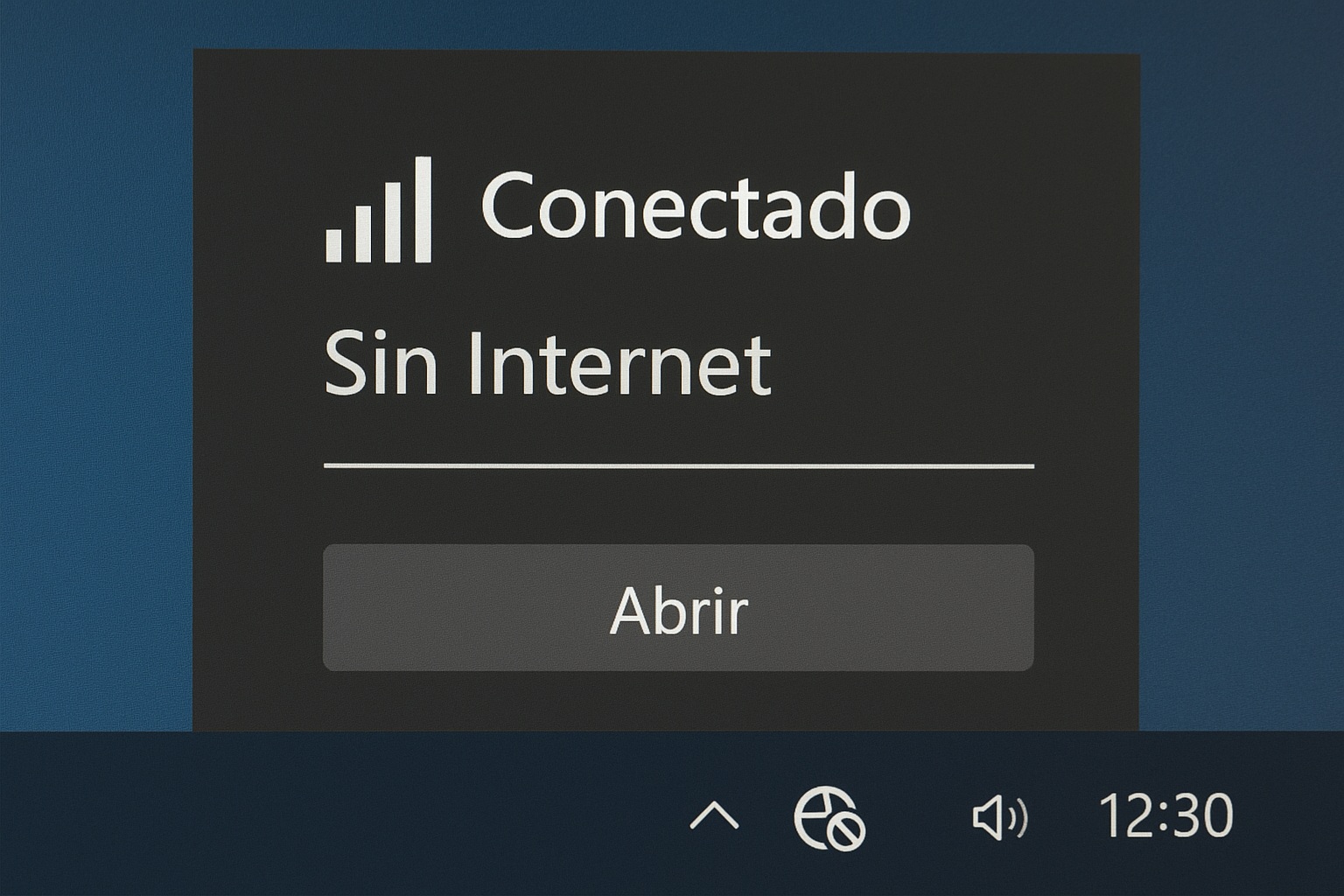
You know the drill. Your laptop says «Connected but no internet access» and you want to throw it out the window. The WiFi bars are full, the router is blinking happily, but Chrome just spins forever. I’ve been there. And after digging through Reddit threads, Microsoft Answers, and my own share of cursed Windows installs, I can tell you exactly what’s going on and how to kill this error for good.
The thing most people get wrong is thinking their WiFi is broken. It isn’t. Your PC is talking to the router just fine. The problem is what happens after that handshake — Windows tries to ping a Microsoft server to confirm real internet, gets nothing back, and slaps that yellow exclamation triangle on your taskbar.
Why Windows 10 and 11 Say «Connected But No Internet»
There are basically three culprits behind the connected but no internet Windows 10 nightmare, and almost every forum post I’ve read fits into one of these boxes: a corrupted network driver, a busted TCP/IP stack, or an IP conflict caused by the router handing out duplicate addresses.
One Reddit user described his situation perfectly. His Windows 10 laptop showed full signal, but Zoom meetings were dead and remote work was paralized. Every other device in the house worked fine. He rebooted the router, restarted the laptop, forgot and re-added the network — nothing. But when he plugged in an Ethernet cable, the internet came back instantly. That single detail rules out your ISP and proves it’s a software-level communication failure.
If your wired connection works and your WiFi doesn’t, you’re not dealing with a dead router or a provider outage. You’re dealing with a Windows configuration mess.
The CMD Trick That Fixes «I Have WiFi But No Internet» Fast
This is the one that actually solved it for the guy on Reddit, and I’ve seen it work in dozens of reported cases. Open the Command Prompt as administrator — right-click, «Run as administrator» — and type these commands one at a time, hitting Enter after each:
- netsh int ip reset — this wipes and rebuilds your IP configuration.
- ipconfig /release — drops your current IP address.
- ipconfig /renew — asks the router for a fresh one.
- netsh winsock reset — the nuclear option for corrupted network stacks.
After that, restart your PC. If the error is still there, don’t panic. There’s a second move that sounds weird but works shockingly often when you have WiFi connected but no internet access.
Disabling IPv6: The Weird Fix Nobody Talks About
Go to Network Connections, right-click your WiFi adapter, open Properties, and uncheck Internet Protocol Version 6 (TCP/IPv6). Apply, reconnect, and check Google. In the Reddit case I mentioned, this was the exact step that made the exclamation mark vanish.
Why does it work? Because some routers and ISP gateways mishandle IPv6 handshakes, and Windows gets stuck waiting for a validation response that never arrives. IPv4 takes over and everything clicks. It’s not a permanent solution — you can re-enable IPv6 later once drivers and firmware are updated — but as a troubleshooting step it’s gold.
Drivers, DNS, and the Router Settings You’re Ignoring
If neither of those fixes your connected but no internet issue, the problem is almost certainly your network adapter driver. Open Device Manager, find your wireless card, and roll back or update the driver. Realtek and Intel adapters are notorious for shipping broken drivers through Windows Update.
While you’re in there, try switching your DNS to Google (8.8.8.8 and 8.8.4.4) or Cloudflare (1.1.1.1). A surprising number of «no internet» cases are just DNS servers refusing to resolve, and Windows interprets the silence as a dead connection.
Quick Checklist Before You Rage-Quit
- Restart router and PC — yes, actually unplug the router for 30 seconds.
- Forget the WiFi network and reconnect with the password.
- Run the CMD commands listed above.
- Disable IPv6 temporarily.
- Update or roll back the WiFi driver.
- Change DNS to 8.8.8.8.
- Check if your router has a firmware update pending.
The important thing is the order. Start with the soft stuff (reboot, reconnect), then go technical (CMD, IPv6, drivers). Most people jump straight to reinstalling Windows, which is like burning your house down because the door squeaks.
When It’s Actually Your Router’s Fault
One exception worth flagging: if every device in your house shows the same «connected but no internet» message, stop blaming Windows. That’s a router or ISP problem. Log into your router admin panel (usually 192.168.1.1), check if the WAN status shows «connected,» and look at your DHCP lease table for duplicate IPs.
Some routers also have a setting called «MAC address filtering» or «access control» that silently blocks specific devices. If your laptop suddenly lost internet while your phone didn’t, check that list. It’s a five-second fix that people spend hours diagnosing.
Bottom line: this error is annoying, but it’s not mysterious once you understand that Windows is failing a validation test, not failing to connect. Fix the validation path — IP, DNS, IPv6, driver — and the yellow triangle disappears. Next time your WiFi lies to you, you’ll know exactly where to start.
