

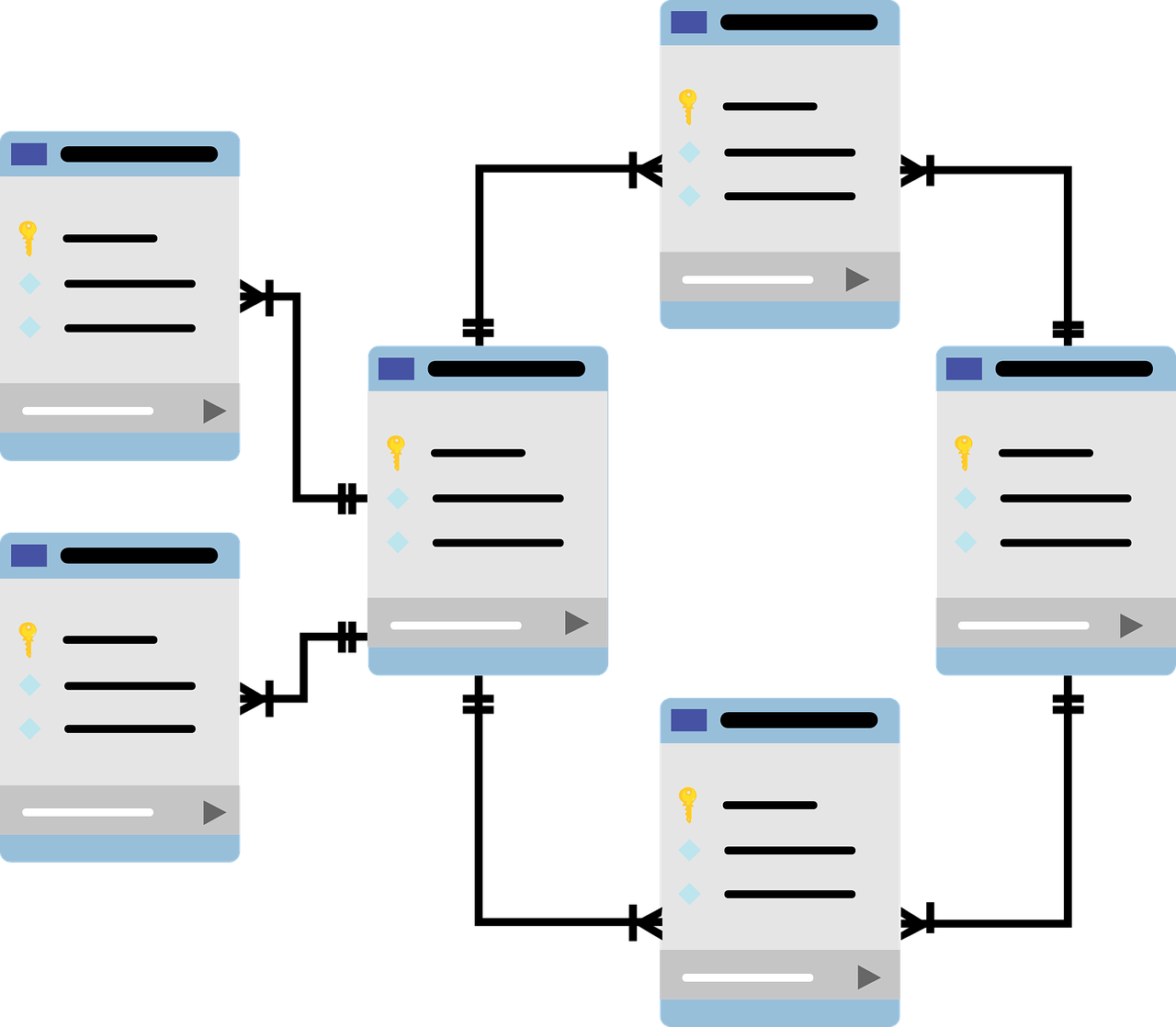
This error usually appears when <a href="https://www.empresadeserviciosweb.com/post/repara-la-base-de-datos-de-wordpress-dentro-de-wordpress/” title=”Repara la base de datos de WordPress, dentro de WordPress”>WordPress cannot establish a connection with the database on the server. This can be due to various reasons, such as problems with the database server, passwords or incorrect username, or problems with the wp-config.php file, which is where the details of the database connection are stored. .
I recommend you check out this interesting article: What is Samsung’s QLED TV technology?.
<a href="https://www.empresadeserviciosweb.com/post/whatsapp–web-guia-completa-usar-solucionar-problemas-sincronizacion/” title=”WhatsApp Web: Guía Completa para Usarlo (y Solucionar Problemas)”>To fix this problem, here are some things you can try:
- Make sure the database is working correctly. You can check this by accessing your hosting control panel or contacting your hosting provider for help.
- Verify that the database connection details in the
wp-config.phpfile are correct. Make sure the database name, username, and password are spelled correctly and match the details provided by your hosting provider. - Try connecting to the database <a href="https://www.empresadeserviciosweb.com/como-limpiar-el-cache-de-wordpress-manually/” title=”Cómo limpiar el caché de WordPress manualmente”>manually using a database client, such as phpMyAdmin. If you cannot connect manually, there may be a problem with the database server or with the connection details you are using.
- If none of the above works, try renaming the
wp-config.phpfile and then accessing your website. WordPress will ask you to provide the database connection details and will create a newwp-config.phpfile with the correct details.
I hope the problem has been solved and the database is communicating with your WordPress again.


