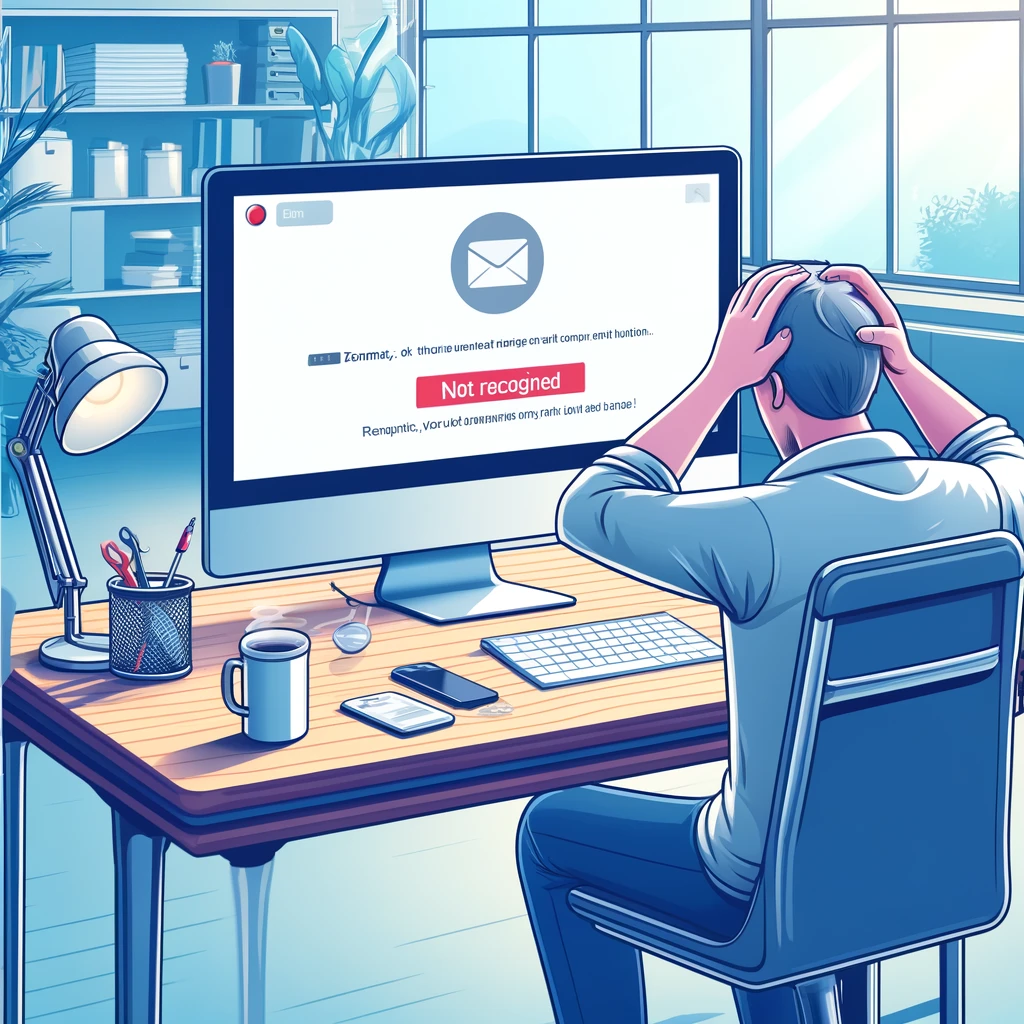
Why doesn’t Yahoo recognize my email? This happens because your account may be blocked, deactivated, or there is an error with your login credentials for signing in. It is essential to identify the exact cause so you can fix it quickly and effectively. <a href="https://www.empresadeserviciosweb.com/post/por-que-yahoo-no-reconoce-mi-correo-2/”>Why Yahoo doesn’t recognize my email .
I recommend you check out this interesting article: <a href="https://www.empresadeserviciosweb.com/copia-security-whatsapp-paso-paso-android-ios-google-drive-icloud/” title=”How to back up WhatsApp step by step [2025 Guide]” class=”internal-recommendation” target=”_self” rel=”noopener”>How to back up WhatsApp step by step [2025 Guide].
Yahoo Mail is one of the most popular email platforms in the world, but sometimes problems can arise that prevent you from signing in. When this happens, it’s easy to get frustrated, but don’t worry, everything has a solution. Whether it’s due to forgotten passwords, technical errors, or inactive accounts, here I’ll explain what’s happening and how to fix it.
One of the most frequent reasons why Yahoo doesn’t recognize your email is a problem with your credentials. If you typed the email or password incorrectly, you’ll receive an error message. Check that there are no typos and that you’re using the correct email address. It seems basic, but it’s more common than you think.
Additionally, Yahoo may have temporarily blocked your account for security reasons. This happens when there are suspicious sign-in attempts or if you haven’t accessed your email for a while. In this case, you’ll need to verify your identity to unblock it.
If Yahoo doesn’t recognize your email, it could also be an account that has been deleted due to inactivity. Yahoo usually deactivates accounts that haven’t been used in 12 months. If this is the case, you probably won’t be able to recover your account and you’ll have to create a new one.
Finally, verify that your internet connection is working properly. Sometimes, the problem isn’t Yahoo, but an error in your browser or network. Try updating your browser or clearing the cache and try signing in again.
Credential problems and how to fix them
Credential problems are one of the main reasons why Yahoo doesn’t recognize your email. Fortunately, this has a simple solution. First, make sure you’re entering the correct email address. A misplaced letter or a spelling error can prevent you from accessing your account.
If you’re sure the email is correct, the next step is to verify the password. Passwords are case-sensitive, so check if you have Caps Lock enabled on your keyboard. If you’ve forgotten your password, you can use the “Forgot my password” option on the sign-in page.
If you still can’t access your account, Yahoo may have blocked it for security reasons. This happens if there are too many failed sign-in attempts, which could indicate a hacking attempt. To fix this, follow the steps that Yahoo will provide to verify your identity and regain access.
It’s also possible that your account has been compromised. If you suspect someone else accessed your email, <a href="https://www.empresadeserviciosweb.com/como-borrar-la-informacion-de-un-iphone/" title="Erase information from your iPhone: reset, delete data, and protect your privacy before selling or giving it away”>reset your password immediately and enable two-step verification to add an extra layer of security.
If after trying all of this you’re still having problems, I recommend contacting Yahoo technical support. Provide as much information as possible so they can help you regain access to your account.
Temporarily blocked accounts
When Yahoo detects suspicious activity on your account, it may temporarily block it as a security measure. This is common if you try to access from an unknown device or if too many failed sign-in attempts are made. This block is temporary and you can resolve it by verifying your identity.
To unblock your account, Yahoo will ask you to confirm your identity through a code sent to your phone number or alternate email. It’s important that you have this information up to date in your account, because without it, it could be difficult to regain access.
If you don’t receive the code, verify that your phone number or alternate email is active. Sometimes, communication problems can be due to an error in the saved contact information. If this is your case, you’ll need to contact Yahoo support directly.
Remember that if you don’t access your account for an extended period, Yahoo may also block it due to inactivity. In these cases, recovering the account can be more complicated, especially if a lot of time has passed.
Finally, if you’re trying to access from a public network or a VPN, Yahoo may detect this as suspicious activity. Try accessing from a secure and trusted connection to avoid unnecessary blocks.
Accounts deleted due to inactivity
If you haven’t logged into your Yahoo account for more than 12 months, it may have been deleted due to inactivity. Yahoo deletes inactive accounts to free up space and ensure the security of its users. This means you will no longer be able to access the emails or files stored in that account.
If Yahoo deleted your account due to inactivity, unfortunately you will not be able to recover it. The best solution is to create a new email account and make sure to use it regularly to prevent it from being deactivated in the future.
It is important to note that deleted accounts cannot be reactivated, but you can try contacting Yahoo support if you believe there was an error. Even so, you will most likely need a new account.
To prevent this from happening again, set reminders to log into your Yahoo account at least once every few months. This will keep your account active and prevent you from losing your information.
Finally, if you had important information in your deleted account, make sure to back it up in the future. Saving your files on another platform will save you a lot of trouble if you run into issues with Yahoo again.
Technical problems in the browser
Sometimes, the problem is not with your Yahoo account, but with the browser or device you are using. If Yahoo does not recognize your email, try these quick solutions:
- Clear your browser’s cache and cookies. This can fix temporary errors that prevent you from logging in.
- Update your browser to the latest version. An outdated browser can cause compatibility issues.
- Try accessing from another browser or device. This will help you determine if the problem is related to your device or to Yahoo.
- Disable browser extensions, especially those that block ads or affect security. Some extensions can interfere with Yahoo Mail’s operation.
- Check your internet connection. Sometimes, a slow or unstable network can be the reason you cannot properly access your Yahoo account. Make sure you are connected to a stable and reliable network before trying to log in again.
If after completing these steps you still cannot access, try restarting your device and checking that there are no pending operating system updates. Many times, technical problems are solved with a simple restart or update.
Also, if you use a VPN or proxy, disable them temporarily. Sometimes, these network tools can interfere with access to Yahoo Mail, as the platform may detect a suspicious location or activity. Connect directly to your usual network to avoid this inconvenience.
Lastly, check if Yahoo is experiencing widespread problems. Occasionally, Yahoo’s servers may be down or under maintenance, causing temporary access errors. You can check specialized service report sites like Downdetector to verify if other people are experiencing similar problems.
How to prevent future problems with your Yahoo account
To prevent Yahoo from not recognizing your email in the future, follow these simple but effective recommendations. First, make sure to regularly update your recovery information, such as your phone number and alternate email. This is the fastest way to regain access in case of problems.
Also, use strong passwords and change them periodically. A good password should contain uppercase letters, lowercase letters, numbers, and special symbols. Enabling two-step verification is also an excellent option, as it adds an extra layer of security to your account.
Log into your account at least once every few months to prevent it from being deactivated due to inactivity. If you don’t need to use it frequently, set reminders or use tools that help you manage it.
On the other hand, keep your browser and operating system up to date. Old versions can cause access errors and compatibility problems. Avoid using public networks to access your email, as these tend to be less secure and can compromise your account.
Finally, save backups of your important information on other platforms or devices. This will allow you to recover your data even if you lose access to your Yahoo account. By taking these precautions, you will ensure you always have access to your email without setbacks.