

<a href="https://www.empresadeserviciosweb.com/post/google-search-console-que-es-como-usarla-tools–key/” title=”🛠️ Google Search Console: the key tool to improve the performance of your site web 📈”>Internal linking is a key strategy to improve a website’s navigation and distribute authority among internal pages. This process not only makes it easier for the user to find relevant content, but also helps Google better understand the structure of your site, improving its ranking. How to analyze a website to see its plugins <a href="https://www.empresadeserviciosweb.com/post/como-evitar-la-deteccion-de-ia-de-un-text/”>How to avoid AI detection of a text <a href="https://www.empresadeserviciosweb.com/post/herramientas-indexar-urls-rapido/”>What is the best SEO Tool to index URLs quickly .
I recommend you check out this interesting article: Legal.
What are internal links and how do they work in HTML
<a href="https://www.empresadeserviciosweb.com/post/enlaces-internos-y-externos-el-secreto-para-impulsar-tu-seo/” title=”🔥 Internal and External Links: The secret nobody tells you to boost your SEO 🚀”>Internal HTML links are connections between different pages of the same website. When used correctly, you are creating a path for both users and search engines to navigate with ease. A simple example would be a link from the page main page to a blog article. What’s interesting is that these links also transmit what we call “SEO Juice”, which is the authority that one page can pass to another.
When you configure internal linking well, you are helping Google understand the context and relevance of your content. <a href="https://www.empresadeserviciosweb.com/post/wordpress-link-building-seo-atributos-nofollow-dofollow-sponsored-ugc/” title=”How to add anchor links in WordPress with just 1 click.”>Imagine that each link is a bridge connecting different sections of your website, indicating which pages are more important. If you don’t have these links, you run the risk of some pages becoming “isolated,” losing visibility.
Furthermore, by using optimized internal HTML links with a clear and descriptive anchor text, you are giving search engines clues about the topic of the linked page. This can be decisive for ranking content in specific searches.
Reasons why internal links are essential for SEO
One of the main reasons why internal links are important is their direct impact on the experience of the user. When someone browses your website, they expect to find clear paths to the content they are looking for. Good internal linking reduces the bounce rate and increases the time spent on your site.
From an SEO standpoint, internal linking allows you to distribute page authority more strategically. For example, if you have a page with high relevance on Google, you can use its authority to boost other pages through internal links. This is what is commonly called transferring “SEO Juice.”
Another key advantage is that internal links make it easier for search engine bots to crawl your site. If you have a good hierarchy, with well-distributed links, Google will be able to index your content more efficiently.
Finally, internal links allow you to connect related topics, which not only improves navigation, but also the overall context of your site. This helps create a coherent and complete content network, which Google loves.
Tips for creating effective internal linking
If you want to improve your internal linking strategy for SEO, here are some key recommendations that will help you do it right from the start. First, review your website’s hierarchy. Make sure important pages are no more than three clicks away from the main page.
Then, use relevant and attractive anchor text. This text should be descriptive and contain keywords related to the page you are linking to. Avoid using generic phrases like “click here,” as they don’t provide context.
Another important aspect is deciding how many internal links to create per page. Although there is no fixed number, the ideal is to maintain a balance: include enough links to improve navigation without overloading the page. Remember that link quality is more important than quantity.
Finally, regularly check your site for broken links or URLs in an empty state. Fixing this type of broken link is crucial, as they can harm both the user experience and your ranking on Google. Use tools like spreadsheets to keep a record of all your internal links and make sure they are up to date.
How to avoid common mistakes when implementing internal links
One of the most common mistakes in internal linking is the lack of planning. Often, links are added randomly, without considering the hierarchy or relevance of the content. To avoid this, it is essential to constantly review your site’s structure and make sure internal links are aligned with your SEO goals.
Another frequent mistake is not using adequate anchor text. Anchor text is essential to give context to search engines. If you use vague or generic terms, you lose a valuable optimization opportunity. Make sure each link has a clear purpose and is linked to relevant content.
Also, avoid overloading your pages with too many internal links. Although it may seem like a good idea to include many links to improve navigation, this can be counterproductive. Google can interpret this as spam, negatively affecting your ranking.
Finally, don’t neglect broken URLs or those in a “no index” state. These types of problems not only affect the user experience, but can also harm your internal linking strategy. Use auditing tools to detect and fix this type of broken link quickly.
Tools to manage and optimize your internal linking
To manage and optimize internal linking, having the right tools can make all the difference. A simple but effective option is to use spreadsheets to keep a record of all the links on your site. With this, you can easily identify broken URLs or pages without links.
You can also use SEO tools like Screaming Frog or Ahrefs, which allow you to analyze your site’s structure and detect opportunities for improvement. These tools are ideal for reviewing your website’s hierarchy and making sure all important pages are properly linked.
Additionally, platforms like Google Search Console can help you identify issues related to empty or “no index” URLs. Keeping these URLs under control is crucial for the success of your internal linking strategy.
Finally, don’t forget to constantly update and optimize your internal links. As you create new content, make sure to include links to existing pages and vice versa. This not only improves navigation but also reinforces your site’s relevance in search engines.
Advanced strategies to maximize the impact of internal linking
If you already have a solid foundation in your internal linking strategy, it’s time to explore more advanced tactics that can take your SEO to the next level. An effective strategy is to prioritize pages with the highest conversion potential or relevance for your audience. For example, linking from a popular article to a key product page can significantly increase traffic to that section.
Another powerful tactic is to use contextual links. This involves inserting links into the natural flow of the content, highlighting related topics. For example, if you’re talking about “content optimization,” you can link to an article about “keywords in the anchor text.” This not only improves navigation but also increases the likelihood that the reader will explore more of your site.
Additionally, consider implementing an HTML sitemap. This not only makes it easier for users to find content but also helps search engines index your site more efficiently. A good sitemap should include all key pages and be regularly updated to reflect any changes.
Finally, monitor the performance of your internal links. Use tools like Google Analytics to track how users interact with them. If you detect that certain links aren’t receiving clicks, it’s a sign that you need to adjust their location or context to make them more visible and relevant.
The importance of constantly reviewing your site’s hierarchy
A well-defined hierarchy is the backbone of successful internal linking. If your site has a disorganized structure, you’ll not only confuse your users but also search engines. Regularly reviewing your website’s hierarchy is essential to maintaining clear and logical navigation.
Start by making sure all important pages are accessible from the homepage or from other key pages. Ideally, a user shouldn’t need more than three clicks to reach any relevant content. If you find pages that are “isolated,” connect these sections through strategic internal links.
Another important part of reviewing the hierarchy is identifying and fixing issues with empty or “no index” URLs. Resolving this type of broken link ensures that no page falls outside the reach of Google’s crawlers. Additionally, by eliminating navigation errors, you improve the user experience and increase your chances of ranking.
Finally, prioritize your pages according to their importance and relevance. Pages with evergreen content or popular products should receive more internal links to maximize their visibility. Distributing SEO Juice strategically is key to improving your site’s overall performance.
How to use anchor text to improve internal linking
Anchor text, also known as anchor text, is the visible and clickable text of a link. Using anchor text in the link strategically can make a big difference in your internal linking strategy. The key is to choose words and phrases that are relevant to both users and search engines.
A good anchor text should be clear, descriptive, and contain keywords related to the destination page. For example, if you’re linking to a guide about “SEO Juice,” use anchor text like “learn to distribute SEO Juice.” Avoid generic phrases like “click here,” as they don’t provide context or help with SEO.
Additionally, vary the anchor texts you use to link to the same page. This not only makes your content more natural but also reduces the risk of being penalized by search engines. Remember that naturalness and relevance are fundamental for good internal linking.
Finally, analyze the performance of your anchor texts with tools like Ahrefs or SEMrush. If you see that certain links aren’t getting clicks, try adjusting the anchor text to make it more attractive and relevant. A good anchor text can be the difference between an ignored link and one that actually attracts traffic.
Solving common problems: broken links and non-indexed URLs
Broken links and URLs in “no index” status are silent enemies of an effective internal linking strategy. Resolving this type of broken link should be a priority to maintain the integrity of your site and ensure a good user experience.
Broken links can arise for multiple reasons: URL changes, page deletions, or typographical errors. Use tools like Screaming Frog or Google Search Console to detect these issues quickly. Once identified, update or redirect the broken links to relevant pages to avoid losing traffic and authority.
On the other hand, URLs in “no index” status can arise if you accidentally exclude important pages from search engines. Make sure to review your robots.txt file and your pages’ meta tags to correct any errors. A page in empty or “no index” status can harm both your SEO strategy and user navigation.
Performing regular audits will help you identify and fix these issues before they affect your site’s performance. Keeping your internal linking clean and functional is essential for a successful SEO strategy.
Conclusion: Building a solid internal linking strategy
Internal linking is much more than a simple navigation tool; it’s an essential strategy to improve your SEO, increase the visibility of your pages, and offer a superior experience to your users. Intelligently connecting your pages can make a big difference in how search engines and users perceive your site.
Make sure to follow best practices: use relevant anchor texts, regularly review your site’s hierarchy, and fix broken links or empty URLs. A well-structured site with optimized internal links not only improves your ranking but also reinforces your authority in your niche.
Finally, remember that internal linking is not a one-time effort; it’s an ongoing process. As your site grows, your internal linking strategy must adapt and evolve. Dedicate time to optimizing this technique, and you’ll see lasting results in your traffic and your website’s relevance.
What plugin can you use in WordPress
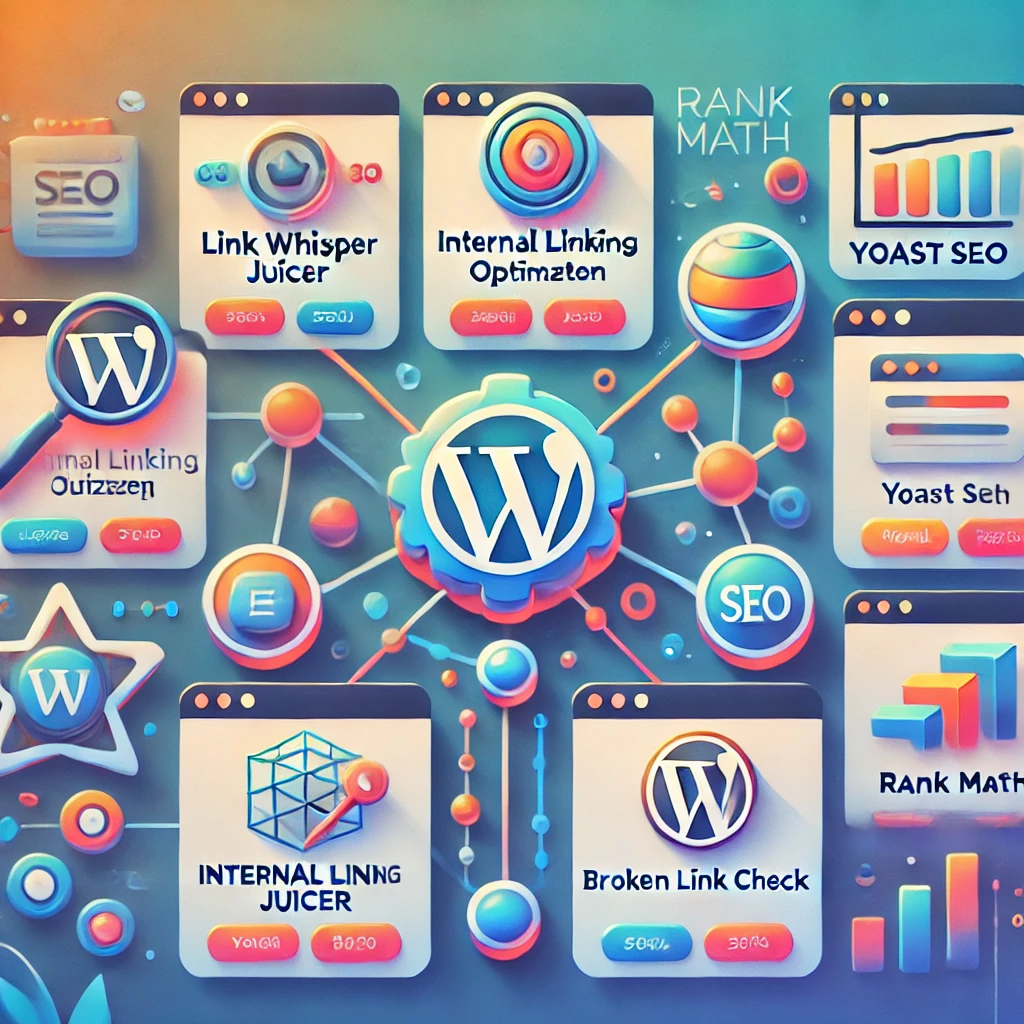
In WordPress, there are several excellent plugins that can help you manage and optimize your internal linking. Here’s a list of the most recommended ones along with their standout features:
1. Yoast SEO
This plugin is one of the most popular and offers specific tools to improve your internal linking.
- It suggests related pages within your site to add internal links.
- It facilitates anchor text analysis and content optimization.
- It alerts you about possible broken URLs or hierarchy issues.
Why use it? It’s ideal for those looking for an all-in-one solution to improve their SEO without too much complexity.
2. Rank Math
Rank Math is a powerful alternative to Yoast SEO with advanced internal linking features.
- It allows you to add automatic links to specific keywords.
- It analyzes and optimizes your site’s structure.
- It includes tools to identify pages without internal links.
Why use it? If you’re looking for a free plugin with advanced features, Rank Math is an excellent option.
3. Internal Link Juicer
This plugin specializes in automatically optimizing internal links.
- Generates internal links based on defined keywords.
- Lets you control how and where links appear.
- Offers detailed statistics to measure the impact of your internal linking.
Why use it? It’s perfect for large sites that need to automate the linking process.
4. Broken Link Checker
Although it isn’t specifically designed for internal linking, it’s essential for detecting broken links on your site.
- Scans your website for broken internal and external links.
- Notifies you about URL errors or empty status.
- Lets you fix links directly from the WordPress dashboard.
Why use it? It’s ideal for maintaining a clean and functional structure.
5. Link Whisper
This plugin focuses exclusively on creating and optimizing internal links for SEO.
- Suggests internal links in real time while you edit content.
- Analyzes the number of internal and external links per page.
- Generates detailed reports to improve your linking strategy.
Why use it? If you need total control over your internal linking strategy, this plugin is highly recommended.
To choose the best plugin, consider the specific needs of your website. If you’re looking for a general solution, Yoast SEO or Rank Math are ideal. But if you want something more focused and automated for internal linking, Link Whisper or Internal Link Juicer will give you excellent results. Remember to regularly review your internal link structure with tools like Broken Link Checker to keep your site in optimal condition.
Here’s an organized comparison table ranked from best to worst based on their focus on internal linking, ease of use, advanced features, and cost:
| Plugin | Rating | Focus on Internal Linking | Ease of Use | Advanced Features | Cost |
|---|---|---|---|---|---|
| Link Whisper | ⭐⭐⭐⭐⭐ | Excellent | High | Very comprehensive | Paid (from $77/year) |
| Internal Link Juicer | ⭐⭐⭐⭐☆ | Very good | Medium | Advanced automation | Free/Premium ($69) |
| Rank Math | ⭐⭐⭐⭐☆ | Good | High | Comprehensive tools | Free/Pro ($59/year) |
| Yoast SEO | ⭐⭐⭐⭐☆ | Good | Very high | General SEO + links | Free/Premium ($99/year) |
| Broken Link Checker | ⭐⭐⭐☆☆ | Average | Medium | Error detection | Free |
Explanation of the Ranking:
- Link Whisper: It’s the best plugin dedicated exclusively to internal linking. It offers automatic real-time suggestions and detailed analysis. It’s ideal for those who prioritize this task.
- Internal Link Juicer: Excellent for automating the creation of internal links based on keywords. It’s a very practical option for large sites or sites with lots of content.
- Rank Math: Combines advanced SEO features with useful tools for internal linking, but it isn’t as focused as the first two.
- Yoast SEO: A complete SEO solution that includes internal linking as one of its many features. It’s more general-purpose, but easy to use and effective.
- Broken Link Checker: Although it doesn’t directly optimize internal linking, it’s essential for maintaining link health by identifying issues such as broken URLs.
Conclusion:
If internal linking is your priority, go with Link Whisper or Internal Link Juicer. For a general SEO solution that includes other optimizations, Rank Math or Yoast SEO are ideal.
1. What is internal linking?
Internal linking refers to links that point to other pages within the same website. In other words, it’s the practice of linking pages to each other within the same domain.
2. Why is internal linking important?
Internal linking is crucial for improving site navigation, distributing authority among pages, and helping search engines efficiently index all your content.
3. How does internal linking improve SEO?
Internal linking improves SEO by allowing search engines to discover and index more pages. It also distributes “link juice” or page authority, which can improve the ranking of linked pages.
4. What is the difference between internal linking and external linking?
Internal linking connects pages within the same website, while external linking connects pages from other websites. Both are important for SEO, but internal linking has a direct impact on your own site’s structure.
5. How does internal linking affect user experience?
Good internal linking makes navigation easier, helps users find relevant content, and improves the overall user experience, which can reduce the bounce rate.
6. How many internal links should I include on each page?
There’s no exact number, but it’s recommended not to overdo it. Including between 3 and 7 internal links per page is usually good practice, as long as they’re relevant and useful to the user.
7. How can I create an effective internal linking strategy?
An effective internal linking strategy should be based on relevance. Link to the most important or popular pages on your site, use descriptive anchor text, and make sure the links are easy to find.
8. What is anchor text in internal links?
Anchor text is the visible, clickable text of a link. It’s important for it to be descriptive and relevant to the content of the page it links to, as this helps both SEO and user experience.
9. Can internal linking help avoid duplicate content?
Yes, proper internal linking can help direct traffic and authority to relevant pages, preventing Google from considering content on different parts of your website as duplicate or similar.
10. Does internal linking improve indexing speed?
Yes, by creating internal links that connect pages, you make it easier for search engines to crawl and index your site more efficiently.
11. Can internal linking affect URL structure?
Not directly, but internal linking helps structure the site better, creating a clear hierarchy that makes it easier for both users to navigate and search engines to crawl.
12. What are common mistakes when doing internal linking?
Some common mistakes include: broken links, irrelevant links, using too many links, or not using descriptive anchor text. All of these can negatively affect user experience and SEO.
13. Is it beneficial to link to old pages from new pages?
Yes, linking from new pages to old pages can help give them new visibility, distribute authority, and improve their performance in search engines.
14. Should internal linking only be done with high-traffic pages?
Not necessarily. Although linking to high-traffic pages can be useful, it is also important to link to less-visited pages to improve their visibility and ensure that all content receives the appropriate attention.
15. How can I tell if my internal linking is working well?
You can analyze the performance of your internal linking using tools such as Google Search Console, which shows you how search engines crawl and index your site. Additionally, monitor traffic metrics to see if the linked pages receive more visits.
16. Is it necessary to update internal links on a website over time?
Yes, it is advisable to update internal links regularly to ensure that all links are relevant and do not lead to obsolete pages or outdated content.
17. Does internal linking have any relationship with website architecture?
Yes, internal linking is closely related to site architecture. A good internal link structure can help create a clear hierarchy that benefits both SEO and user experience.
18. Can I use internal links to improve the visibility of specific pages?
Yes, you can use internal linking to direct more traffic to pages you want to promote, such as special offers, popular products, or relevant content.
19. Is it good to have internal links in the footer or in the menu?
Yes, it is a common practice to include links to important pages in the footer and in the navigation menu. However, it is essential that these links are relevant and do not overload the user with too many options.
20. Does internal linking affect my website’s domain authority?
Internal linking can help distribute domain authority among your site’s pages, which can improve the site’s overall performance in search engines.

