

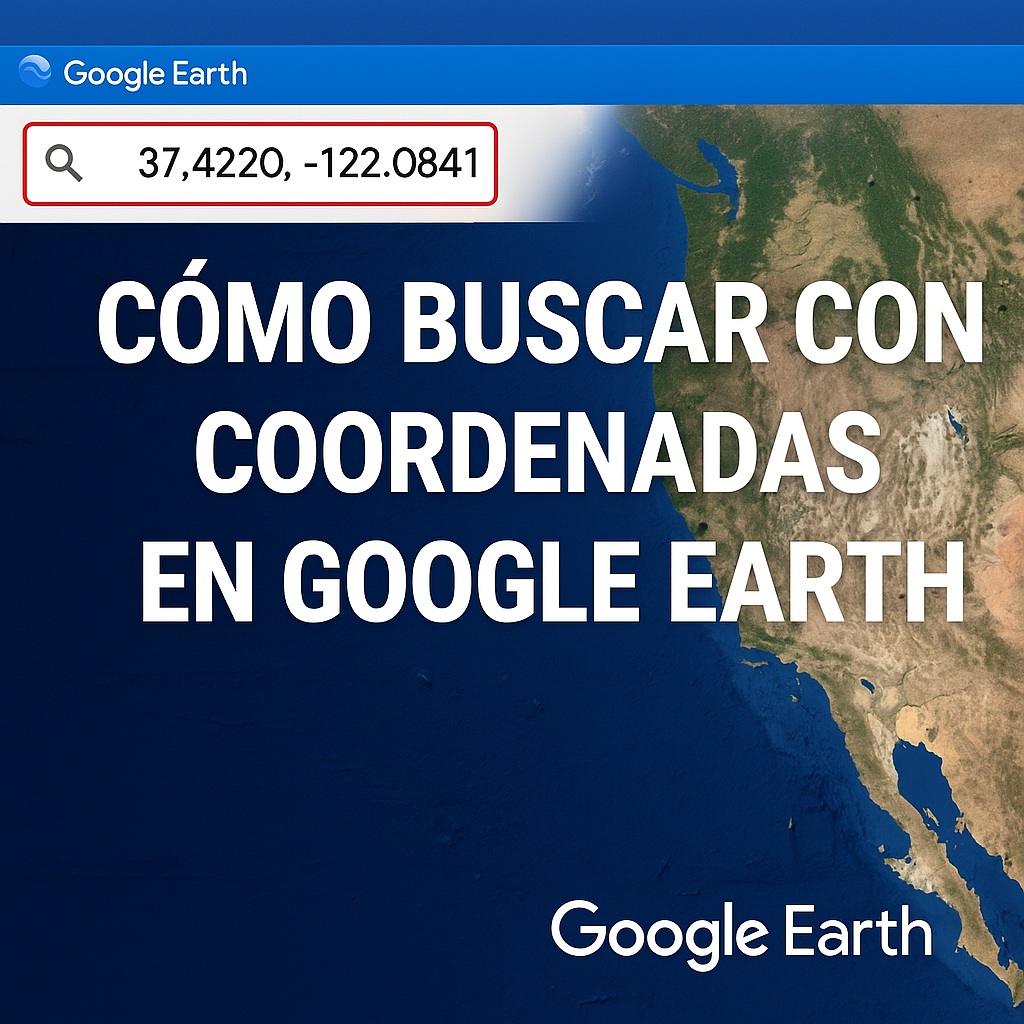
Do you need to find an exact location on Google Earth using coordinates, but don’t know where to start? Don’t worry, it’s easier than it seems. Whether they’re UTM coordinates, latitude and longitude, or even if you only have a point on the map, here I’ll explain how to do it without complications.
Sometimes it happens that you have the coordinates, you enter them into Google Earth… and nothing shows up. Or worse, it sends you to the middle of the ocean. It’s not that the tool fails, it’s that you need to know how to enter them correctly. Let’s see how to search for any place with precision, without getting the “location not found” message.
How Do You Search for a Place with Latitude and Longitude on Google Earth?
If you have the coordinates in classic format (like 40.4168° N, 3.7038° W), you just need to:
- Open Google Earth.
- Paste the coordinates into the search bar at the top.
- Make sure they’re in the correct order (latitude first, then longitude).
Note: whether you use commas or periods depends on your device’s language. If it doesn’t work, try switching them.
Searching with UTM Coordinates on Google Earth (Step by Step)
UTM coordinates are another common format, especially in surveying or military contexts. To use them:
- Open Google Earth and go to “Tools” > “Options”.
- Change the display to “Universal Transverse Mercator (UTM)”.
- Now you can enter the UTM coordinates directly into the search bar.
If the option doesn’t appear, you may need to enable “Pro Mode” in settings.
Common Problems When Searching with Coordinates (and How to Fix Them)
- It sends you to another continent: Check whether you’re using decimal degrees (40.123) or degrees, minutes, and seconds (40° 7′ 22″). Google Earth accepts both, but if you mix them up, it gets confused.
- It doesn’t recognize the UTM coordinates: Make sure to include the zone (e.g., “30T 430000 4500000”).
- The marker isn’t precise: Zoom in as far as possible; sometimes the exact point is further down.
Tricks to Use Google Earth Like an Expert
- If you’re searching for a place with poor signal (like mountains or jungles), download the map beforehand in offline mode.
- Use “Earth Zoom” to see details in high resolution (perfect for terrain or buildings).
- Save your locations in “My Places” so you don’t lose them.
Can You Search for Places with Only Part of the Coordinates?
Yes, but it won’t be exact. If you only have the latitude, Google Earth will show you a horizontal line where the point could be. If you combine both, it will give you the specific location.
Alternatives If Google Earth Doesn’t Work for You
If the coordinates don’t load, try:
- Google Maps (supports lat/long, but not UTM).
- Apps like GPS Coordinates or GeoPointer.
Frequently Asked Questions
Why can’t Google Earth find my coordinates?
It could be due to incorrect format, misplaced symbols, or the point being in the middle of the sea (this sometimes happens with old data).
How do I search for an address if I only have the UTM?
Convert the UTM to latitude/longitude with tools like EPSG.io and then search for them on Google Earth.
Can you search with coordinates on mobile?
Yes, the Google Earth app lets you paste coordinates just like on PC.
If after all this it still doesn’t work, check that you don’t have an extra space or a strange symbol. Sometimes the problem is that silly.


