

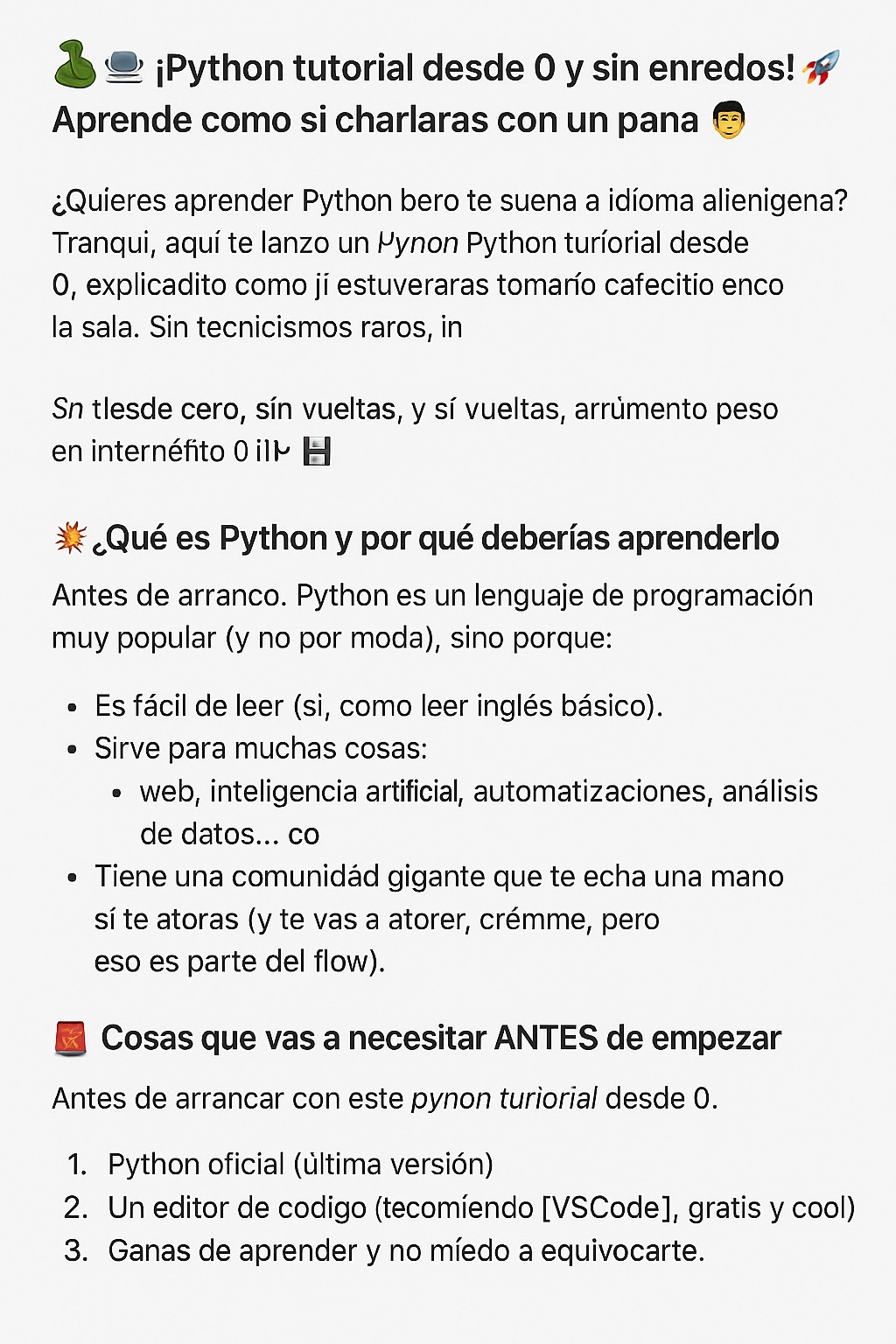
Do you want to learn <a href="https://www.empresadeserviciosweb.com/post/descargar-calculadora-cientifica-portable-free-pc-windows/” title=”python“>python <a href="https://www.empresadeserviciosweb.com/post/datos-interesantes-sobre-la-intelligence-artificial-que-quizas-no-conocias/” title=”but”>but it sounds like an alien language to you? Chill, here I bring you a Python tutorial from 0, explained like we’re having a little coffee chat in the living room. No weird technical jargon, no beating around the bush, and yes… from absolute zero. 😎
I recommend you check out this article, it’s interesting: How to Boost Your Link Building Strategy to Improve Your SEO?.
Also, this post isn’t one of those that just drops “install <a href="https://www.empresadeserviciosweb.com/post/diseno-y-estructura-de-un-sitio-web/” title=”this”>this and see what happens.” Here I explain everything: the what, the how, the why, and even the “what happens if you don’t do it right.” So save this post because it’s worth digital gold! 💾🔥
💥 What is Python and why should you learn it?
First, let’s get to the point. Python is a very popular programming language (and not just because it’s trendy), but because:
- It’s easy to read (yes, like reading basic English).
- It’s useful for many things: web, artificial intelligence, automation, data analysis… everything.
- It has a huge community that gives you a hand if you get stuck (and you will get stuck, trust me, but that’s part of the flow).
🚧 Things you’ll need BEFORE starting
Before starting with this python tutorial from 0, download this:
- 🔗 Official Python (latest version)
- A code editor (I recommend VSCode, free and cool).
- Willingness to learn and zero fear of making mistakes. If you don’t fail, you don’t learn.
🧠 Installing Python like a pro (even if you’re a noob)
💻 Step 1: Install Python
- Go to the official Python website (the link above ☝️).
- Download the most recent version (choose your system: Windows, macOS or Linux).
- IMPORTANT: during installation, check the “Add Python to PATH” box. This is key. 🔑
📝 Step 2: Verify the installation
Open the terminal or console (yes, the black screen):
python --version
If you get something like Python 3.12.2, you’re on the right track. If not, uninstall and repeat the step checking that PATH box (most people forget it 😅).
🎨 Your first Python script (the classic, but with style)
Open VSCode or your editor. Create a file called hello.py and write:
print("Hello world from Python!")
Save, run in the terminal:
python hello.py
And boom 💥: The message should appear. If it does, you’re on your way. If not, don’t panic. Check it, it might be a misplaced period.
🔄 Variables, conditionals, loops: The basics but powerful
🔢 Variables
name = "Luis"
age = 30
🤔 Conditionals
if age >= 18:
    print("You are of legal age")
else:
    print("You are still young")
🔁 Loops
for i in range(5):
    print("Iteration", i)
This is the core of Python. Once you master this, you can already build mini programs.
🧩 Extras to level up (and so no one pulls your leg)
- 📦 Modules: Pieces of code that others already wrote and you can use. pythonCopyEdit
import random print(random.randint(1, 10)) - 🧪 Functions: To avoid repeating code. pythonCopyEdit
def greet(name): print(f"Hello {name}!") - 📁 Lists and dictionaries: To store data and use it without crying. pythonCopyEdit
fruits = ["apple", "banana", "orange"] data = {"name": "Luis", "age": 30}
⚖️ Pros and Cons of learning Python
✅ Pros:
- Simple syntax.
- Huge job demand.
- Versatile: data science, bots, apps, everything!
❌ Cons:
- It’s not as fast as C++ or Java (but meh, for 90% of things it’s more than enough).
- You can get too used to the “easy” stuff and then other languages will seem cryptic to you.
🎯 What can you do when you finish this tutorial?
- Automate boring tasks.
- Analyze Excel data like a ninja.
- Create bots for Telegram or Discord.
- Build web pages with Django or Flask.
- And get started in artificial intelligence!
🧭 What now? Next steps…
After this python tutorial from 0, I recommend:
- 📚 Free course on W3Schools
- 📘 Official Python documentation (here)
- 🔍 Find projects on GitHub to practice (don’t just watch, do them yourself!).
🎁 Closing with a golden bow
You already know the basics. This was more than a python tutorial from 0, it was a chat with good vibes. Keep exploring, don’t stop if something fails, and remember: code that doesn’t break, doesn’t teach.
Did you like it? Save it, share it with that friend who always says “I’m going to learn to program” but never starts. 😜
See you in the next post… and may the code be with you! 🧙♂️💻


