

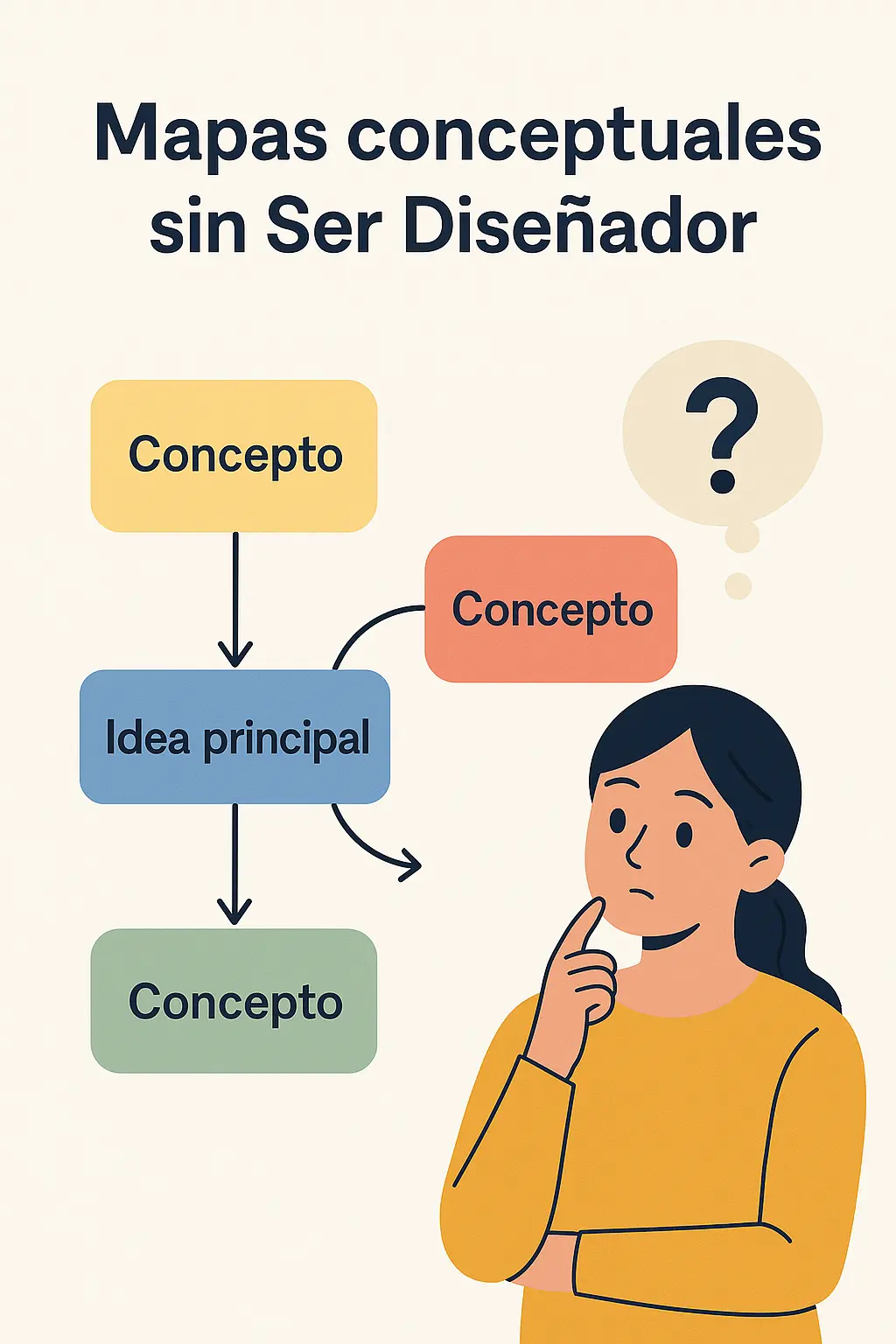
Look, you don’t need to be an artist or have a master’s degree in design to make a concept map that looks nice and is understood right away.
I say this because more than one person still makes maps with Paint or in Word, and oh my… they look like a demonic puzzle 😂
I recommend checking out this interesting article: What is jQuery and how is it used in WordPress?.
🛠️ Tools that save your life (and your time):
🔹 Canva – Free, easy, and it already has templates for concept maps. You just drag, type, and done. Literally, a 10-year-old can do it.
🔹 Lucidchart – For those who want something more pro, but it’s still very intuitive.
🔹 MindMeister – This one is more for mind maps, but hey, it works too.
🔹 Whimsical / Coggle – All online, no installation needed, and with cute little drawings that make your map look like it was made by a designer even though you only added two arrows 😅
💡 What do you need? Just have your ideas clear
Don’t go crazy with thousands of colors or weird fonts. A concept map has to be:
✔️ Clear
✔️ Quick to understand
✔️ Visual
✔️ And if it can be pretty, even better 🙌
🤯 And what is this good for?
- For studying without losing your mind
- For presenting ideas in class or at work without putting anyone to sleep
- For organizing your head when you have 200 things on your mind
- Or just to show off that “look at what a cool map I made all by myself” 😎
So now you know: you don’t need to be a designer, you just need the desire and to know where to click.
And if someone tells you that “making maps is complicated”… send them this post so they can learn too 🤭
Do you already use any of these tools? Or are you still drawing with a pen in a ’90s notebook? 📒
Comment and share the trick with whoever needs it! 🔁👇
FAQ – Concept Maps Without Being a Designer
What is a concept map?
A concept map is a visual representation of concepts connected to each other through lines or arrows that explain the relationship between them.
What is the difference between a concept map and a mind map?
A mind map is more free and creative, while concept map design follows a clearer and more organized hierarchical structure of ideas.
Do I need to know graphic design to make a concept map?
No, thanks to online design tools with pre-designed templates, you can create maps without any design knowledge.
What tools can I use to make concept maps?
You can use platforms like <a class="" href="https://www.canva.com/”>Canva, <a class="" href="https://www.lucidchart.com/”>Lucidchart, CmapTools and Asana.
What are concept maps good for?
They are good for improving learning, summarizing complex ideas, organizing projects, or making presentations easier.
Can I use concept maps at work?
Yes, they are perfect for process visualization, organization of tasks and strategies.
Can concept maps be made on a phone?
Yes, many tools like Canva and Lucidchart have very complete mobile apps.
What is a pre-designed template?
It is an already-created outline that you can customize, ideal for saving time and focusing on the content.
How do I connect concepts in a concept map?
They are connected through lines or arrows, using linking phrases that explain the relationship between them.
Is a graphic organizer the same as a concept map?
A graphic organizer is a broader term; a concept map is a specific type within this category.
What benefits does using concept maps for studying have?
They help with information retention, encourage understanding, and make visual review easier.
Can concept maps be made in PowerPoint?
Yes, although tools like Lucidchart offer more specific features for this purpose.
Are concept maps good for children?
Yes, they are excellent for explaining complex concepts in a visual and simple way.
What is a hierarchical structure in a concept map?
It is the organization of ideas in descending order: from the main concept to the secondary ones.
Can I export my concept map to PDF?
Yes, most platforms allow you to export your design in formats like PDF or image.
How does a concept map improve team communication?
It allows everyone to clearly see how ideas are connected, improving collaboration.
Are there specific templates for flowcharts?
Yes, many tools also offer flowcharts as an option for visualizing processes.
What if I don’t know where to start my concept map?
Start with the main idea in the center and then break it down into subtopics with the help of a pre-designed template.
What differences are there between a learning outline and a concept map?
A learning outline is usually more linear; a concept map is more flexible and visual.
How long does it take to make a concept map?
It depends on the complexity, but with digital tools you can do it in minutes.


