

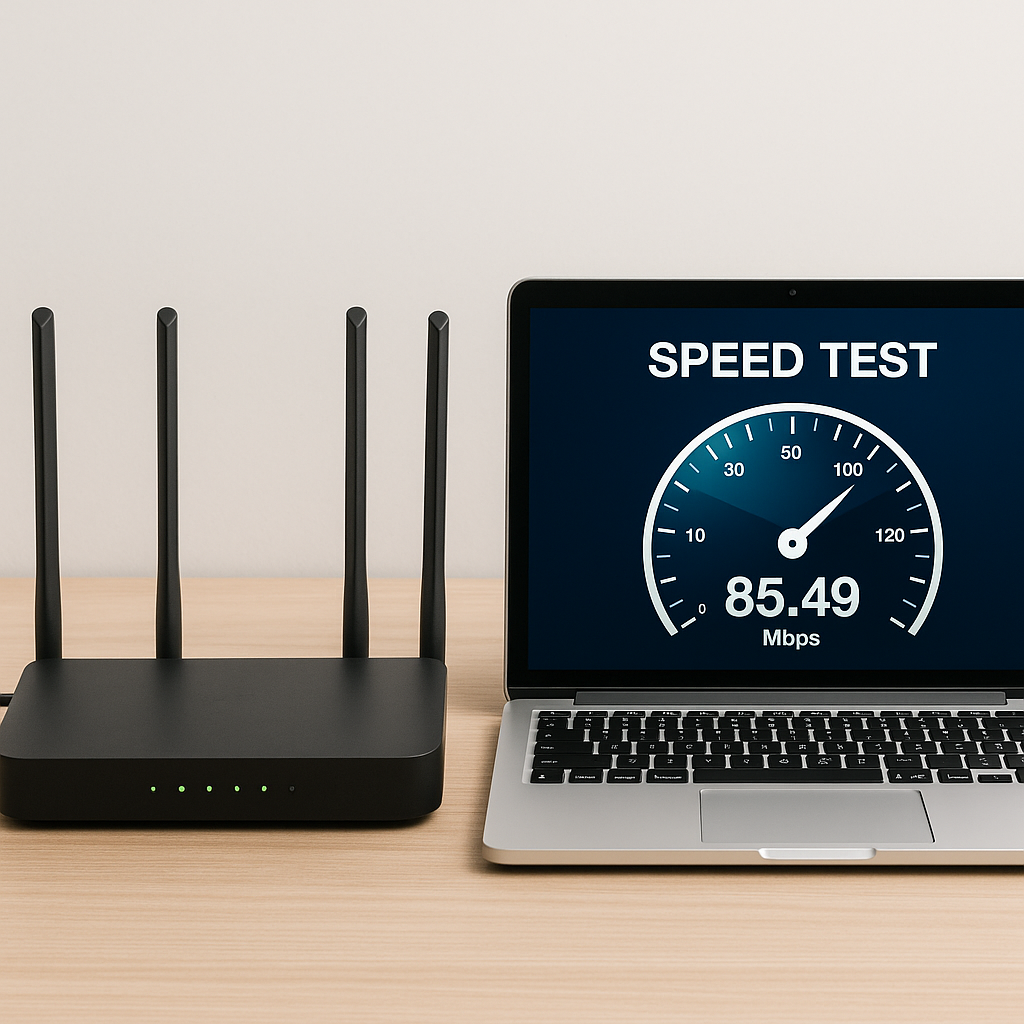
Here I <a href="leave you a really cool TUTORIAL so you can check if your connection is being lazy 🛋️📶
I recommend you check out this article, it’s interesting: <a href="https://www.empresadeserviciosweb.com/black–hat–seo-y-sus-consequences/” title=”Black Hat SEO and its consequences” class=”internal-recommendation” target=”_self” rel=”noopener”>Black Hat SEO and its consequences.
Yes, I also thought it was Netflix’s fault or my laptop… but no, it was my WiFi crawling through life. 😩
📋 STEP BY STEP to check if your internet is running as it should:
✅ 1. Run a speed test (don’t trust your gut feeling) 🧪📡
Before blaming the router, the neighbor, or the dog lying down near the modem… try this:
🔗 Sites to measure your REAL speed:
- ⚡ https://fast.com → the fastest one, by Netflix
- 📊 https://speedtest.net → shows ping, download and upload
- 🌍 https://testvelocidad.eu → more local, useful for Spain
🧠 Quick tip:
Run the test several times a day. You’ll see if your connection is stable or if it goes for a stroll in the afternoons 🕓📉
✅ 2. Restart the router (and no, I’m not kidding) 🔌🔁
Yes, I know it sounds basic, but it WORKS.
🔌 Turn it off for about 10 seconds and turn it back on.
It’s like a mental reset, but for your internet 😅
✅ 3. Place it well (out of the closet!) 🧭📡
💡 Put the router up high and in an open area.
Don’t hide it behind the microwave or inside a piece of furniture.
👉 WiFi doesn’t go through walls like it’s Goku.
✅ 4. Check who’s connecting without permission 👀🔍
👻 Do you suspect a neighbor is “stealing your cable“? Here’s how to catch them:
📱 Use apps like:
- 🔍 Fing
- 🔒 Who is on my WiFi
- Or go into the router settings (usually at 192.168.1.1)
🧓 I found out the guy on the third floor was watching YouTube with MY WiFi. Unbelievable 😤
✅ 5. If your router is old… give it eternal rest ⚰️🧓
📅 If it’s more than 5-6 years old, it’s about time to replace it.
Many old routers can’t handle today’s connections.
📞 Call your provider, sometimes they’ll swap it for free just for complaining a bit 😉
✅ 6. If you game online or watch 4K movies: use a CABLE 🎮🎬
WiFi is fine, but an Ethernet cable is the Ferrari of connections:
- More speed
- Fewer dropouts
- Ideal for gaming sessions without lag or shows without annoying pauses
🤔 What if everything is still just as bad?
🗣️ Call your provider!
Have them check the line, because sometimes they can make adjustments from the central office that improve the connection without you lifting a finger.
🧡 Did the tutorial help you?
I went from internet that seemed straight out of the 90s to one that runs like a rocket 🚀
If you like it, share it, because I’m sure you have a friend or family member struggling with their WiFi too 😂
💬 Tell me below what your speed test gave you and if you’ve caught anyone “leeching” off your WiFi 🙊👇
#SlowInternet #WiFiTips #RealTutorial #ConnectionOnFire #SmartWiFi


