<a href="https://www.empresadeserviciosweb.com/post/como-vincular-google-analytics-con-wordpress-para-principiantes/” title=”How to Link Google Analytics with WordPress for Beginners?”>How to insert a post into a page in WordPress easily? It’s very easy: simply access your dashboard, create a new post and publish it in the corresponding section. Keep reading to discover all the steps in more detail. .
I recommend you check out this article, which is interesting: <a href="https://www.empresadeserviciosweb.com/resultados-seo-30-dias/” title=”My Services as an SEO agency in Barcelona” class=”internal-recommendation” target=”_self” rel=”noopener”>My Services as an SEO agency in Barcelona.
Creating a post on a WordPress page may seem complicated at first, but it’s actually simpler than you imagine. First, log in to your WordPress dashboard. If you don’t know how to do it, use your custom access link, usually “yourdomain.com/wp-admin”. From there, you’ll be just a few clicks away from publishing content.
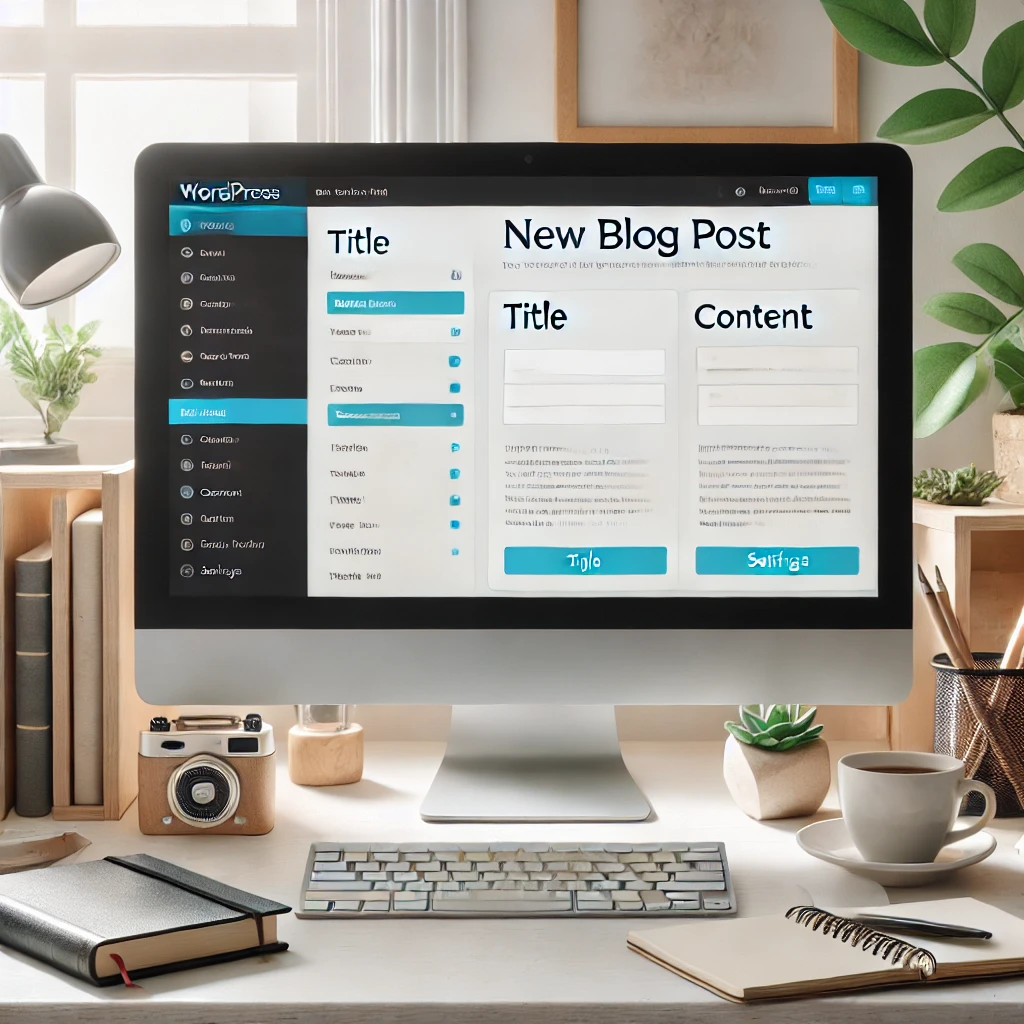
In the left menu, look for the “Posts” option and select “Add new”. This is where the magic begins. You’ll be able to write your title, add the main text and format it using the visual editor. WordPress allows you to add images, videos and links to enrich your content, making your post attractive and useful for visitors.
Once you have your content ready, check the settings section in the right sidebar. Here you can choose the category, tag your post and set a featured image. This not only improves the user experience, but also helps your publication have better performance in search engines like Google.
When you’re satisfied with your post, simply click the blue button that says “Publish”. And that’s it! You now have a new post on your WordPress page. But if you need to make changes after publishing it, don’t worry. You can go back to the editor, make adjustments and update it at any time.
Want to optimize your content even further? Use tools like SEO plugins to make sure your post is well positioned. Keywords, descriptions and friendly URLs are essential to stand out in Google searches.