

Do you have a <a href="<a href="https://www.empresadeserviciosweb.com/servicios/https/”>https://www.empresadeserviciosweb.com/post/con-una-buena-estrategia-seo-tu-negocio-en-barcelona-puede-crecer-de-forma-exponencial/” title=”local“>local, do you sell something on Instagram, do you do nails, do you cut hair, do you sell homemade food, or do you do delivery? Then this interests you… a lot. Because without being on <a href="https://www.empresadeserviciosweb.com/post/con-una-buena-estrategia-seo-tu-negocio-en-barcelona-puede-crecer-de-forma-exponencial/” title=”google“>google, today you don’t exist. Literally.
I recommend you check out this interesting article: <a href="https://www.empresadeserviciosweb.com/reventaron-cuenta-abrir-link-sin-revisar-phishing-estafa-seguridad/” title=”📉👎 Me reventaron la cuenta por abrir un link sin revisar… no seas como yo” class=”internal-recommendation” target=”_self” rel=”noopener”>📉👎 They blew up my account for opening a link without checking… don’t be like me.
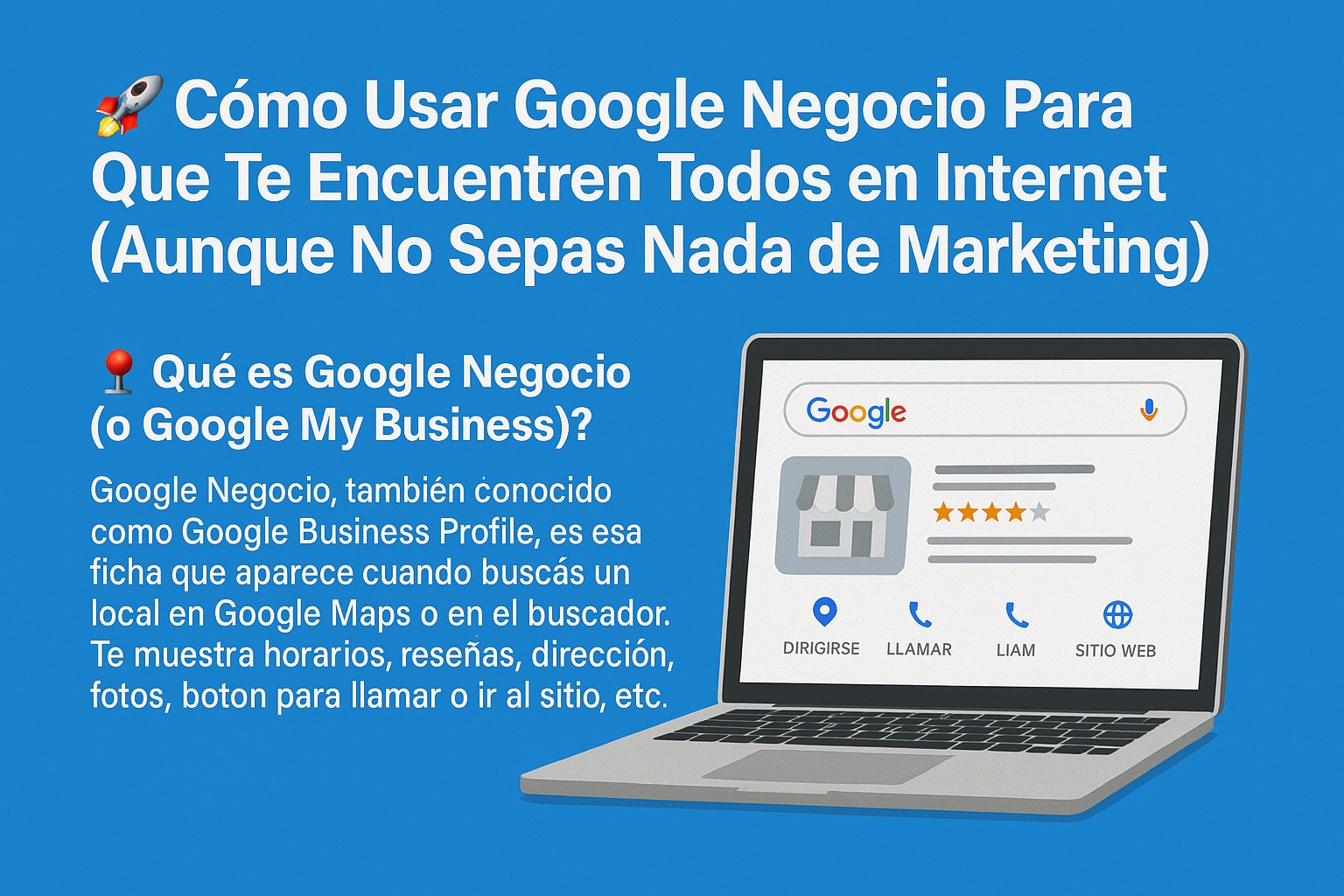
📌 What Is Google Business (or Google My Business)?
Google Business, also known as Google Business Profile, is that listing that appears when you search for a business on Google Maps or in the search engine. It shows you hours, reviews, address, photos, a button to call or go to the website, etc.
It’s like your online business card. And the best part: it’s FREE.
💡 What Is It Really For?
Many people think that having Instagram or TikTok is enough. But when someone wants to search for something “near me”, where do they go? To Google.
And that’s where you come in if you have your Google Business activated.
✅ It gives you immediate local visibility
✅ It helps you appear on Google Maps (with a real address or without one, if you do delivery)
✅ You can receive messages or calls directly from Google
✅ People leave reviews, and that gives you more trust and positioning
✅ You show your products or services with real photos
🎯 How to Create Your Google Business Step by Step (WITHOUT LOSING YOUR MIND)
🔸 Step 1: Create an account (if you don’t have one)
- Go to 👉 <a href="https://business.google.com/es/business-profile/”>https://www.google.com/business/
- Use a Gmail account (you can create a new one just for your business if you want to keep it separate)
🔸 Step 2: Add your business name
➡️ Use the name as your people know it. If they search for you as “Uñas Flor 💅,” don’t put “Servicios de manicure Florencia…”
🔸 Step 3: Choose a category
💡 Here it’s KEY that you put something Google understands. Example:
- “Hair salon”
- “Takeaway food”
- “Beauty center”
You can add more later, but the main one has to be clear.
🔸 Step 4: Address or area
📍 If you have a physical location, put the exact address.
📍 If you don’t want to show your address, you can choose “don’t show it” and select the areas where you serve (ideal if you do delivery or go to people’s homes).
🔸 Step 5: Contact information
📞 Phone
🌐 Website or social media (if you don’t have a website, you can put your Instagram, it still helps)
🕒 Real hours
🔸 Step 6: Verification
Google will ask you to verify that you’re real. It can be by:
- Physical letter (takes a few days)
- Text message
- Video selfie showing your location (yes, it sounds weird but it works)
🔐 This is necessary for your profile to appear publicly.
🎥 Want to see it in video? Here’s an official Google tutorial:
📸 How to Optimize Your Profile and Gain Visibility (Even Without Paying for Ads)
Once you’re online, don’t fall asleep. Here’s the real flow to level up:
🔹 Add real (and current) photos
📸 Photos of your products, your space, what you do. Avoid stock photos or ones that look staged. Natural wins.
🔹 Ask for reviews (without shame)
📲 Send the link to your clients after good service.
💬 “Did you like the haircut? Want me to send you the link so you can leave me a review? It really helps me!”
🔹 Respond to everyone (yes, even the bad ones)
🧘🏼♂️ Respectfully, always thank them. Google values real interaction.
🔹 Use weekly posts
📢 It’s like mini posts where you can announce promos, new services, or events.
💯 This keeps your profile active = more visibility.
✅ Pros and Cons of Google Business
✔️ Pros
- FREE
- Visibility on Google and Maps
- Builds trust and professionalism
- Ideal for small or home-based businesses
- Can be managed from your phone
❌ Cons
- The verification process sometimes takes a while
- If someone leaves you a bad review, it can hurt (but it can be managed)
- It requires maintenance (like everything that works)
💡 SEO Tips to Rank Fast on Google 🧠
🧷 Local keywords in the description
🧷 Enable messages (from Google)
🧷 Keep your hours updated
🧷 Link your listing from your website or social media
🧷 Don’t copy your website description, make it unique

