

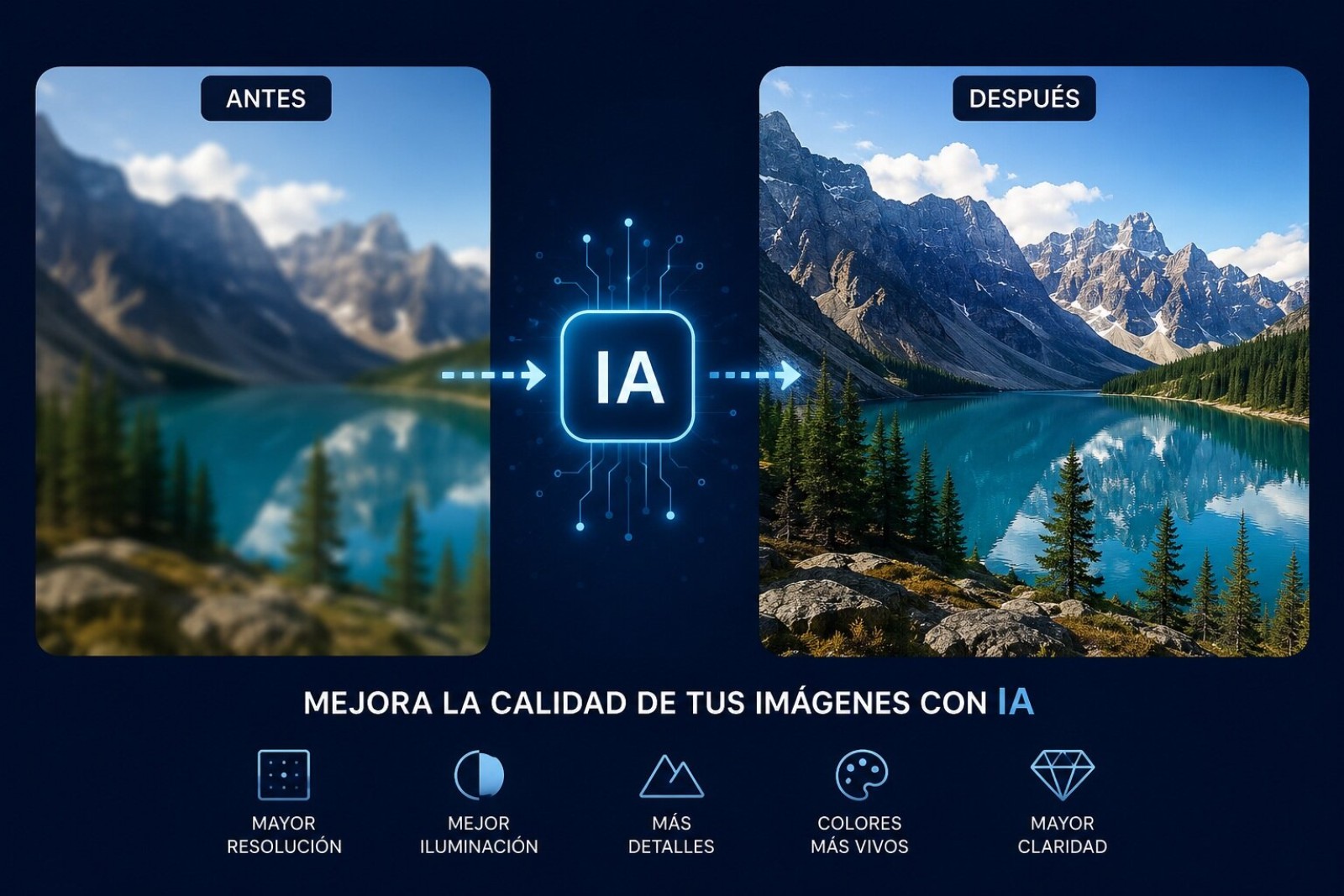
Improving the quality of photos with AI is no longer a promise of the future; it’s a reality that hits you on your phone or computer every other day. But be careful, not all AI is the same or serves the same purpose, and this is where most people get lost thinking that with a single click they already have a photo in 4K. If you apply this technology to your memories, the change is brutal.
The key is knowing which tool to use for each problem. Because it’s one thing to have a blurry photo due to poor focus and quite another for it to be full of noise from having been taken in low light. That’s where you have to choose wisely. Modifying an old image is not the same as retouching a modern portrait.
From blurry to sharp: Choose your poison wisely
If what you have is a photo with a laughable resolution or that looks like you took it with a potato, the solution is AI upscaling. This thing of “increasing resolution with AI” is not like stretching an image in Paint, which fills up with little squares. What AI does is guess and fill in the missing details so the photo looks good when enlarged.
Here you have everything. Topaz Gigapixel is the king for many, but it has a price that hurts. Then you have more affordable options like Aiarty Image Enhancer, which in my tests has proven to generate very good natural details, even on skin and textures. But if you’re too lazy to install anything, websites like Let’s Enhance or Clipdrop promise you the miracle in the browser, although with the caveat that your photos are processed in the cloud. There are also online sites that let you work with your images without installing software.
The phone is the new photography studio
Don’t think you need a supercomputer for this. Mobile apps have taken a massive leap. Applications like PixPretty are integrating cutting-edge AI models, such as GPT Image 2 or Qwen Image, allowing you to generate and edit images directly from your phone with 4K results. Plus, you can make advanced adjustments without needing a powerful computer.
Another beast is Fotor, which goes one step further and lets you improve quality with voice or text commands, as if you were talking to a professional editor. That “improve blurry photo with one tap” feature is what those who don’t want to complicate their lives and are looking for quick results for their social media use. With this tool you can compose and assemble scenes that previously required hours of work.
And what about the heavyweights Photoshop and Lightroom?
Well of course, the big guys have also jumped on the bandwagon. Adobe has integrated its Firefly generative AI models into Photoshop and Lightroom, but with an important twist: instead of developing its own generative upscaling technology, they have acquired Topaz Labs to integrate its models into the suite. If you’re one of those who likes to photoshop in depth, this integration is going to delight you.
This is interesting because it works non-destructively and integrates with the entire professional workflow. Lightroom now includes a “Generative Upscale” option that uses Topaz Gigapixel technology to enlarge images 2x or 4x, although each operation consumes Firefly credits (10 for 2x, 20 for 4x). Photoshop, for its part, combines its own rescaling algorithms (“Details Preserve 2.0”) with Firefly and Topaz technology to offer a hybrid solution.
In practice, while Photoshop offers a more “safe” rescaling that’s faithful to the original, Topaz Gigapixel is capable of generating sharper and more defined details, especially in aggressive enlargements like 400%. The key is knowing when to use each tool.
Comparing AI tools for photo enhancement
The market for AI tools for photographs in 2026 has clearly stratified according to user profile and type of work:
For the professional portrait photographer: (Pixel Cake) has become the standard in photography studios, offering an optimized workflow for mass editing of portraits with commercial quality results. Its “neutral grey dodge and burn” algorithm preserves skin texture while naturally retouching imperfections.
For the creator looking for all-in-one: Adobe Photoshop and Lightroom remain the most complete option for those who need total control over editing, combining traditional tools with Firefly’s new generative AI capabilities.
For the enthusiast looking for simplicity: Applications like Luminar Neo let you make spectacular changes with a single click, such as replacing skies or adding lighting, with a minimal learning curve.
For the restoration or enlargement specialist: Topaz Photo AI and Gigapixel (now part of Adobe) are the reference for those who need to recover lost details in old images or enlarge photographs for large-format printing.
For the occasional user or e-commerce: Web tools like Canva Magic Studio or PhotoRoom let you improve photos and create compositions quickly and easily without installing anything, ideal for social media or product catalogs.
AI for video editing
Adobe hasn’t stopped at photography. Its Firefly platform also includes video generation models integrated into Premiere Pro, allowing you to create clips from text or image, and add features like “Generative Extend” to lengthen existing footage. The integration of Topaz Labs into Adobe also promises to revolutionize video restoration, with technology that has already been awarded an Emmy.
Best AI applications for photography
The choice of the best application depends completely on your needs:
- For portrait professionals: Pixel Cake or Adobe Photoshop.
- For landscape and creative photographers: Luminar Neo.
- For those seeking an integrated workflow: ON1 Photo RAW or Adobe Lightroom.
- For detailed facial editing: PortraitPro.
- For upscaling and restoration: Topaz Gigapixel (now integrated into Adobe) or Aiarty Image Enhancer.
Trends in generative AI
In 2026, generative AI has become deeply integrated into the creative workflow. Adobe Firefly, for example, not only lets you generate images and videos, but its “AI Assistant” is an intelligent agent that understands natural language commands and can orchestrate complex tasks across Photoshop, Premiere, and Lightroom, automating complete workflows. The trend is toward AI as orchestrator, not just another tool.
How AI upscaling works
AI upscaling works through deep learning models that have been trained with millions of pairs of low and high resolution images. These models learn complex patterns of textures, edges, and colors to “imagine” what details should exist in the missing pixels. It’s not a simple stretch, but an intelligent reconstruction.
There are different approaches: some models are more “conservative” and stay faithful to the original pixels (like Photoshop’s), while others are more “generative” and dare to create new details that may not exist in the original image, but that make it look sharper and more realistic (like Topaz’s).
A key aspect is where the image is processed: desktop applications like Topaz or Aiarty process locally, guaranteeing the privacy of your photos, while web tools send them to the cloud. Additionally, performance varies; for example, Topaz Gigapixel usually gives better results on portraits and wildlife, while Aiarty has shown surprisingly good performance on architecture and still life images.
AI for graphic design
In graphic design, AI has become an indispensable companion. Platforms like Canva integrate Magic Studio to create designs with a simple prompt, while Adobe Firefly allows you to generate vector and photographic graphic elements that are integrated directly into design projects. The ability to expand backgrounds, remove objects, or generate variations of a design in seconds is redefining productivity in this sector. Now you can compose and assemble complete graphic pieces in minutes.
Free AI tools for editing
Although professional tools are usually paid, there are free options that can be very useful for occasional use. Additionally, many free versions allow you to try the basic features before deciding on a subscription:
- Adobe Firefly (free tier): Offers 25 monthly credits to test its image generation capabilities.
- Canva Magic Studio (free tier): Allows access to basic editing and generation features.
- Upscayl: It is an open-source and completely offline alternative that allows you to upscale images without an internet connection.
- Mobile apps like PixPretty offer image generation models for free with limited functionalities.
AI in the web services sector
In the web services sector, AI is used to automate the creation of visual content. Tools like PhotoRoom have specialized in editing product images for e-commerce, generating backgrounds and retouching photos on a massive scale. The integration of AI in services like Shopify allows small merchants to create professional–quality product images without the need to hire a photographer. The trend is for these AI services to become increasingly specialized and to be integrated directly into e-commerce and social media platforms. More and more online pages offer these features for free or with limited free plans.
In summary: AI has democratized access to professional photo editing. Now, both a studio photographer and an occasional user have incredibly powerful tools at their disposal. The key is to choose the right tool for each need, understanding its strengths and limitations. Whether you want to modify, retouch, compose, or assemble your images, there is always an AI solution for you.


