

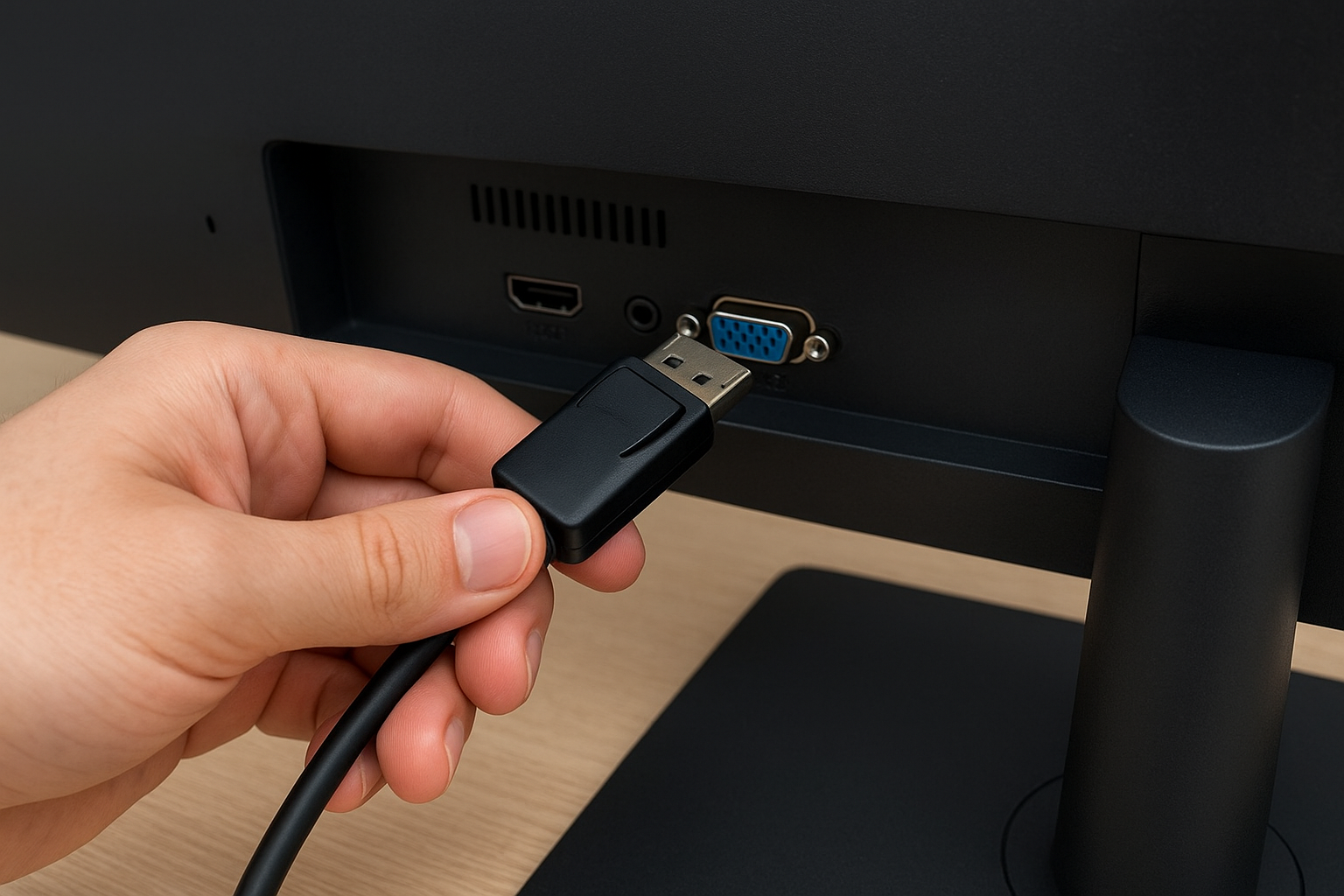
🚀 Gaming or Office? Discover WHICH DisplayPort cable you need for YOUR 144Hz monitor. Comparison, prices, and AVOID buying the WRONG one.
What is DisplayPort, what is it used for, and what types are there?
In many tech forums and blogs, the same question keeps coming up: what is DisplayPort and what is it used for?. At first glance it looks like just another connector, but in reality it is one of the most powerful standards for transmitting digital video and audio.
DisplayPort was developed by VESA to overcome the limitations of HDMI, especially in work and gaming environments. It allows for higher resolutions, better refresh rates, and stability designed for long working sessions.
The best-known versions are DisplayPort 1.2, 1.4, and the new DisplayPort 2.1. Each update has improved bandwidth capacity, which translates into greater quality and compatibility with future technologies.
Differences between DisplayPort and HDMI
Although both connectors are used on monitors and televisions, DisplayPort is usually preferred on gaming and professional monitors. HDMI is more common on televisions and consoles, while DisplayPort offers greater stability at high refresh rates.
Types of DisplayPort by version
- 1.2: supports 4K at 60Hz.
- 1.4: allows 8K with DSC compression.
- 2.1: reaches 8K without compression and multiple simultaneous 4K monitors.
DisplayPort to VGA cable
The demand for a DisplayPort to VGA cable shows that many users still need to connect modern equipment to older monitors. It is not uncommon to see this type of adapter in offices and classrooms.
The interesting thing is that it is not a passive cable. It includes an internal chip that converts the digital signal from DisplayPort into an analog VGA signal. That allows a monitor from more than 15 years ago to keep working with a current PC.
Of course, quality is limited to VGA’s capabilities. You cannot expect 4K resolutions or modern refresh rates, but it is still useful for basic tasks.
Advantages of using a DisplayPort to VGA cable
- It allows you to make use of old monitors.
- An economical solution without needing to change screens.
- Simple installation with no advanced configurations.
Limitations of this type of connection
The main limit is resolution and refresh rate. While DisplayPort supports 144Hz or more, VGA barely reaches 60Hz at low resolution.
144Hz DisplayPort cable
In the gaming world, a 144Hz DisplayPort cable has become almost mandatory. Anyone who plays competitive shooters or seeks smoothness in demanding titles absolutely needs a cable that supports that refresh rate.
While HDMI 1.4 fell short, DisplayPort 1.2 and later allow you to enjoy 144Hz at 1080p, 1440p, and even 4K in some cases. This makes the difference in the visual experience, eliminating flickering and visual lag.
That said, not all cables offer the same quality. Buying a certified one ensures that the monitor will receive the signal without cuts or errors.
Difference between a cheap cable and a certified one
An inexpensive cable may work at low resolutions, but when demanding 144Hz the signal can lose stability. Certified ones guarantee speed and reduce compatibility failures.
Why do gamers choose DisplayPort?
- Better support for high refresh rates.
- Compatibility with FreeSync and G-Sync.
- Stability during long gaming sessions.
DisplayPort 2.1
DisplayPort 2.1 is the most recent evolution and is designed for the future of digital video. Its biggest advantage is bandwidth: up to 80 Gbps. That means handling 8K HDR video or multiple 4K monitors at the same time without problems.
It also improves integration with USB-C, something key for modern laptops. Thus, a single cable can transmit video, data, and power efficiently.
Although not all devices incorporate it yet, it is expected to become the standard in a few years, especially in professional workstations and high-end gaming setups.
Advantages of DisplayPort 2.1
- Support for 8K without compression.
- Stable connection with multiple monitors.
- Integration with USB-C and Thunderbolt.
Comparison with previous versions
- DP 1.2: ideal for 4K at 60Hz.
- DP 1.4: supports 8K but with compression.
- DP 2.1: 8K without compression and multi-monitor without limitations.
Display Port in everyday life
Display Port is no longer a connector exclusive to professional environments. Today it is present in gaming monitors, design workstations, and many modern laptops.
Its main advantage is flexibility. It can adapt to VGA, HDMI, or DVI through converters, and still remain the most stable standard for high resolutions.
For those looking for longevity in their equipment, choosing DisplayPort ensures compatibility with technologies that will remain relevant in the coming years.
When to choose DisplayPort over HDMI
- If you are looking for 144Hz or more in competitive games.
- To work with multiple high-resolution monitors.
- If you need stability in long connections.
Final conclusion
Knowing what DisplayPort is, what it is used for, and what types exist is key before choosing a monitor, cable, or graphics card. Not all connectors are the same, and opting for the right one can make the difference between a limited experience and a smooth, professional one.


