

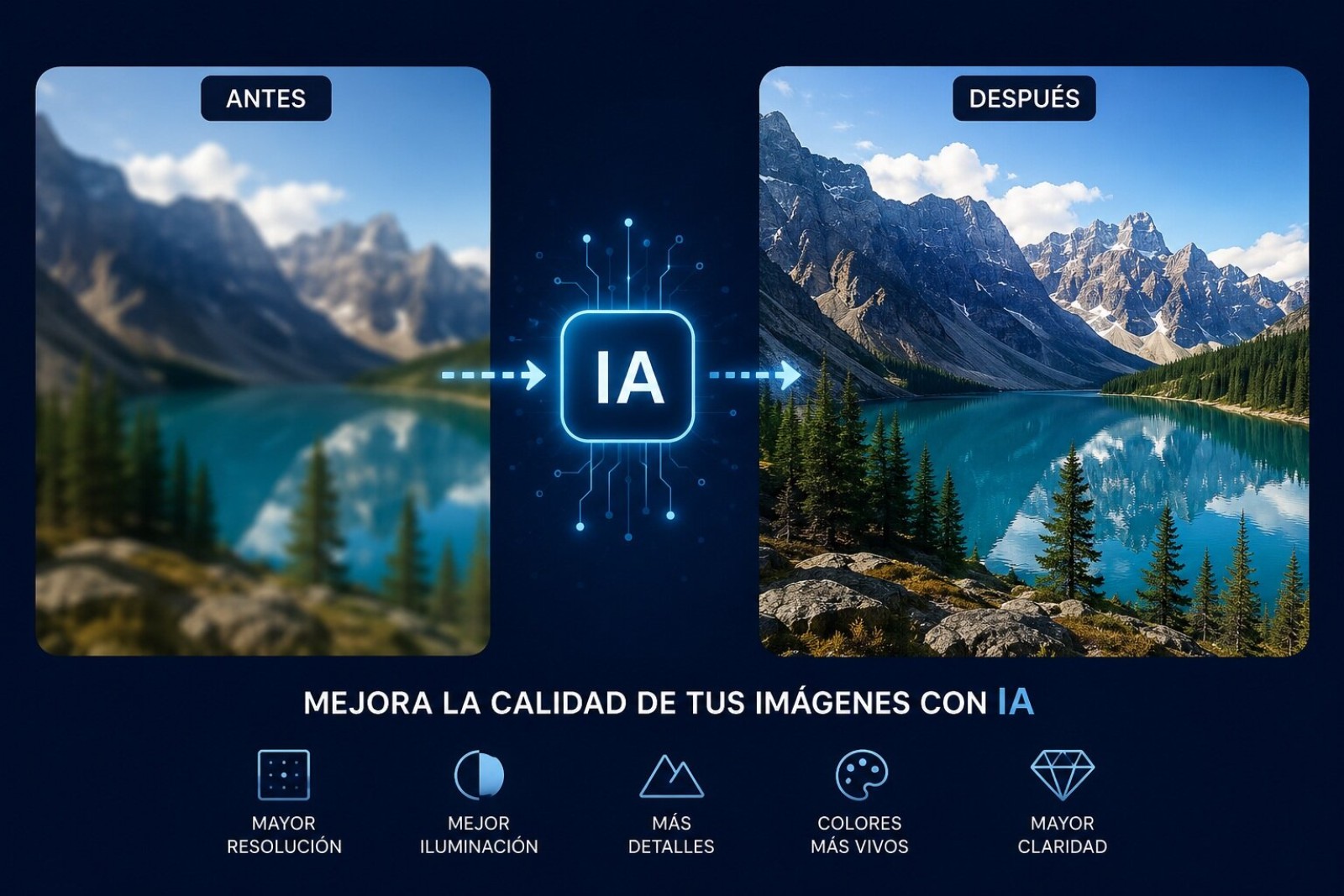
Improving the quality of your photos with AI is no longer some futuristic promise. It’s happening right now, on your phone or laptop, every single day. But here’s the catch: not all AI tools are created equal. Most people think one click equals 4K magic, and that’s just not how it works. If you’re working with old memories or blurry shots, knowing which free AI tools actually deliver is the difference between a rescue and a disaster.
AI Upscaling: The Real Deal Behind «Enhance Photo Quality»
Let’s get one thing straight. AI upscaling isn’t stretching an image in Paint until it’s a blocky mess. What these deep learning models do is reconstruct missing details based on millions of image pairs they’ve been trained on. They guess textures, edges, and colors to fill in the gaps. It’s intelligent reconstruction, not cheap resizing.
That said, the results vary wildly depending on the tool. If you’re looking for free AI tools for photo enhancement, you need to know where the good stuff hides. Topaz Gigapixel is the gold standard, but it costs serious money. Aiarty Image Enhancer is a more affordable alternative that, in my testing, handles skin and textures surprisingly well. And if you don’t want to install anything, web tools like Let’s Enhance or Clipdrop work in your browser, though they process your photos in the cloud.
One thing nobody tells you: where your image gets processed matters. Desktop apps like Topaz or Aiarty run locally, so your photos stay private. Web tools send everything to a server. And performance isn’t uniform either. Topaz Gigapixel crushes it on portraits and wildlife, while Aiarty shines on architecture and still life.
Your Phone Is Now a Full-On AI Photo Studio
You don’t need a supercomputer anymore. Mobile apps have made a massive leap. Apps like PixPretty are packing cutting-edge AI models, including GPT Image 2 and Qwen Image, letting you generate and edit images right from your phone with 4K results. No heavy hardware required.
Then there’s Fotor, which takes it further by letting you improve photo quality using voice or text commands. That «improve blurry photo with one tap» feature is exactly what social media creators want. You can compose scenes that used to take hours in minutes.
But here’s my honest take: mobile AI editing is convenient, but it’s not a replacement for a proper desktop workflow if you’re doing serious work. The gap is closing, though, and for quick social media content, it’s already more than enough.
Adobe’s Big Bet: Firefly, Topaz, and the Hybrid Workflow
Adobe didn’t sit this one out. They integrated Firefly generative AI into Photoshop and Lightroom, but instead of building their own upscaling tech from scratch, they acquired Topaz Labs and baked those models into the suite. That’s a power move.
Lightroom now has a «Generative Upscale» option using Topaz Gigapixel tech to enlarge images 2x or 4x. Each operation costs Firefly credits: 10 for 2x, 20 for 4x. Photoshop combines its own «Details Preserve 2.0» algorithms with Firefly and Topaz for a hybrid approach. In practice, Photoshop gives you a safer, more faithful rescale, while Topaz Gigapixel generates sharper, more defined details, especially in aggressive 400% enlargements.
Knowing when to use each is the whole game. For a portrait where skin texture matters, Photoshop’s conservative approach wins. For a landscape you want to print large, Topaz’s generative detail is the way to go.
Best Free AI Tools for Graphic Design and Photo Editing in 2026
The market has clearly stratified. Professionals, creators, enthusiasts, and casual users all have different needs, and free AI tools have carved out a real space.
- For portrait pros: Pixel Cake or Adobe Photoshop. Pixel Cake’s neutral grey dodge and burn algorithm preserves skin texture while naturally retouching imperfections.
- For landscape and creative photographers: Luminar Neo. One-click sky replacement and lighting changes with a minimal learning curve.
- For integrated workflows: ON1 Photo RAW or Adobe Lightroom.
- For upscaling and restoration: Topaz Gigapixel (now part of Adobe) or Aiarty Image Enhancer.
- For e-commerce and quick product shots: Canva Magic Studio or PhotoRoom.
Canva’s Magic Studio is a beast for graphic design. You can generate designs from a prompt, expand backgrounds, remove objects, and create variations in seconds. Adobe Firefly lets you generate vector and photographic elements that drop straight into your design projects. The productivity boost is real, but don’t expect it to replace a designer’s eye. It’s a tool, not a replacement.
Free AI Tools That Actually Work Without Paying a Dime
Yes, there are genuinely free options worth using. Adobe Firefly’s free tier gives you 25 monthly credits to test image generation. Canva Magic Studio’s free tier covers basic editing and generation. Upscayl is an open-source, completely offline upscaler that works without an internet connection, which is a huge privacy win.
Mobile apps like PixPretty offer image generation models for free with limited functionality. And web services like PhotoRoom have specialized in editing product images for e-commerce, generating backgrounds and retouching photos at scale. Shopify integrations now let small merchants create professional-quality product images without hiring a photographer.
My advice: use the free tiers to figure out what you actually need, then pay only for the one tool that solves your specific problem. Most people overpay for subscriptions they never fully use.
AI Video Editing: The Next Frontier
Adobe hasn’t stopped at photography. Firefly now includes video generation models integrated into Premiere Pro. You can create clips from text or images and use «Generative Extend» to lengthen existing footage. The Topaz Labs integration promises to revolutionize video restoration, with technology that already won an Emmy.
The trend in 2026 is clear: AI is becoming an orchestrator, not just another tool. Adobe’s AI Assistant understands natural language commands and can automate complex tasks across Photoshop, Premiere, and Lightroom. You tell it what you want, and it figures out the workflow. That’s a fundamental shift in how creative work gets done.
The real skill in 2026 isn’t knowing how to use AI. It’s knowing which AI to use, and when to trust it.
If you’re just starting, pick one free AI tool, master it, and expand from there. The ecosystem is massive, but the principles are simple: match the tool to the problem, and never assume one click fixes everything.
