

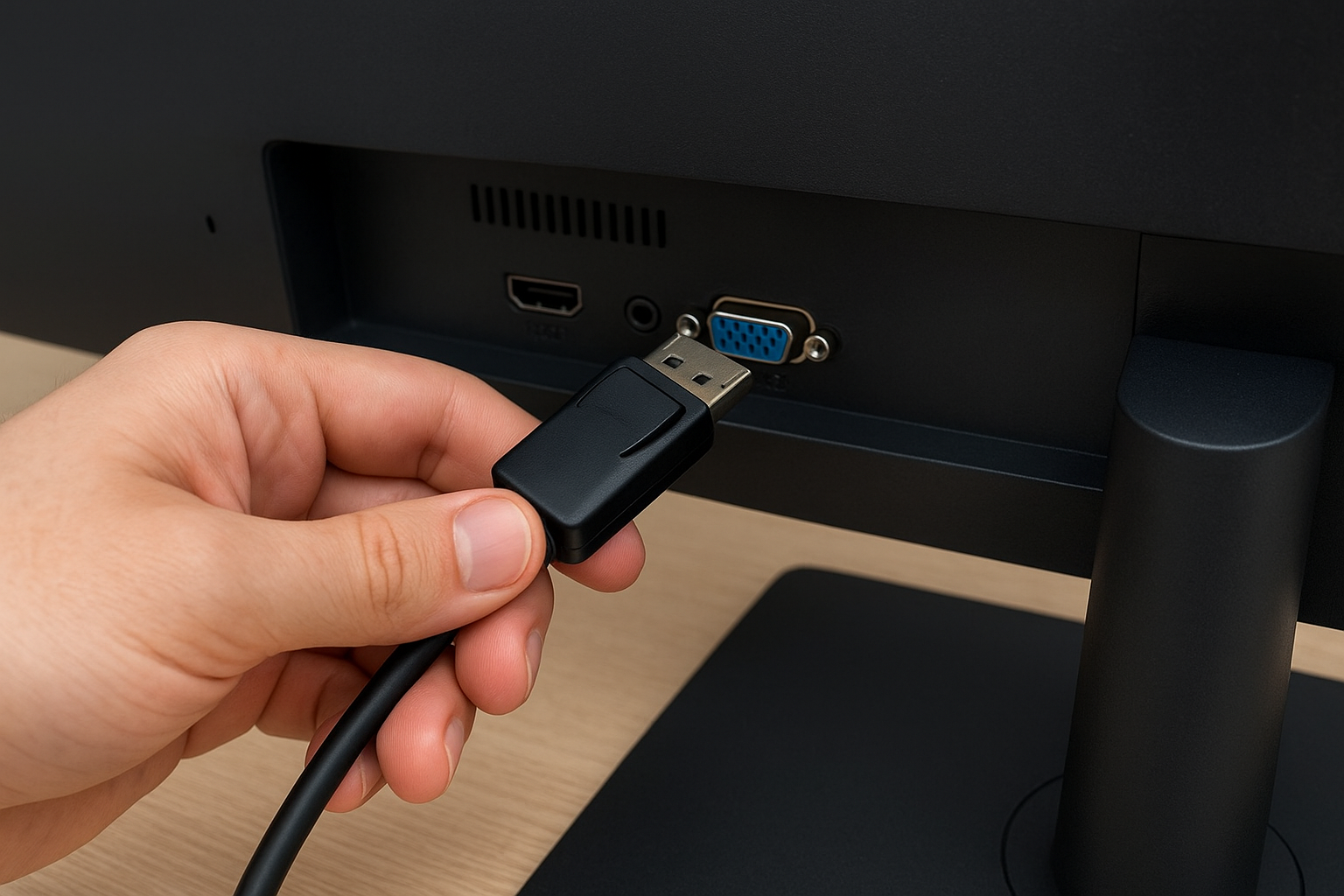
Look, if you just dropped cash on a 144Hz monitor or a shiny 8K TV and you’re still using the random cable that came in the box, we need to talk. The DisplayPort vs HDMI debate isn’t some nerd war on Reddit. It’s the difference between seeing 144 frames per second or getting stuck at 60. And yes, that bottleneck is real.
I’ve tested this myself. Same monitor, same GPU, two different cables. The HDMI one capped out at 60Hz on a 1440p panel. Swapped to a proper DisplayPort 1.4 cable and suddenly the desktop felt like butter. That’s not placebo. That’s bandwidth doing its job.
What Is DisplayPort and Why Should You Care in 2026?
DisplayPort is a digital display interface standard made by VESA. It was built to beat HDMI at its own game, especially for PCs, workstations, and gaming rigs. It carries video and audio, but its real superpower is high refresh rates and multi-monitor support without breaking a sweat.
Versions matter. DisplayPort 1.2 handles 4K at 60Hz. DisplayPort 1.4 pushes 8K with DSC compression and 144Hz at 1440p easily. And DisplayPort 2.1? That’s the current beast — up to 80 Gbps, 8K uncompressed, and multiple 4K monitors daisy-chained like it’s nothing.
If you’re buying a 144Hz monitor in 2026, DisplayPort is the default choice. HDMI 2.1 can do high refresh rates too, but only on newer GPUs and TVs. On most PC monitors, DisplayPort is the safer bet.
DisplayPort vs HDMI: The Real-World Difference
HDMI is everywhere. TVs, consoles, laptops, even some monitors. It’s the friendly connector that works with everything. But it’s also the one that often limits you without you realizing it.
Here’s the deal: HDMI 1.4 maxes out at 1080p 144Hz or 4K 30Hz. HDMI 2.0 bumps that to 4K 60Hz. HDMI 2.1 goes big — 4K 120Hz, 8K 60Hz — but you need a certified Ultra High Speed cable and hardware that supports it. Most budget HDMI cables lying around your house are not that.
DisplayPort, on the other hand, was designed for PC gaming from day one. It supports FreeSync and G-Sync natively, handles daisy-chaining, and doesn’t flinch at 144Hz or 240Hz. That’s why competitive gamers and content creators stick with it.
Types of DisplayPort Cables: Don’t Buy the Wrong One
Not all DisplayPort cables are created equal. You’ll find DisplayPort 1.2, 1.4, and 2.1 cables on the market. The cable itself doesn’t have a version number in the spec, but manufacturers label them by the bandwidth they support.
- DisplayPort 1.2 cable: Fine for 4K 60Hz. Skip it if you want 144Hz at 1440p or higher.
- DisplayPort 1.4 cable: The sweet spot. Supports 8K with DSC, 4K 120Hz, 1440p 240Hz. This is what you want for a 144Hz monitor.
- DisplayPort 2.1 cable: Future-proof. 80 Gbps, 8K uncompressed, multi-monitor setups. Overkill for most, essential for pros.
A cheap cable might work at 60Hz, but push it to 144Hz and you’ll get flickering, black screens, or signal dropouts. Certified cables cost a few bucks more and save you hours of frustration.
DisplayPort to VGA: Still Alive in 2026?
Yeah, surprisingly. Offices, schools, and old conference rooms still have VGA monitors from 2008. A DisplayPort to VGA cable is an active adapter — it has a chip inside that converts the digital signal to analog. Without that chip, it won’t work.
Don’t expect miracles. VGA tops out at 60Hz and low resolutions. But if you need to connect a modern PC to a legacy projector, this is the cheap fix. Just don’t try gaming on it.
Why Gamers Choose DisplayPort for 144Hz and Beyond
If you play competitive shooters, every millisecond counts. DisplayPort gives you a direct, stable pipeline between your GPU and monitor. No conversion, no compromise.
HDMI 2.1 can do 120Hz on some TVs, but PC monitors with HDMI 2.1 are still rare and often more expensive. DisplayPort 1.4 is everywhere and handles 144Hz at 1440p without drama.
Plus, DisplayPort supports MST (Multi-Stream Transport), so you can chain multiple monitors from one port. Try doing that with HDMI without a splitter.
DisplayPort 2.1: The Future Is Already Here
DisplayPort 2.1 is the latest standard, and it’s a monster. 80 Gbps of bandwidth means you can run 8K at 60Hz uncompressed, or two 4K monitors at 144Hz each, all from one cable.
It also plays nice with USB-C and Thunderbolt, so laptops can output video, data, and power over a single port. That’s huge for docking stations and minimal setups.
Right now, only high-end GPUs like AMD’s RDNA 3 and some Intel Arc cards support it. But by 2027, expect it to become standard on premium monitors and laptops.
When to Choose DisplayPort Over HDMI (and Vice Versa)
Pick DisplayPort if:
- You want 144Hz or higher on a PC monitor.
- You use FreeSync or G-Sync.
- You need multiple monitors daisy-chained.
- You want a stable connection for long work sessions.
Pick HDMI if:
- You’re connecting to a TV or console.
- You need audio return channel (ARC) for a soundbar.
- Your device only has HDMI output.
Don’t be loyal to a connector. Be loyal to what works for your setup. But if you’re on a PC and you care about refresh rates, DisplayPort is the answer.
The Bottom Line on DisplayPort vs HDMI
Stop using the cable that came in the box. Check your monitor’s specs. If it’s 144Hz or higher, you need a DisplayPort 1.4 cable at minimum. If you’re on 8K, look for DisplayPort 2.1 or HDMI 2.1 with certified Ultra High Speed.
And if you’re still rocking a VGA monitor, yeah, a DisplayPort to VGA adapter will keep it alive. Just don’t expect it to feel like 2026.
Your hardware is only as good as the cable connecting it. Don’t let a $10 cable bottleneck a $500 monitor.
