

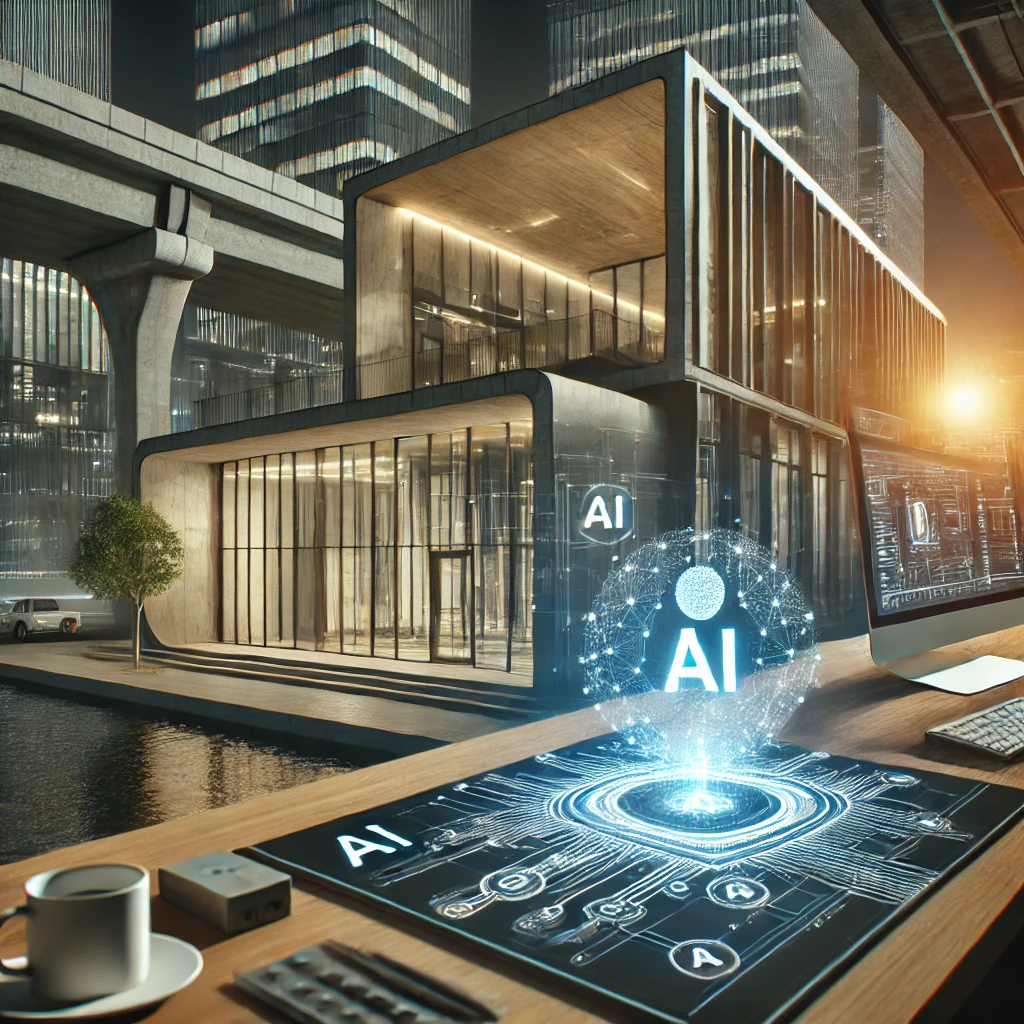
You don’t need a €3,000 GPU or a Blender wizard certificate to get a photorealistic render anymore. In 2026, free AI rendering tools can spit out architectural visuals, interior mockups and product shots in under a minute. I’ve tested several of them myself, and I’m going to tell you exactly which ones work, which ones are traps, and how to squeeze real quality out of the free tiers without hitting a paywall on day two.
What free AI rendering actually means (and what it doesn’t)
Free AI rendering means using a web-based artificial intelligence render engine that converts a text prompt or a rough 3D sketch into a finished image without charging you. No license, no credit card, no watermark if you pick the right tool.
What it does not mean: unlimited 4K exports, commercial rights on every platform, or full control over lighting and materials. Every free AI image generator for 3D rendering imposes limits — daily credits, resolution caps, or queue priority. That’s the trade-off, and pretending otherwise is naive.
Still, for students, freelancers testing concepts, or anyone doing quick interior design visualization, the free tier is more than enough. I’ve delivered client mood boards made entirely with free AI render tools, and nobody noticed the difference.
Best free AI rendering tools you can use right now
Here’s the honest breakdown after actually using them, not just reading their landing pages:
- Leonardo AI — 150 free tokens daily, excellent for architectural and interior renders. Its “Interior Design” model is scary good.
- Stable Diffusion (via Automatic1111 or ComfyUI) — completely free if you have your own GPU. Steeper learning curve, but zero limits.
- Bing Image Creator (DALL·E-based) — generous daily boosts, decent for conceptual renders, weak on architectural precision.
- Playground AI — free daily image credits, strong editor for inpainting details like furniture or textures.
- Krea AI — real-time rendering from sketches, free tier available. Insane for iterating fast.
If you want the fastest path from idea to render with zero setup, Leonardo or Krea. If you want total freedom and own a decent GPU, Stable Diffusion is still king for free AI 3D rendering in 2026.
How to get professional-looking renders without paying a cent
The difference between an amateur AI render and one that looks pro comes down to three things: prompt structure, reference images, and post-processing. Skip any of these and you’ll get that plastic, AI-slop look everyone recognizes instantly.
First, structure your prompt like an architect, not a poet. Instead of “modern living room,” write: “modern minimalist living room, oak floor, floor-to-ceiling windows, warm afternoon light, 35mm lens, photorealistic, V-Ray style.” The AI render engine needs technical language to produce technical results.
Second, use image-to-image whenever the tool allows it. Upload a rough SketchUp screenshot or even a hand drawing. Free AI rendering tools interpret it and return a polished version. This single trick has saved me hours of prompt tweaking.
Third, run the output through a free upscaler like Upscayl or the built-in enhancer most platforms offer. That’s how you turn a 1024px free render into something you can actually print or present.
Rule of thumb: if your AI render looks perfect on the first try, it’s probably generic. Real quality comes from 3-4 iterations with adjusted prompts.
Limitations nobody talks about (and how to work around them)
Free AI rendering has three real bottlenecks: resolution, consistency across multiple images, and commercial licensing.
Resolution is the easiest to fix. Most free tools cap at 1024×1024 or 1536px on the long side. Use a dedicated upscaler afterward — Topaz is paid, but Upscayl and Real-ESRGAN are free and nearly as good.
Consistency is the hard one. If you need five renders of the same room from different angles, free tiers will give you five slightly different rooms. The workaround: use ControlNet in Stable Diffusion, or lock a seed value in any tool that lets you. It’s the only reliable way to keep a coherent design across multiple AI renders.
Licensing is the landmine. Read the terms. Leonardo AI’s free tier allows commercial use with attribution on some plans; Bing Image Creator limits commercial use; Stable Diffusion is fully open. If you’re rendering for a client, stick with tools that explicitly grant commercial rights on free plans.
Free AI rendering vs paid software: is the gap closing?
In 2026, yes — and faster than most 3D artists want to admit. Free AI rendering tools now match mid-range paid software for conceptual and presentation work. Where they still lose is in technical precision: exact dimensions, material specifications, and CAD-accurate output for construction.
For an interior designer pitching a concept, free AI renders are enough. For an architect submitting construction documents, they’re not — yet. The smart move is using AI for the concept phase and traditional rendering for the final delivery. That combo cuts project time by half without sacrificing accuracy.
Don’t fall for the hype that AI replaces the entire pipeline. It replaces the boring part — the first 60% of iteration — and leaves the precision work to you. That’s where the real value sits.
Real workflow: from zero to finished render in 20 minutes
Here’s the exact sequence I use when I need a free AI render fast:
- Sketch the scene in any free tool (even paper works). Photo it.
- Upload to Krea AI or Leonardo with image-to-image enabled.
- Write a technical prompt with style, camera, and lighting keywords.
- Generate 4 variations, pick the best composition.
- Inpaint problem areas (weird furniture, floating objects).
- Upscale to 4K with Upscayl.
- Adjust contrast and color in Photopea (free Photoshop clone).
Total cost: €0. Total time: about 20 minutes once you’ve done it twice. The first attempt will take longer while you learn the prompt language, but the curve is short.
The catch: you need to actually learn prompt engineering for rendering. Generic prompts give generic results. Study architectural photography vocabulary — “golden hour,” “wide angle,” “volumetric light,” “matte materials” — and your free AI renders will start looking like they came out of a paid studio.
Stop waiting for the perfect paid tool. The free ones are already good enough for 90% of what most people need. Open a tab, pick a tool, and render something today.